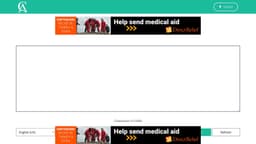
Corrector App
Free online tool helps improve writing by identifying spelling, grammar, and punctuation errors.
spell checkgrammar checkerspelling mistakes
Introduction
Corrector App is a free online spell check and grammar checker tool. It is designed to help users improve their writing by identifying and highlighting spelling mistakes, grammar errors, punctuation inconsistencies, and suggestions for improving sentence structure and flow.
Key Features
Free online spell check and grammar checker
Identifies and highlights spelling mistakes
Detects grammar errors and offers suggestions for improvements
Checks for punctuation inconsistencies
Provides suggestions for sentence structure and flow
Supports multiple languages, including English (US, Australia, Great Britain, Canada, South Africa, New Zealand), Arabic, Belarusian, Breton, Catalan, Chinese, Danish, Dutch, French, Galician, German, Greek, Italian, Irish, Khmer, Japanese, Norwegian, Polish, Portuguese, Romanian, Russian, Spanish, Slovak, Slovenian, Swedish, Tagalog, Tamil, and Ukrainian
Frequently Asked Questions
What is Corrector App?
How to use Corrector App?
Q1
A1
Q2
A2
Q3
A3
Q4
A4
Q5
A5
Similar Tools
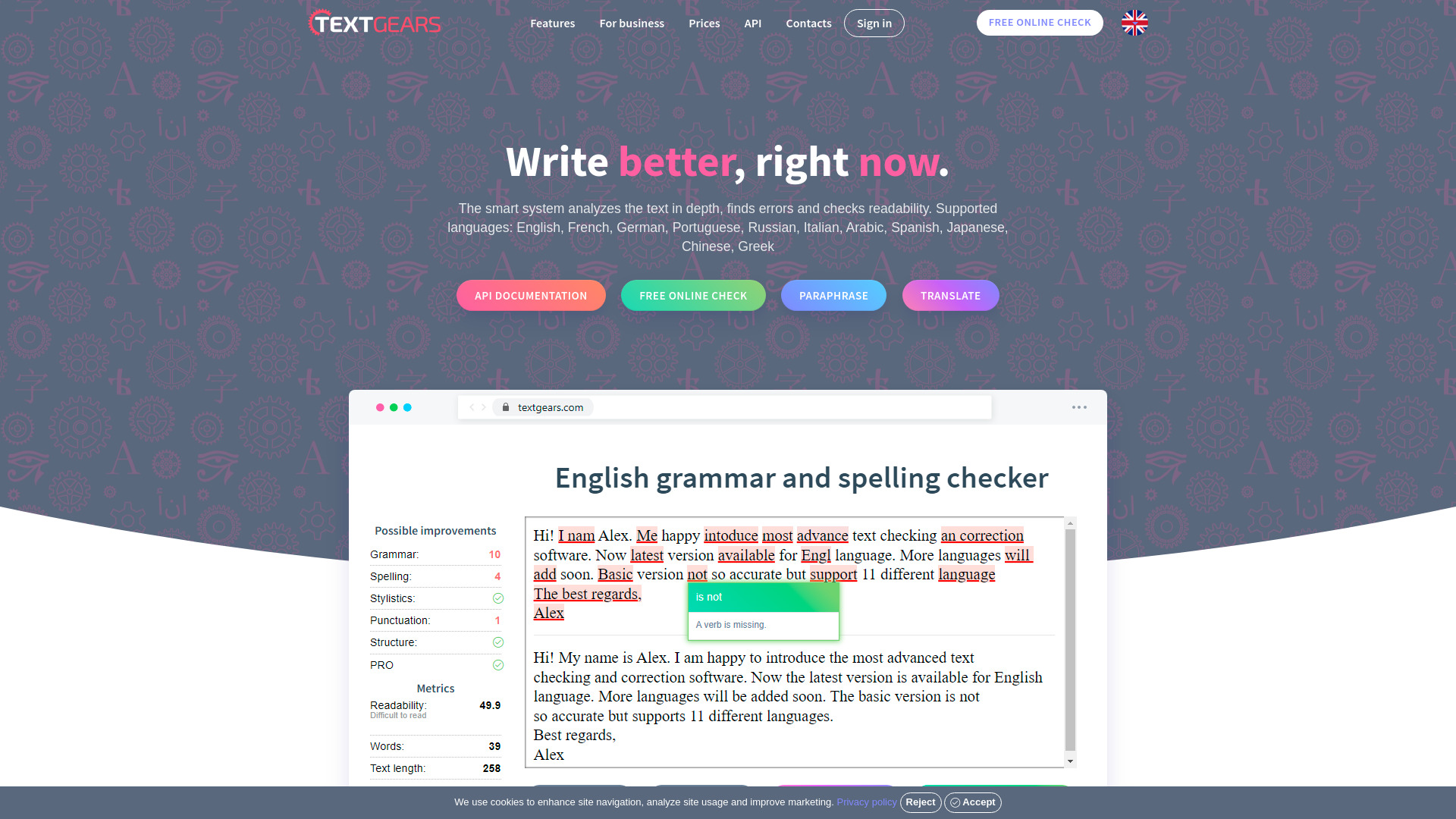
TextGears
Discover TextGears - a powerful app for enhancing your writing with advanced text analysis tools. Improve your content effortlessly with TextGears.
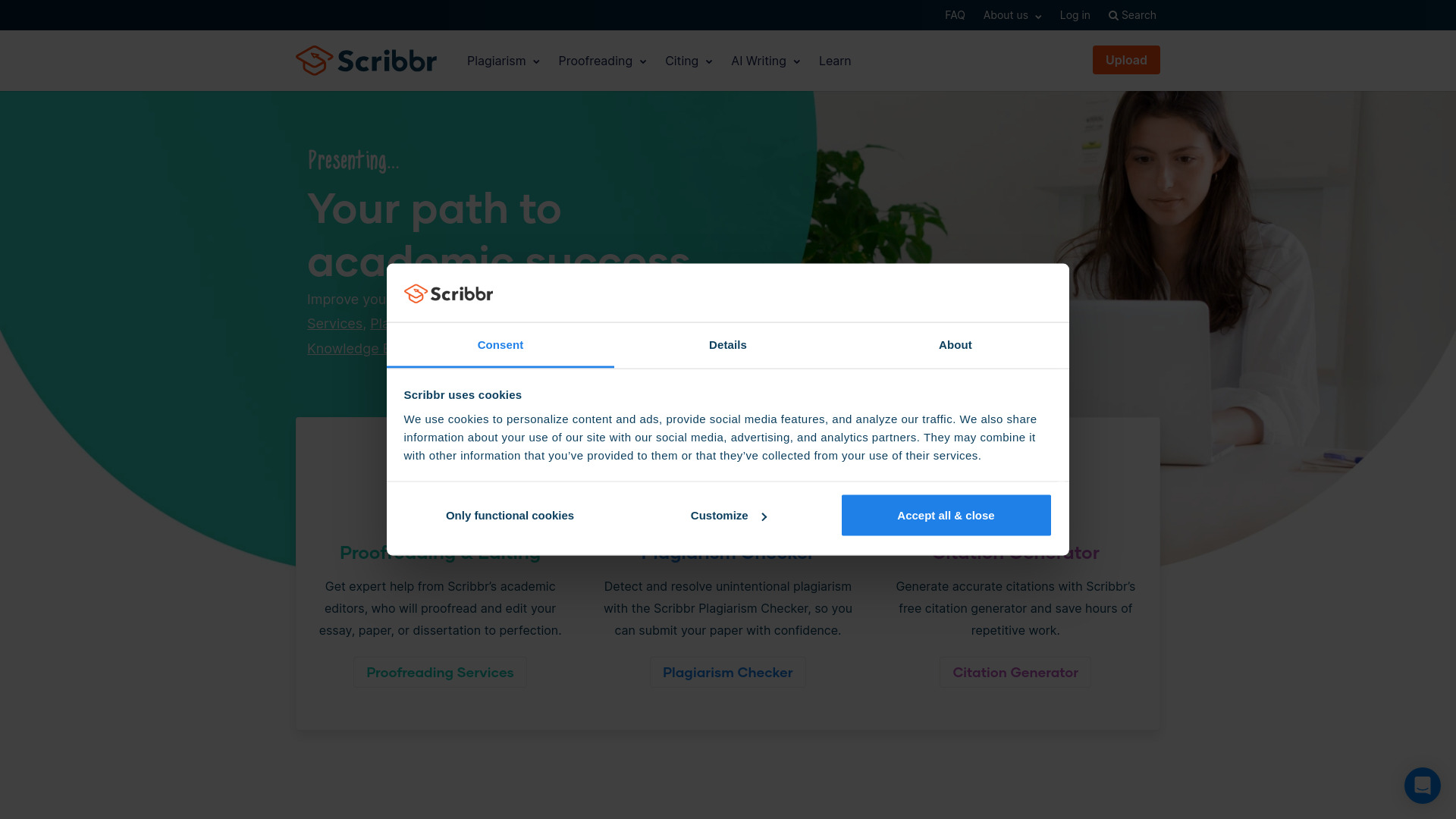
Scribbr
Get help with proofreading and citations for your academic work with our specialized service. Perfect your writing with expert assistance.
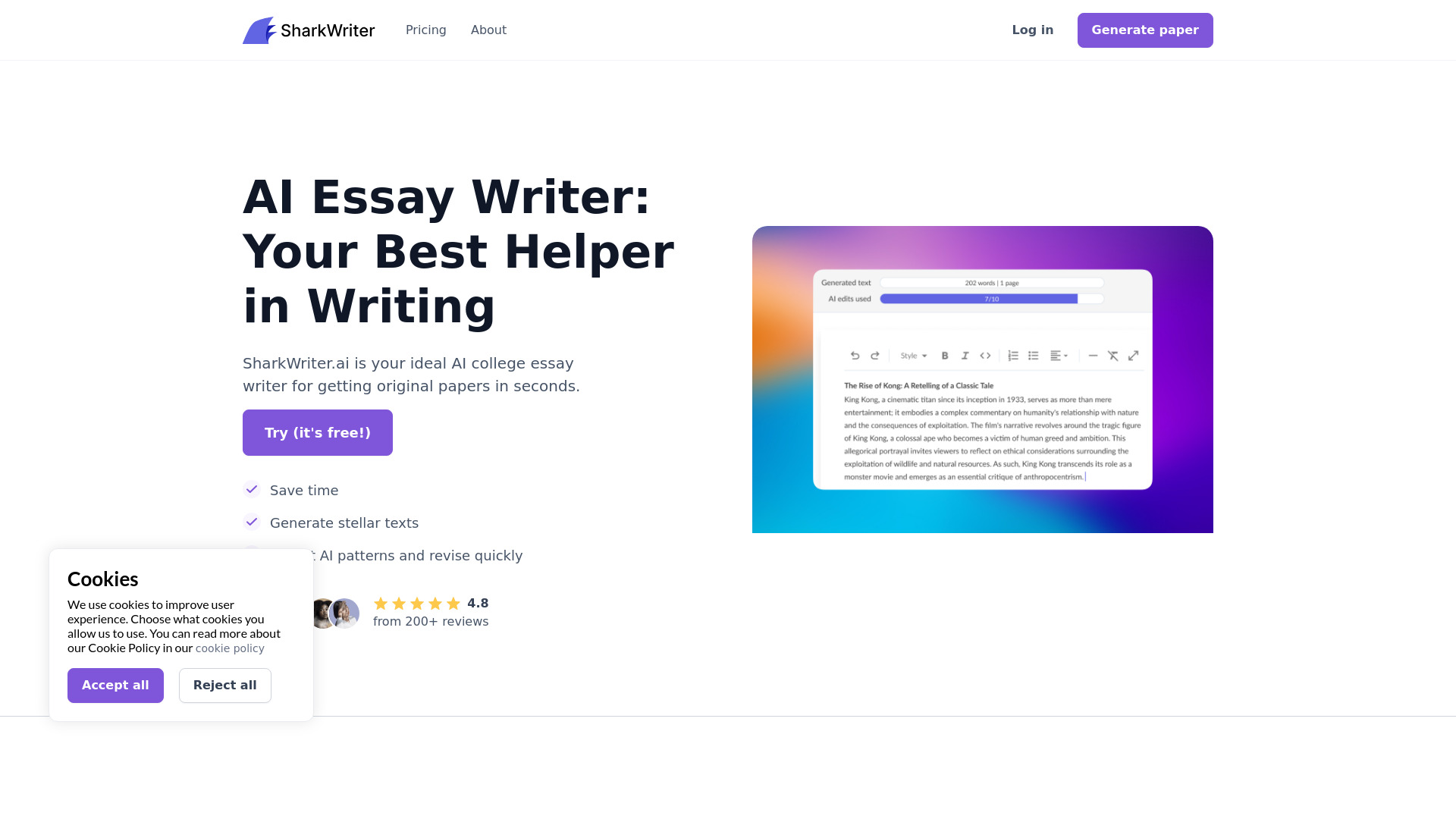
Sharkwriter.ai
A tool for generating blog content and articles quickly using AI technology. Perfect for efficient content creation and blogging.
Use Cases
- Checking and improving spelling, grammar, and punctuation in articles, posts, emails, essays, letters, and other written content
- Ensuring professional communication by detecting and correcting language errors
- Enhancing the clarity and coherence of written text by following grammatical rules
- Helping non-native English speakers improve their writing skills
- Assisting writers in multiple languages with spell check and grammar correction
How to Use
To use Corrector App, simply visit the website and paste your text into the designated text area. Click on the 'Check Text' button, and the tool will analyze your text for errors and provide suggestions for corrections. You can click on highlighted errors to see suggested corrections and make necessary changes. Once you have made the corrections, you can copy the corrected text to your preferred word processing program.