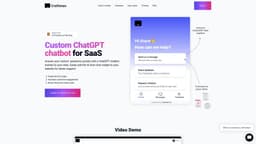
Craftman
Craftman is an AI chatbot builder that trains ChatGPT using your data to create a chatbot for your website.
AI chatbot builderChatGPTcustomer support
Introduction
Craftman is an AI chatbot builder that trains ChatGPT using your data and allows you to embed a chat widget on your website. Simply upload a document or share a link to your website to create a chatbot that can answer any question about your content.
Key Features
Instant Replies
Feedback Collection
Direct Feature Requests
24/7 Availability
Personalization
Frequently Asked Questions
What is Craftman?
How to use Craftman?
What is Craftman?
Is it easy to set up the chatbot on my website?
What are the key advantages of using AI chatbots in customer support?
Can I customize the chatbot's appearance and behavior?
How does integrating ChatGPT on a website enhance user engagement?
What does my data have to look like?
Do you use GPT 3 chatbots?
What kind of support do you offer?
Can I tell my chatbot what to do?
How do I put my chatbot on my website?
Can I get a refund?
Is it GPT-3.5 or GPT-4?
How to change the chat appearance?
How to upload a PDF document?
How to choose specific pages from my website to train my bot?
Does it understand other languages?
In what ways can AI chatbots contribute to creating a 'guest obsessed' marketing strategy?
Where do you keep my data?
Can I show off my chatbot to others?
Similar Tools

Gallabox
Elevate your business communication with our No-code WhatsApp automation tool. Streamline processes and engage customers effortlessly.
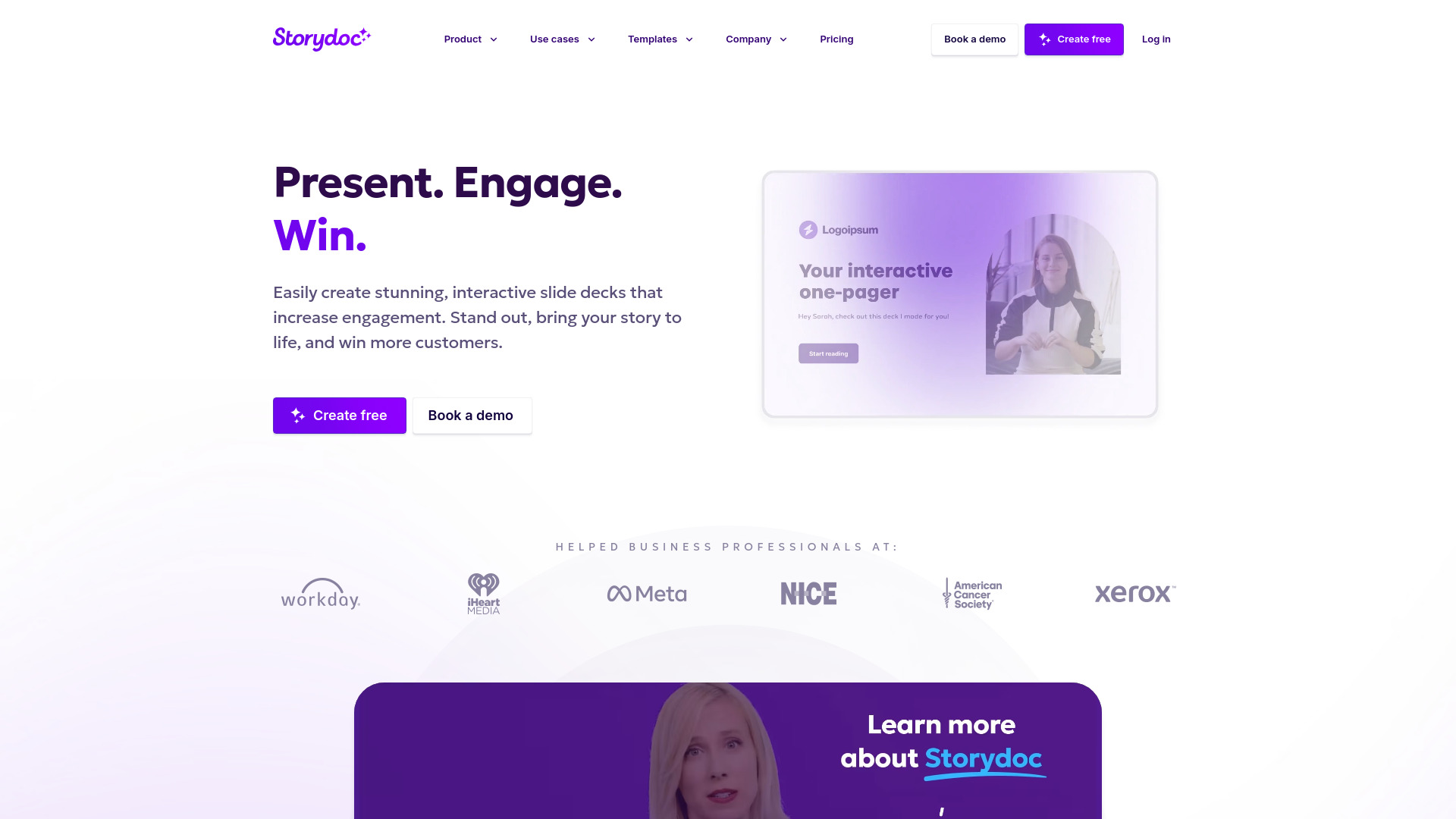
Storydoc
Elevate your presentations with our dynamic tool for interactive slide decks that engage your audience like never before.
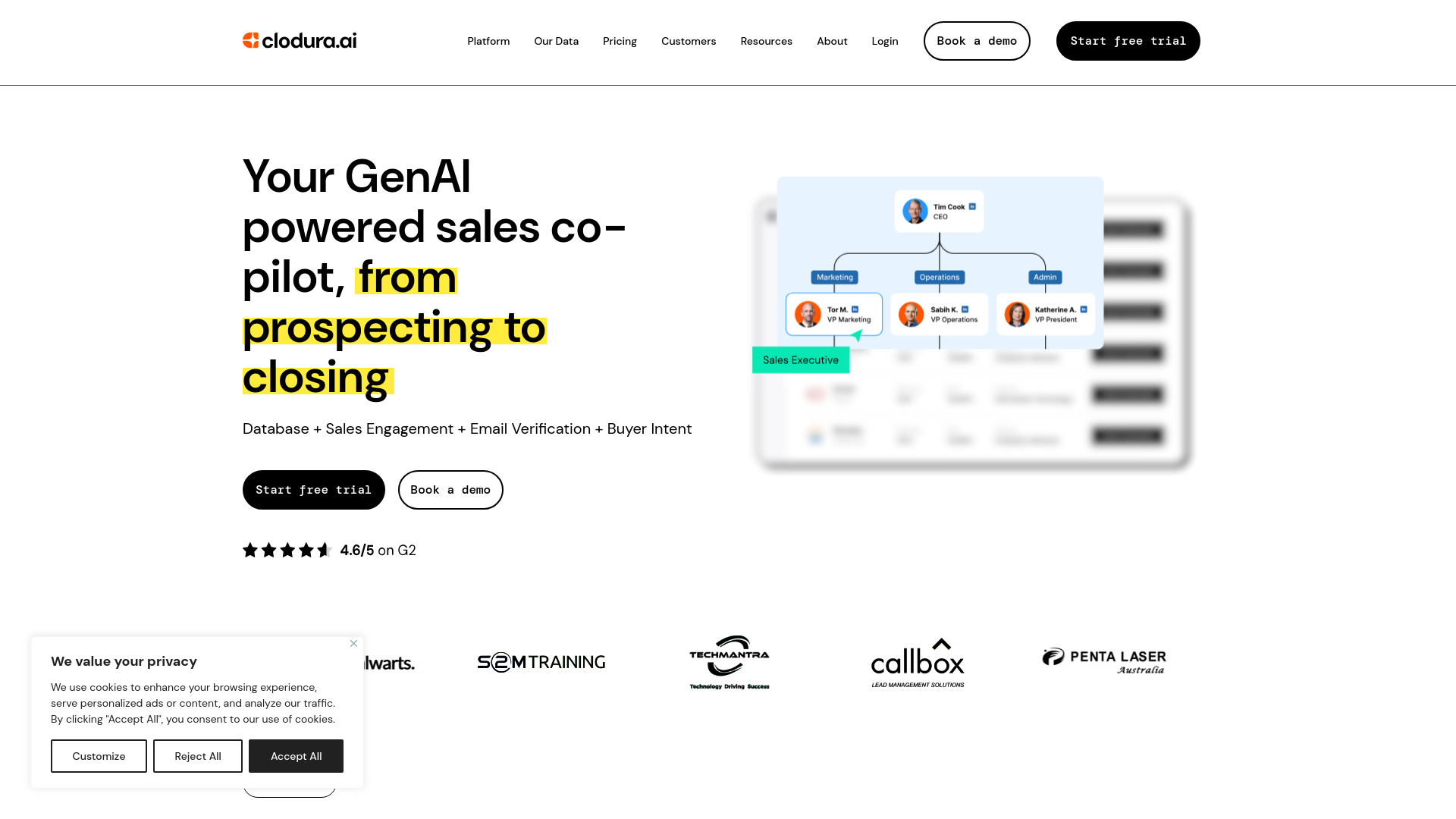
Clodura.AI
Discover GenAI, the ultimate sales prospecting platform for generating leads and engaging with potential customers effectively.
Use Cases
- Customer Support
- Bot for Sales
- Wiki
How to Use
To use Craftman, follow these three simple steps: 1. Add Your Data: Enter your website address or upload a PDF file to retrieve your content. 2. Start Training: Select the pages you want your chatbot to learn from and initiate the training process. 3. Your Chatbot is Ready: Once trained, your chatbot is ready to answer questions about your business.