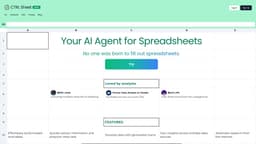
CTRL Sheet
AI tool for efficient spreadsheet management and analysis.
AI spreadsheet toolData analysisExcel automation
Introduction
CTRL Sheet is an AI-powered tool designed to assist with spreadsheet tasks, allowing users to build models, edit cells, create charts, and extract information without tedious manual input.
Key Features
Edit cell values
Extract information
Create charts
Summarize sheets
Create templates
Frequently Asked Questions
What is CTRL Sheet?
How to use CTRL Sheet?
Can I connect outside data?
How does CTRL Sheet work?
Can I use Google Sheets or Microsoft Excel?
How much does it cost?
Can you work with multiple sheets in a spreadsheet?
Similar Tools

Plagiarism Remover
Eliminate plagiarism in your text with this free AI tool. Enhance your writing by rephrasing content effortlessly. Try it now!

Parafrasear Textos
Enhance the quality of your text with our online tool for paraphrasing. Improve readability and make your content stand out.
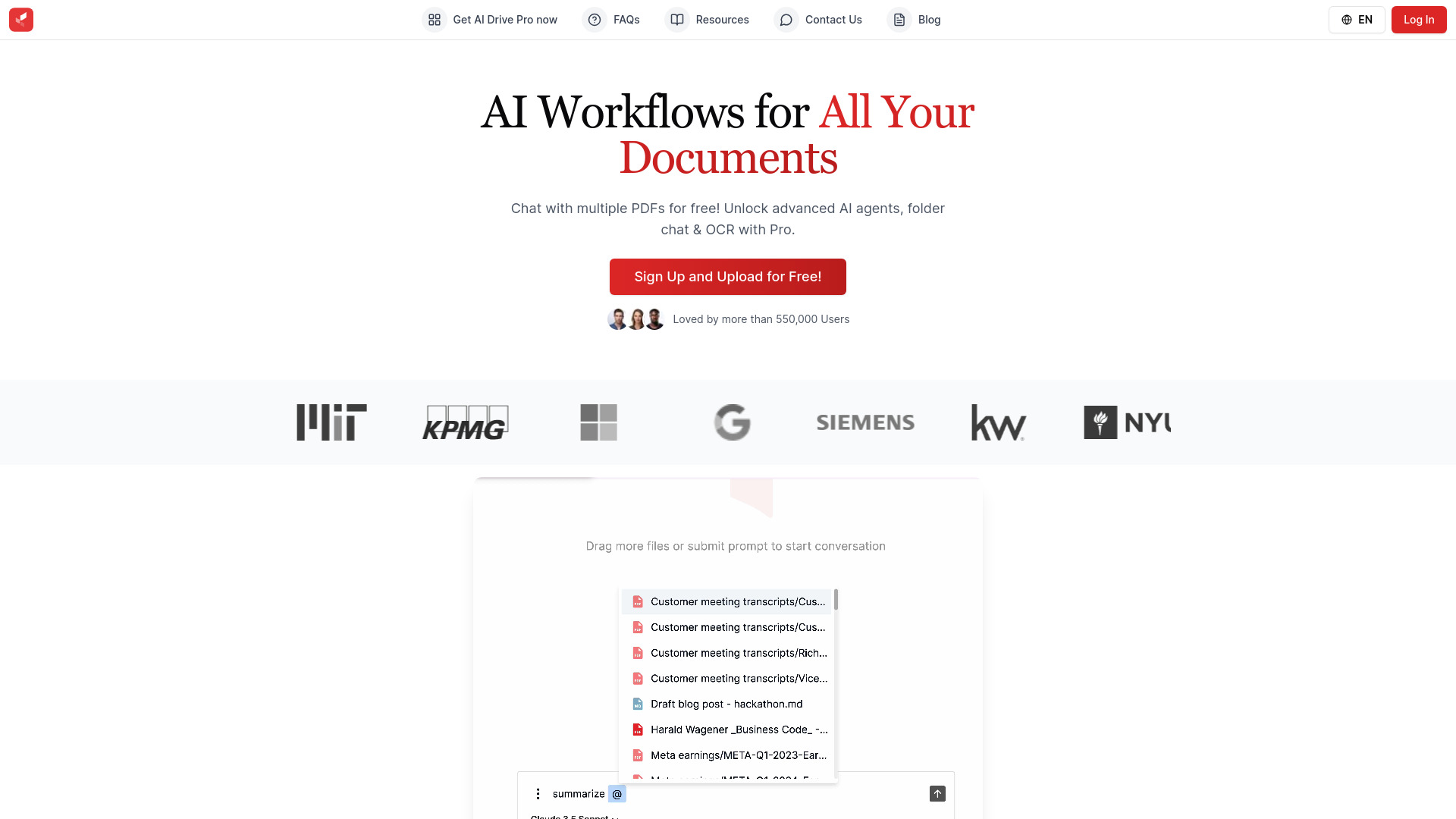
AI Drive
Experience the convenience of AI Drive, the app that utilizes artificial intelligence to enhance your driving experience. Say goodbye to manual control!
Use Cases
- Streamlining financial modeling in Excel
- Creating data visualizations effortlessly
- Automating report generation from spreadsheets
How to Use
To use CTRL Sheet, simply log in, specify your tasks, and instruct the AI to manage your spreadsheet accordingly. You can upload files and interact with your data seamlessly.