Customuse
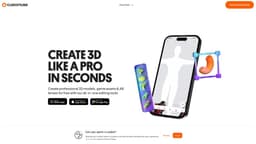
Design in 3D for free right in your browser with this software. Create stunning models without any downloads or installations needed.
Introduction
Customuse is a free 3D design software in the browser. Create 3D models, AR filters, game skins, clothing mockups using only your phone and our 3D AI editing tools
Key Features
Create 3D models
Design AR filters
Create game skins
Design clothing mockups
Utilize 3D AI editing tools
Frequently Asked Questions
What is Customuse?
How to use Customuse?
How much does Customuse cost?
Can I use Customuse on my mobile device?
Can I sell my creations made with Customuse?
Is there a community for creators using Customuse?
Can I customize my designs with fonts, colors, and logos?
Similar Tools
mnml.ai
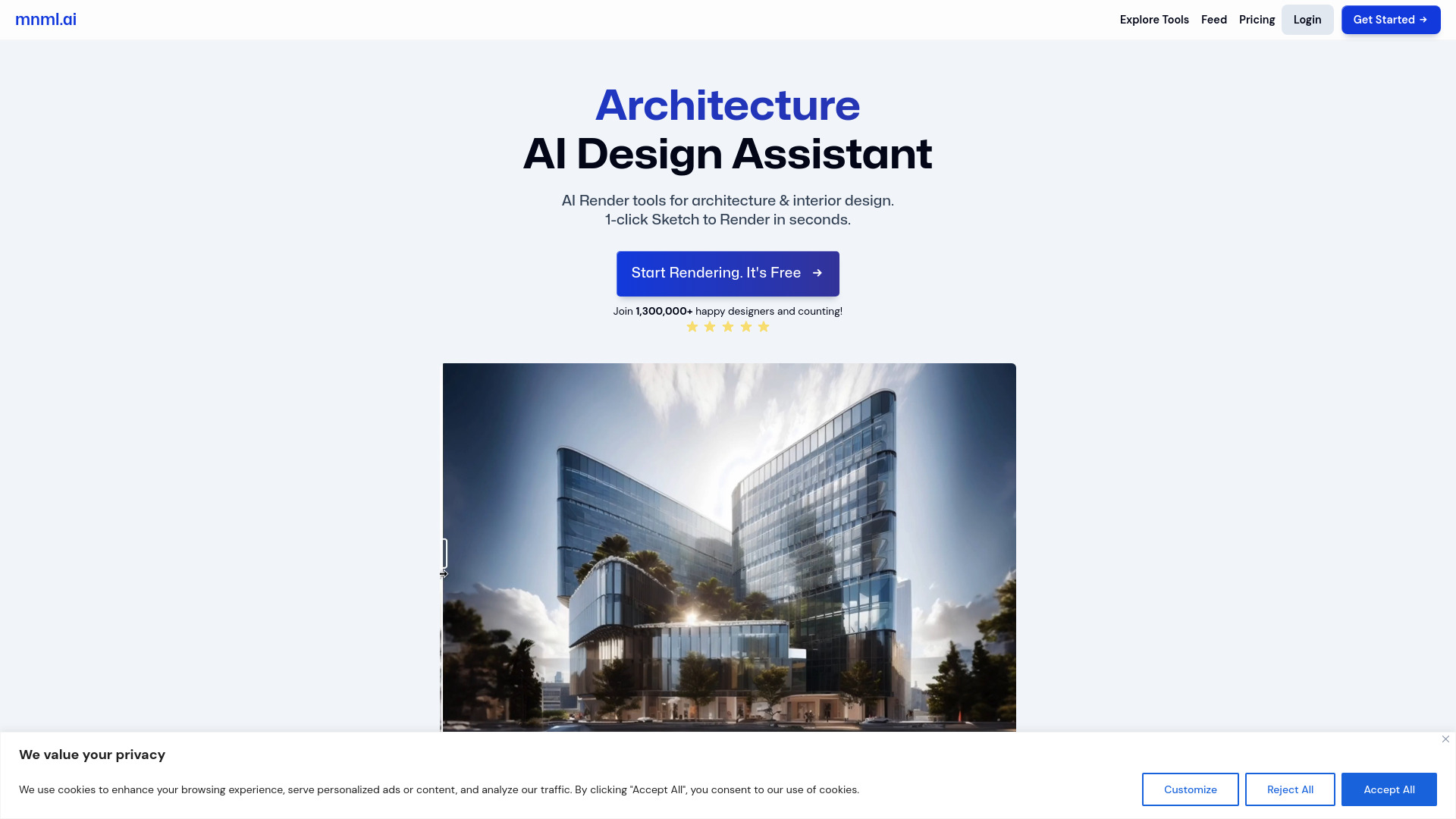
Discover the power of mnml.ai, a cutting-edge app that harnesses AI technology to streamline your daily tasks and boost productivity.
SyncSketch
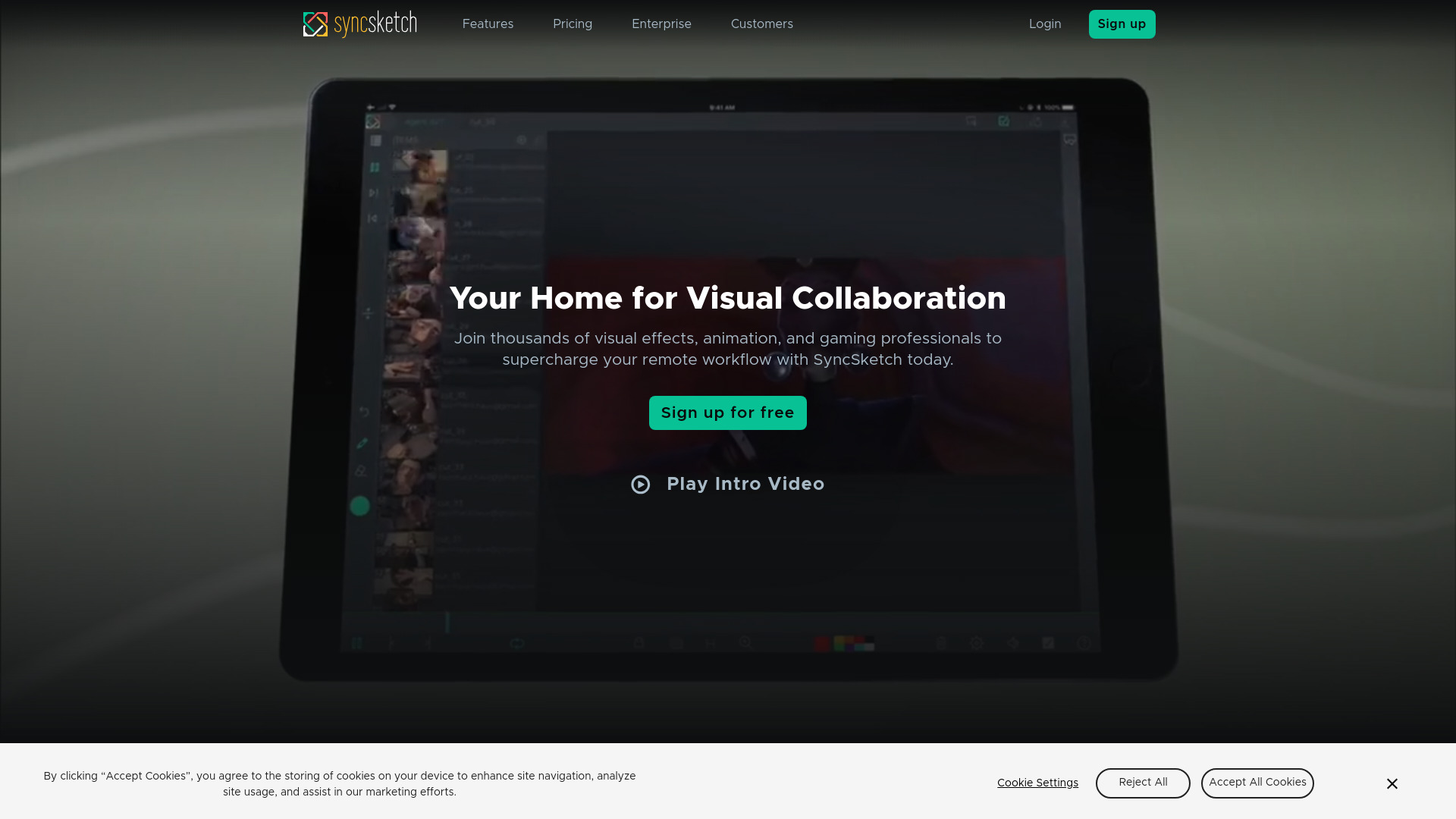
Collaborate and annotate media in real-time with this cloud-based tool designed for seamless teamwork and communication.
Backflip AI
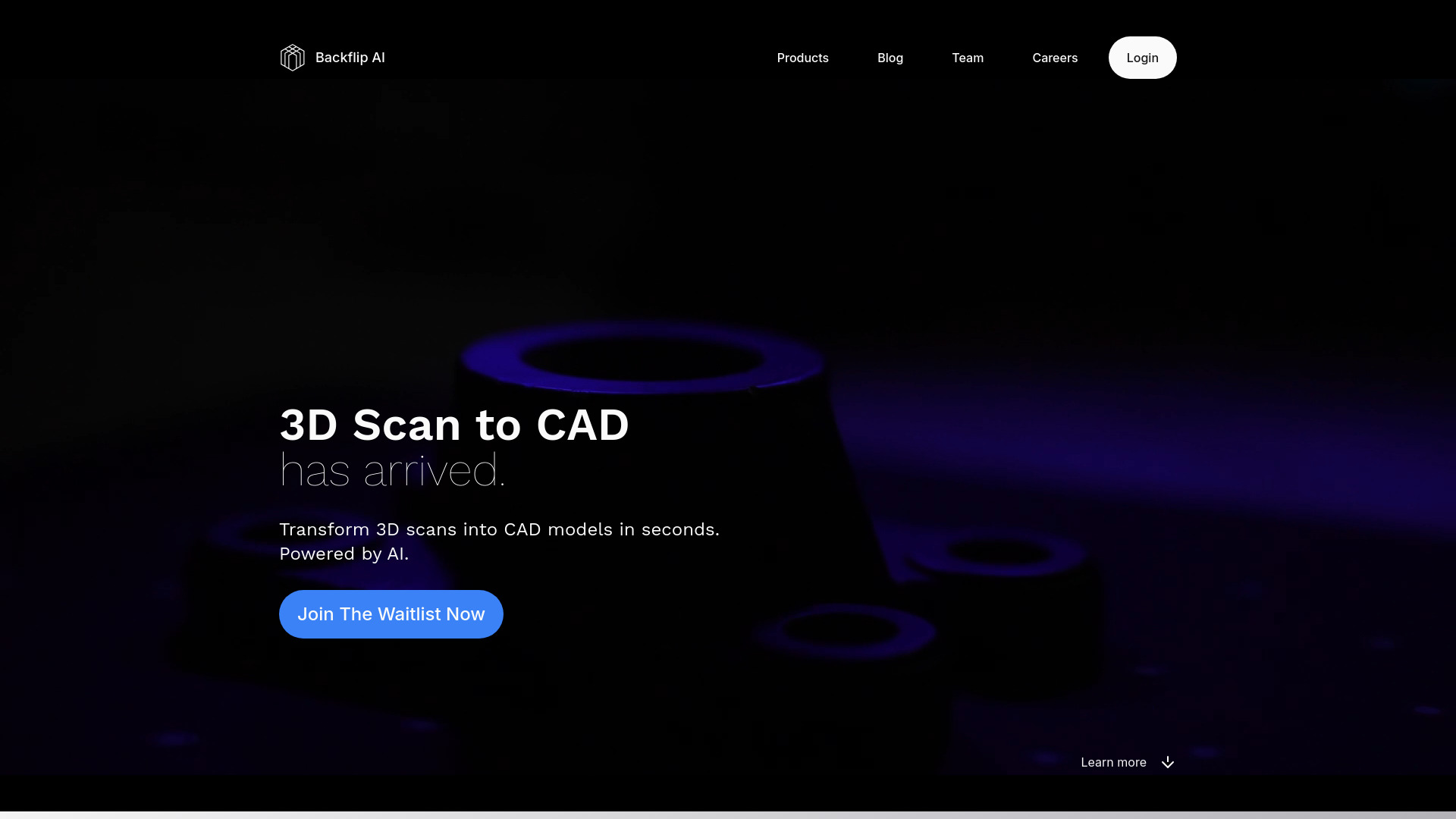
Utilize advanced AI technology to convert 3D scans into precise CAD models effortlessly with this innovative tool.
Use Cases
- Designing for Roblox
- Creating game assets
- Designing Snapchat AR lenses
- Creating Minecraft skins
- Designing TikTok face filters
- Creating Zepeto wearables
- Designing Instagram immersive banners
How to Use
To use Customuse, simply go to our website and sign up for a free account. Once signed in, you can start creating 3D models, AR filters, game skins, and clothing mockups using our intuitive editing tools. You can access and use Customuse on both mobile and desktop devices.