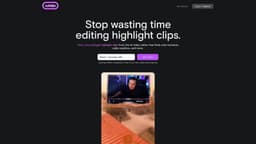
Introduction
cutlabs is an AI video editor that helps streamers make highlight clips. Drop a VOD link and get post-ready clips in 30 minutes or less - even if your stream is 8 hours long. Powered by state-of-the-art video AI model (not just a wrapper).
Key Features
AI-powered video editing
Fast clip creation
Automated editing with AI assistant
Frequently Asked Questions
What is cutlabs?
How to use cutlabs?
How long does it take to create highlight clips?
Is editing experience required?
Can I customize the clips?
Similar Tools
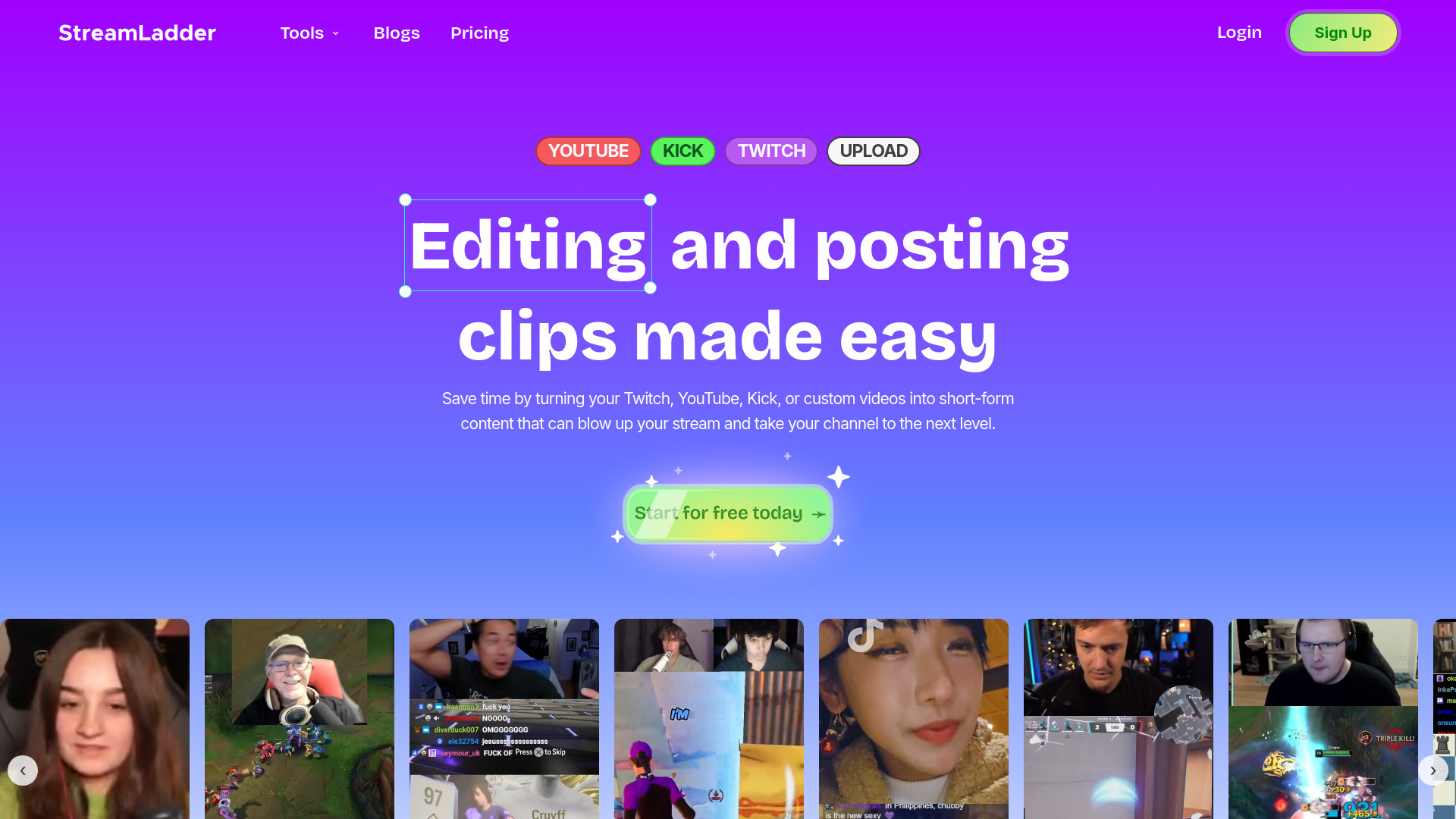
StreamLadder
Climb the ranks of popular streaming platforms with StreamLadder. Increase your visibility and grow your audience effortlessly. Start today!
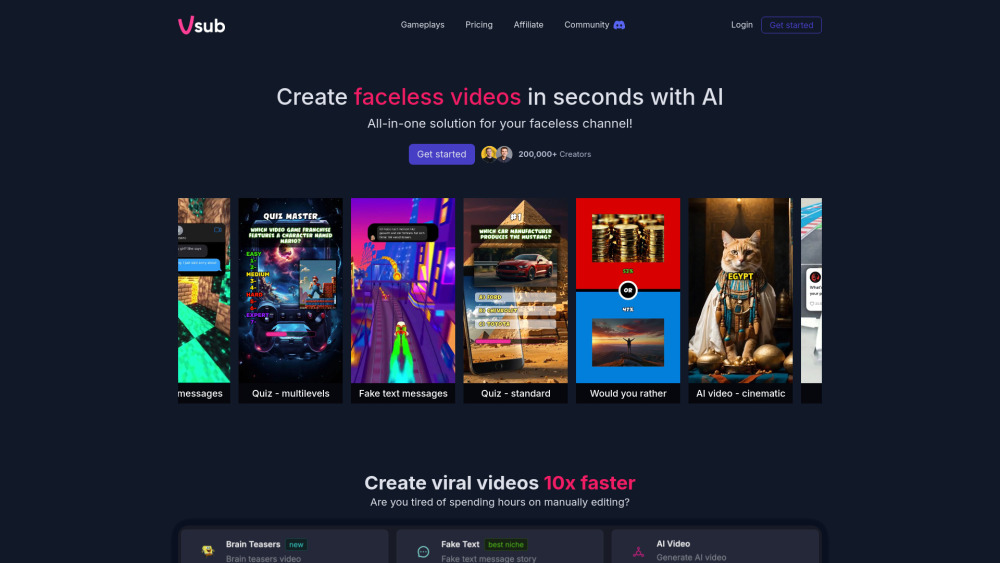
Vsub
Easily and quickly create videos without faces using an innovative AI platform.

Quickads
Effortlessly create image and video ads with this AI-powered tool. Say goodbye to the hassle and hello to effective marketing campaigns.
Use Cases
- Create highlight clips for game streams
- Save time on video editing
- Grow audience with engaging clips
How to Use
1. Drop a VOD link from your stream 2. AI analyzes the footage and creates highlight clips 3. Get post-ready clips in 30 minutes or less