
Daft Art
Create stunning album covers with Daft Art's premium AI album cover maker.
album cover makerAIpremium
Introduction
Daft Art is a premium AI album cover maker that allows users to create amazing and high-quality artwork for their album or track covers within a few minutes. It provides a simple editor and curated aesthetics to enhance the user's experience.
Key Features
Curated aesthetics
Simple visual editor
Customizable options
High-resolution downloads
Compatible with distribution platforms
Frequently Asked Questions
What is Daft Art?
How to use Daft Art?
What makes Daft Art different from other album cover makers?
Can I customize the font and colors of my album cover?
Is the final cover ready to be uploaded to distribution platforms?
Are there any examples of artworks created with Daft Art?
Similar Tools
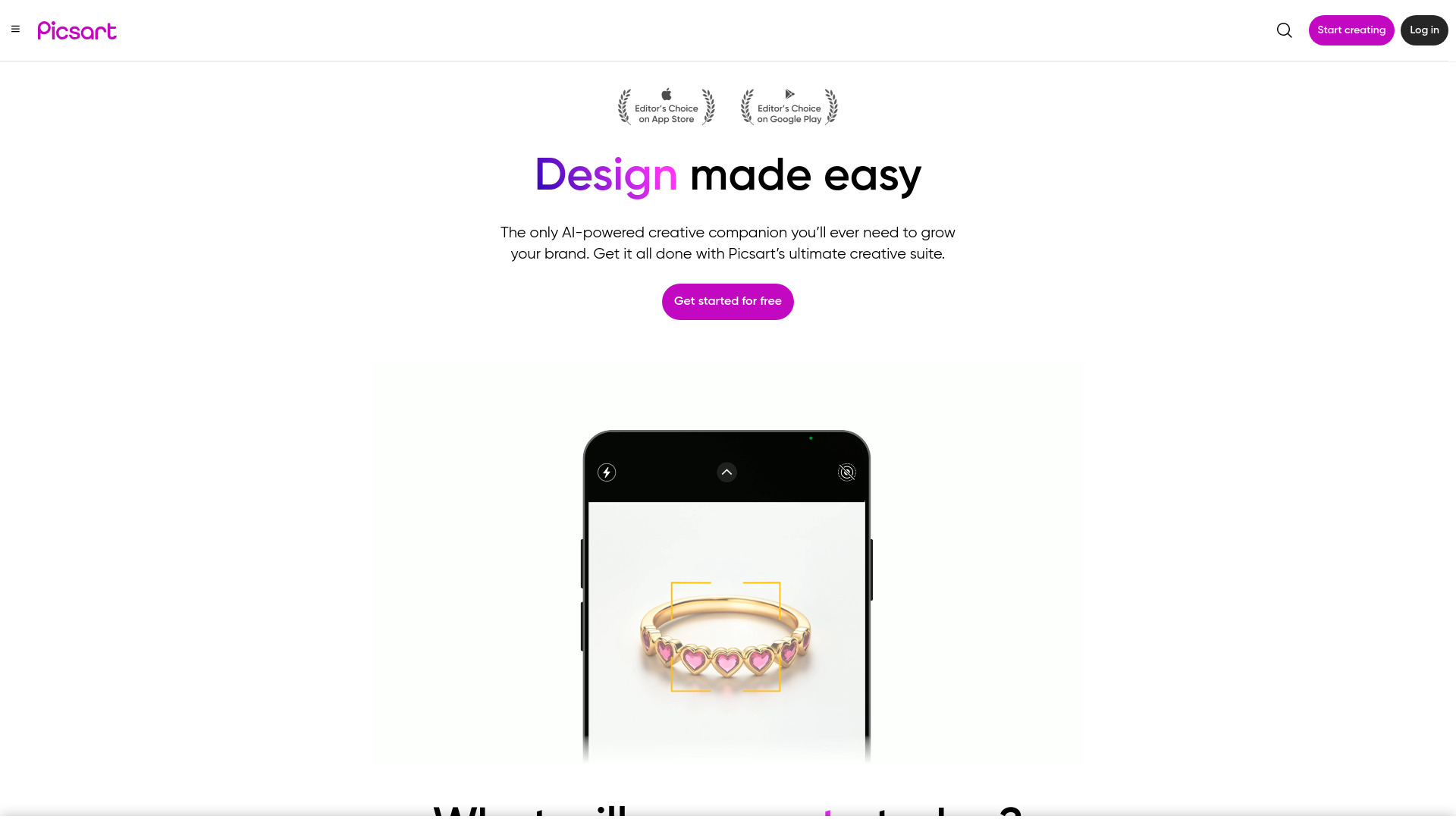
Picsart
Unleash your creativity with Picsart - an innovative photo editing app that offers a wide range of tools and filters to enhance your images.
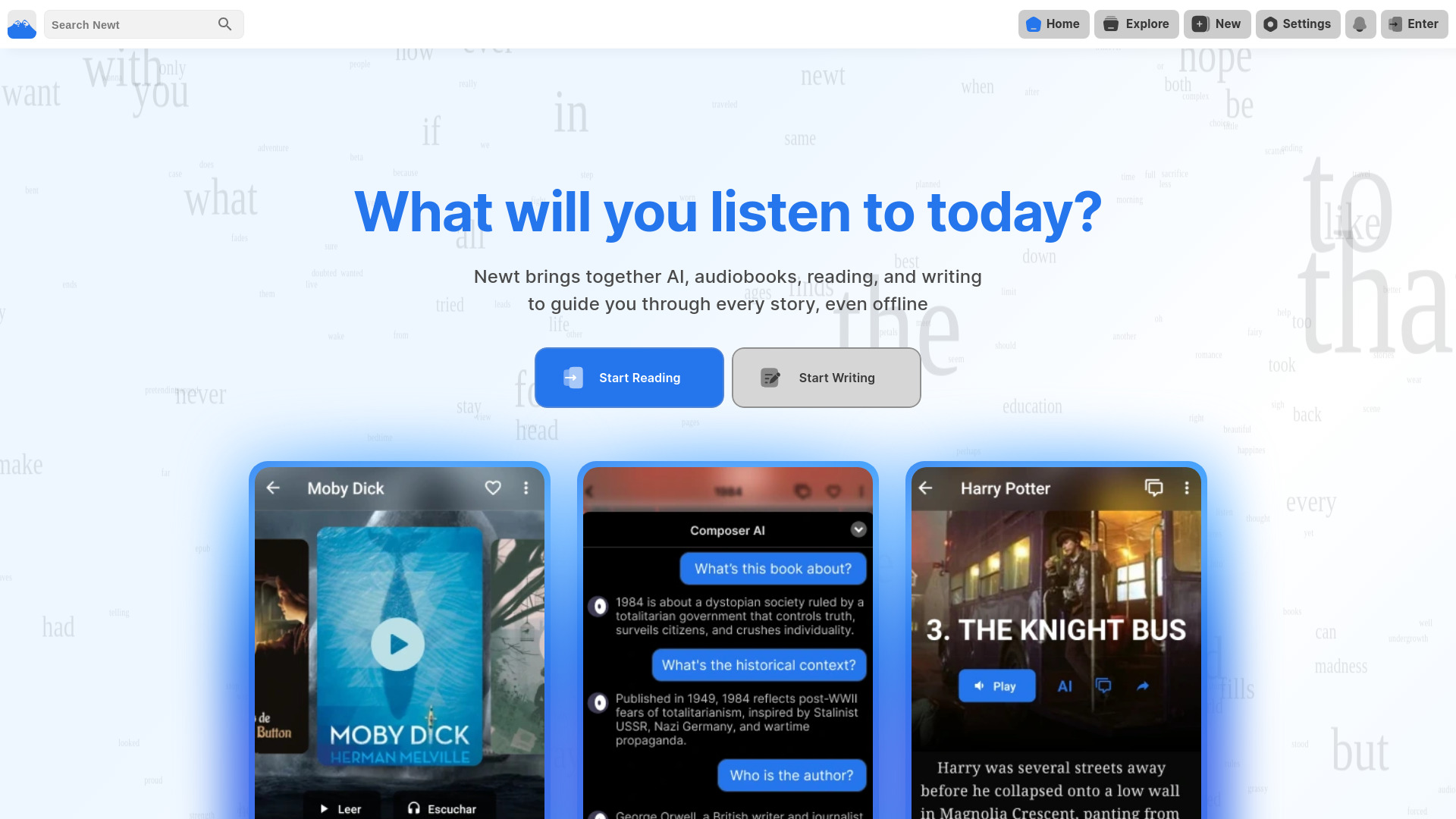
Newt
Experience a full-featured platform for enjoying stories through reading, writing, and listening. Unlock a world of storytelling possibilities.
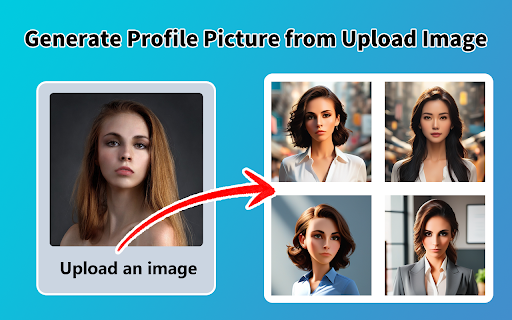
AI Image Generator - Chrome Extension
Instantly generate stunning images with this app. Create beautiful visuals in just seconds for all your projects.
Use Cases
- Creating album covers
- Designing track covers
- Enhancing the visual appeal of music releases
How to Use
1. Login to Daft Art. 2. Select the 'Create Now' option. 3. Use the simple visual editor to customize your album cover. 4. Browse through the curated aesthetics to find the right vibe for your music. 5. Add your album title and artist name using the customizable options. 6. Play with the font, colors, and style to match the overall vibe. 7. Download the cover in high resolution (3000x3000px) and the correct aspect ratio. 8. Your album cover is now ready to be uploaded to all distribution and streaming platforms!