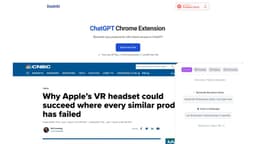
DashAI
Chrome extension DashAI enables access to ChatGPT on any webpage for chatbot, summarization, commands, transcription, and AI-generated content.
AI chatbotChrome extensionProductivity
Introduction
DashAI is a Chrome extension that provides instant access to ChatGPT on every webpage. It allows users to interact with an AI chatbot, summarize webpages, execute AI commands, transcribe audio, and generate AI-generated content in text boxes.
Key Features
Instant access to ChatGPT on every webpage
Side Chat for easy conversation
Webpage summarization for time-saving
AI Quick Actions for executing commands
Transcriptions of audio from webpages
AI Text Expander for generating content
Chat history for easy reference
Large prompt library for creative interactions
Shortcuts and configurations for convenience
Frequently Asked Questions
What is DashAI?
How to use DashAI?
0
1
2
3
4
5
6
7
Similar Tools

Gallabox
Elevate your business communication with our No-code WhatsApp automation tool. Streamline processes and engage customers effortlessly.

LimeChat
Revolutionize your e-commerce business with our AI-powered platform that offers support and marketing through WhatsApp. Boost sales and engagement now!
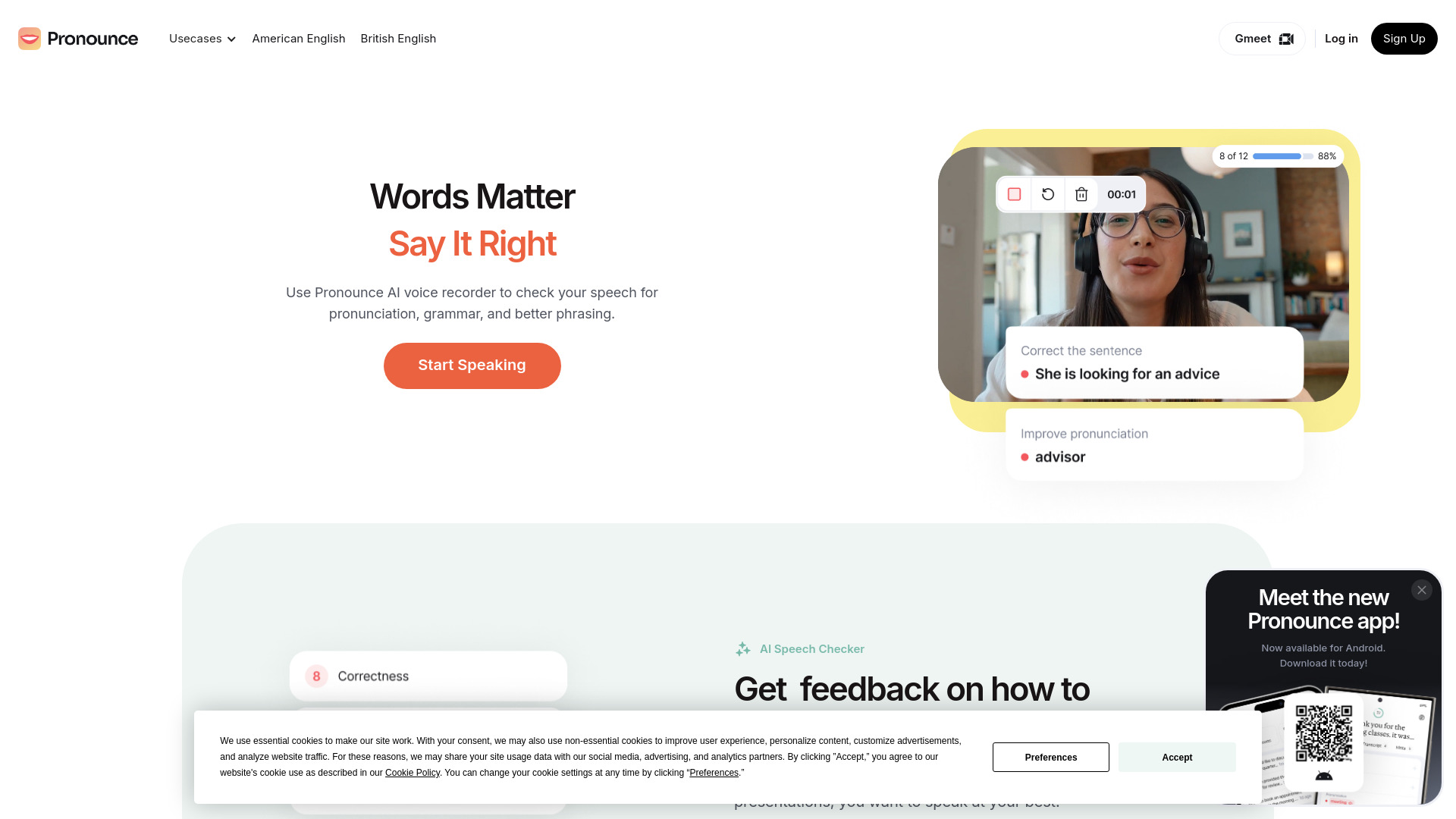
Pronounce
Enhance your English pronunciation and communication skills with our AI speech checker app. Perfect your spoken English today!
Use Cases
- Productivity enhancement
- Webpage summarization
- AI-powered assistance
- Faster content generation
How to Use
To use DashAI, first install the Chrome extension. Then, obtain an OpenAI API key and a license key. Afterward, you can start using the extension by opening a side chat on any webpage using the shortcut ⌘ + k. You can also use shortcuts to summarize webpages, highlight and execute AI commands, and transcribe audio. Additionally, you can access a prompt library with over 100 prompts for creative interactions with ChatGPT.