
Introduction
A vast, dynamic design system with hundreds of customizable UI components and templates, ready for Framer deployment and meticulously organized with variables, variants, and adaptive layouts. Made from decades of pushing pixels.
What stands out?
300+ customizable UI components
Ready for Framer deployment
Meticulously organized with variables, variants, and adaptive layouts
Frequently Asked Questions
What is DesignCode UI?
How to use DesignCode UI?
Do you accept PayPal?
Which course do you recommend for SwiftUI beginners?
What are the supported pixel densities and image formats?
Can I cancel my subscription and get a refund?
More Information
DesignCode UI Support Email & Customer service contact & Refund contact etc.
Here is the DesignCode UI support email for customer service: [email protected] .
DesignCode UI Login
DesignCode UI Login Link: https://designcodeui.com/login
DesignCode UI Pricing
DesignCode UI Pricing Link: https://designcodeui.com/pricing
DesignCode UI Youtube
DesignCode UI Youtube Link: https://youtube.com/designcodeteam
DesignCode UI Twitter
DesignCode UI Twitter Link: http://twitter.com/mengto
Reviews & Feedback
Share your experience with the community
0.0
Based on 0 reviews
User Comments (0)
Sort Criteria
Order
No reviews yet. Be the first to share your thoughts!
Statistics
Monthly visits
NaN
Saved by users
0
Rating
0.0/ 5.0
Added on
—
Similar Tools

Lovable
AI-powered platform for software development via chat interface.

HubSpot
Accelerate your business growth with HubSpot's customer platform. Drive faster results and expand your business efficiently.
Beacons
Revolutionize your content creation with our AI-driven platform designed for creators. Unlock endless possibilities today!
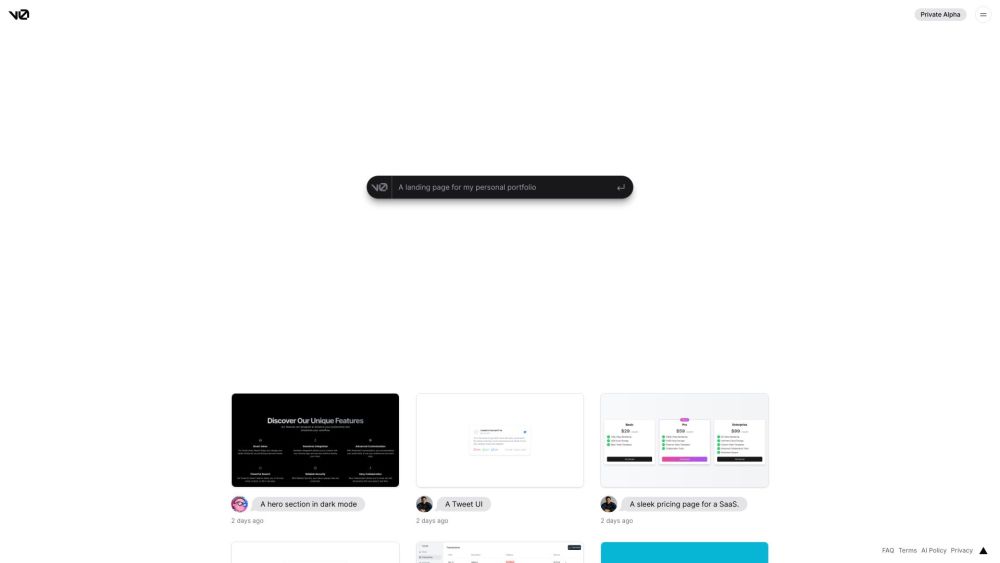
v0.dev
Generative UI system powered by AI.

MailerLite
MailerLite is a powerful tool for businesses looking to expand their reach and increase profits through audience growth and revenue generation.
Use Cases
- Building beautiful and functional websites
- Enhancing Figma and Framer projects
- Creating adaptable design systems
How to Use
Preview in Figma to explore and customize everything from layouts, styles, patterns, breakpoints, to icons. Design consistency is ensured with Figma's Variables and Framer's true implementation.