DisPDF
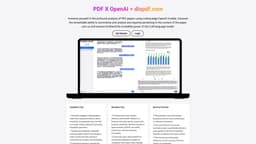
DisPDF is a web platform for discussing and collaborating on PDF files.
PDFconversionweb
Introduction
DisPDF is a web-based platform created using create-react-app that allows users to discuss and collaborate on PDF files.
Key Features
PDF file upload
Text highlighting
Commenting
Real-time collaboration
Chat functionality
Frequently Asked Questions
What is DisPDF?
How to use DisPDF?
Can I convert PDF files to different formats using DisPDF?
Can I invite others to join my PDF discussions?
Is DisPDF compatible with all operating systems?
Can I access previous discussions and annotations on DisPDF?
Is there a limit to the number of collaborators in a single discussion?
Can I download the commented PDF file after discussions?
Is there a mobile app available for DisPDF?
Can I import PDF files from cloud storage platforms like Dropbox or Google Drive?
Does DisPDF support multiple languages?
Is my data secure on DisPDF?
Similar Tools

Plagiarism Remover
Eliminate plagiarism in your text with this free AI tool. Enhance your writing by rephrasing content effortlessly. Try it now!
TextGears
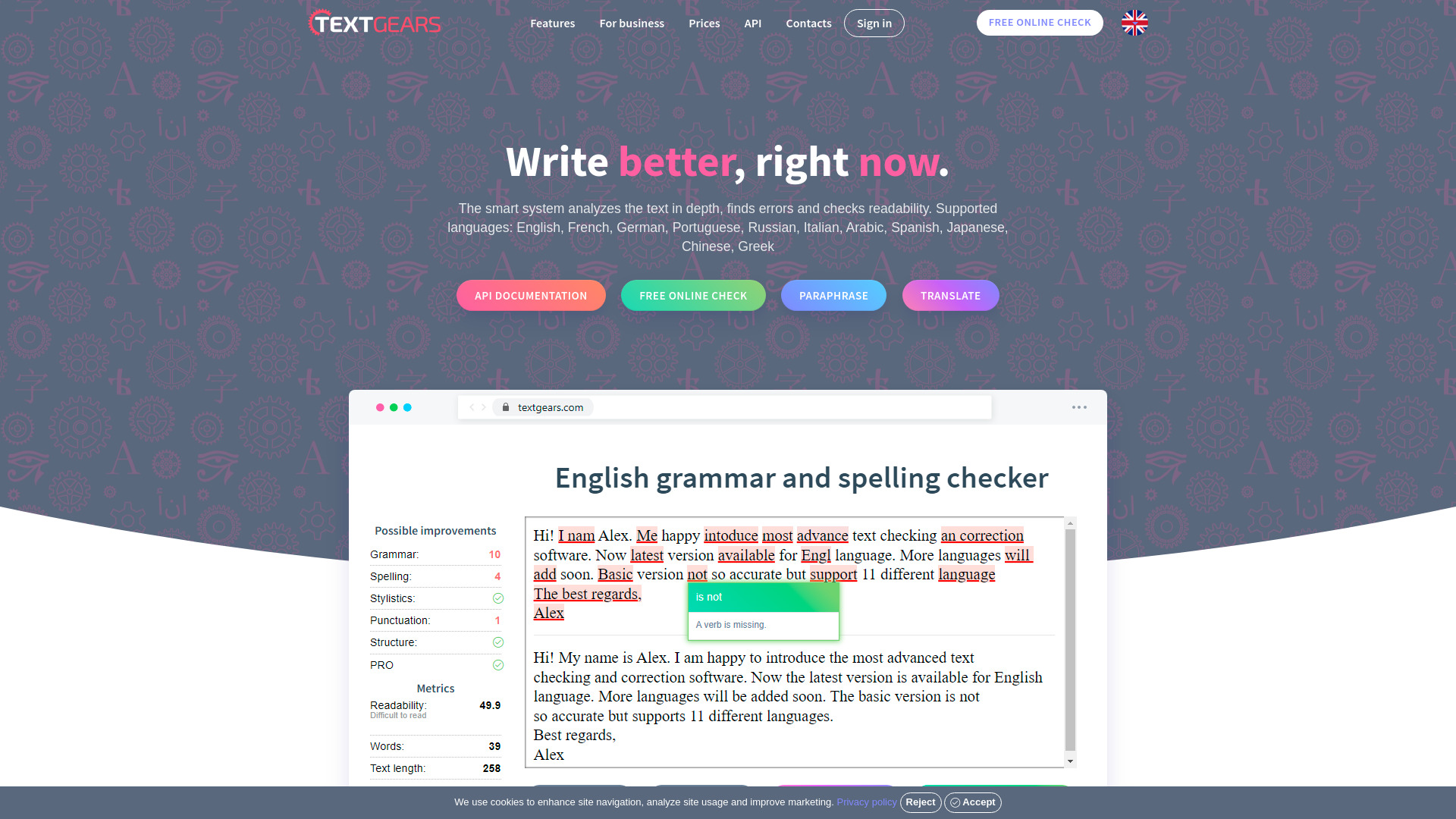
Discover TextGears - a powerful app for enhancing your writing with advanced text analysis tools. Improve your content effortlessly with TextGears.

Parafrasear Textos
Enhance the quality of your text with our online tool for paraphrasing. Improve readability and make your content stand out.
Use Cases
- Collaborative document review
- Team collaboration on PDF files
- Academic research and study groups
- Proofreading and editing
- Sharing annotations and feedback
How to Use
To use DisPDF, simply upload your PDF file to the platform and start a discussion by highlighting text, adding comments, or initiating a chat with other users. Collaborators can join the discussion, provide feedback, and make annotations in real-time.