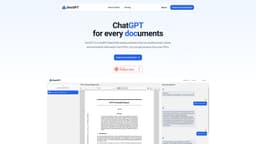
DocGPT
DocGPT is a file-reading assistant that extracts and summarizes information from PDFs.
Introduction
DocGPT is a file-reading assistant powered by ChatGPT. It can extract, locate, and summarize information from PDFs, allowing users to ask questions and get answers from their documents.
What stands out?
File-reading assistant
PDF extraction
Information location
Summarization
Question-answering
Frequently Asked Questions
What is DocGPT?
How to use DocGPT?
What is DocGPT?
How do I use DocGPT?
What are the core features of DocGPT?
What are the use cases for DocGPT?
Is there a pricing plan for DocGPT?
Reviews & Feedback
Share your experience with the community
0.0
Based on 0 reviews
User Comments (0)
Sort Criteria
Order
No reviews yet. Be the first to share your thoughts!
Statistics
Monthly visits
NaN
Saved by users
0
Rating
0.0/ 5.0
Added on
—
Use Cases
- Researching specific topics within PDFs
- Extracting important details from legal documents
- Finding relevant information in academic papers
- Condensing large documents into summarized versions
- Accessing information quickly without reading entire PDFs
How to Use
To use DocGPT, simply upload your PDF file to the website. Once uploaded, you can start conversing with DocGPT by asking questions or providing prompts related to the document.