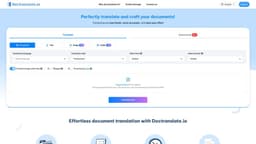
DocTranslate.io
Fast, accurate, and cost-effective document translation.
document translationlanguage supporttranslation tool
Introduction
DocTranslate.io revolutionizes document translation, combining speed, accuracy, and cost-effectiveness. This powerful tool supports over 85 languages and can handle various file types, including Word, Excel, PDF, and PowerPoint.
Key Features
Translate documents into any language.
Summarize documents.
Translate images within files.
Support for bilingual translations.
Accurate and professional translations with customizable dictionary and styling.
Guaranteed data security and privacy.
Frequently Asked Questions
What is DocTranslate.io?
How to use DocTranslate.io?
What file types does DocTranslate.io support?
How many languages does DocTranslate.io support?
Is the translation accurate?
Can I customize the translation style?
Is my data secure?
Similar Tools

Speak
Enhance your language skills with an innovative app using AI technology for practicing real conversations.
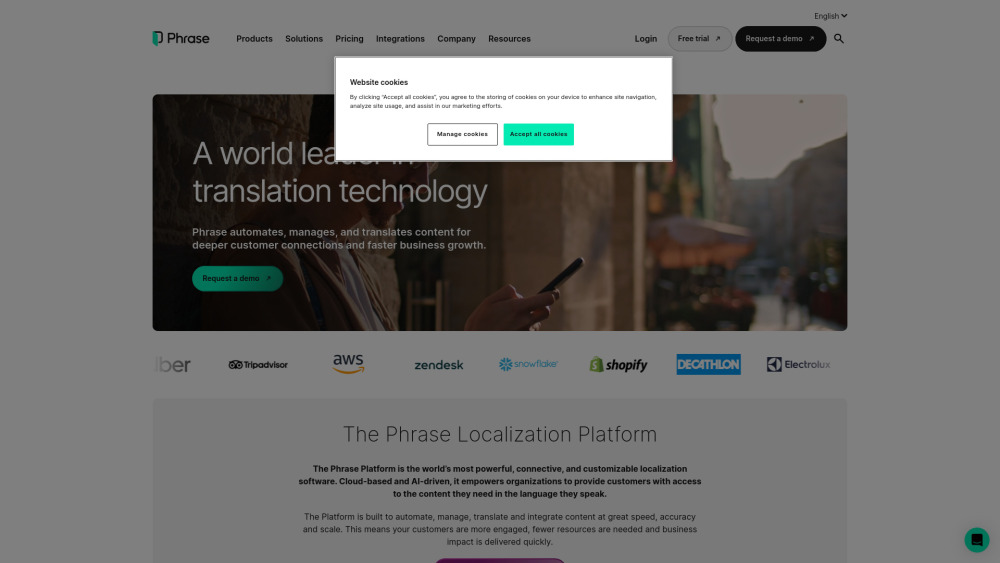
Phrase (Frm. Memsource)
Empowering localization with a robust platform for managing and automating translations efficiently. A powerful solution for translation management.

Rephrase
Boost text quality with our macOS AI writing assistant for improved content creation. Ideal for enhancing writing productivity on your computer.
Use Cases
- Effective communication with colleagues, customers, and partners around the world.
- Improving the effectiveness of your work by translating Word files into any language.
How to Use
1. Import your file: Click the file from the source of your file explorer, drag it toward the file picker, and release the mouse button. 2. Select request: Select the target languages and include writing styles, mode for your document. 3. Your translated file is ready! Download the document to your computer.