
Domain Detective - Chrome Extension
Check domain availability easily with this Chrome extension for scanning domains. Quickly find out if your desired domain is up for grabs.
Chrome extension
Introduction
Domain Detective, a Chrome extension, improves browsing by identifying expired domains and suggesting available ones with AI technology.
Key Features
Automatic scanning for expired and available domains
Instant domain availability check in the browser search bar
AI-powered domain name generation based on project descriptions
Frequently Asked Questions
What is Domain Detective?
How to use Domain Detective?
Is Domain Detective data stored or shared?
Can Domain Detective be used to check historical domain availability?
Similar Tools

AI Startup Name Generator
Discover a cutting-edge tool that creates unique startup names and checks domain availability in seconds. Perfect for entrepreneurs and businesses.

Aisento
Get AI Agents on-demand for all your digital tasks. Cut costs, save time, and effortlessly achieve exceptional results.
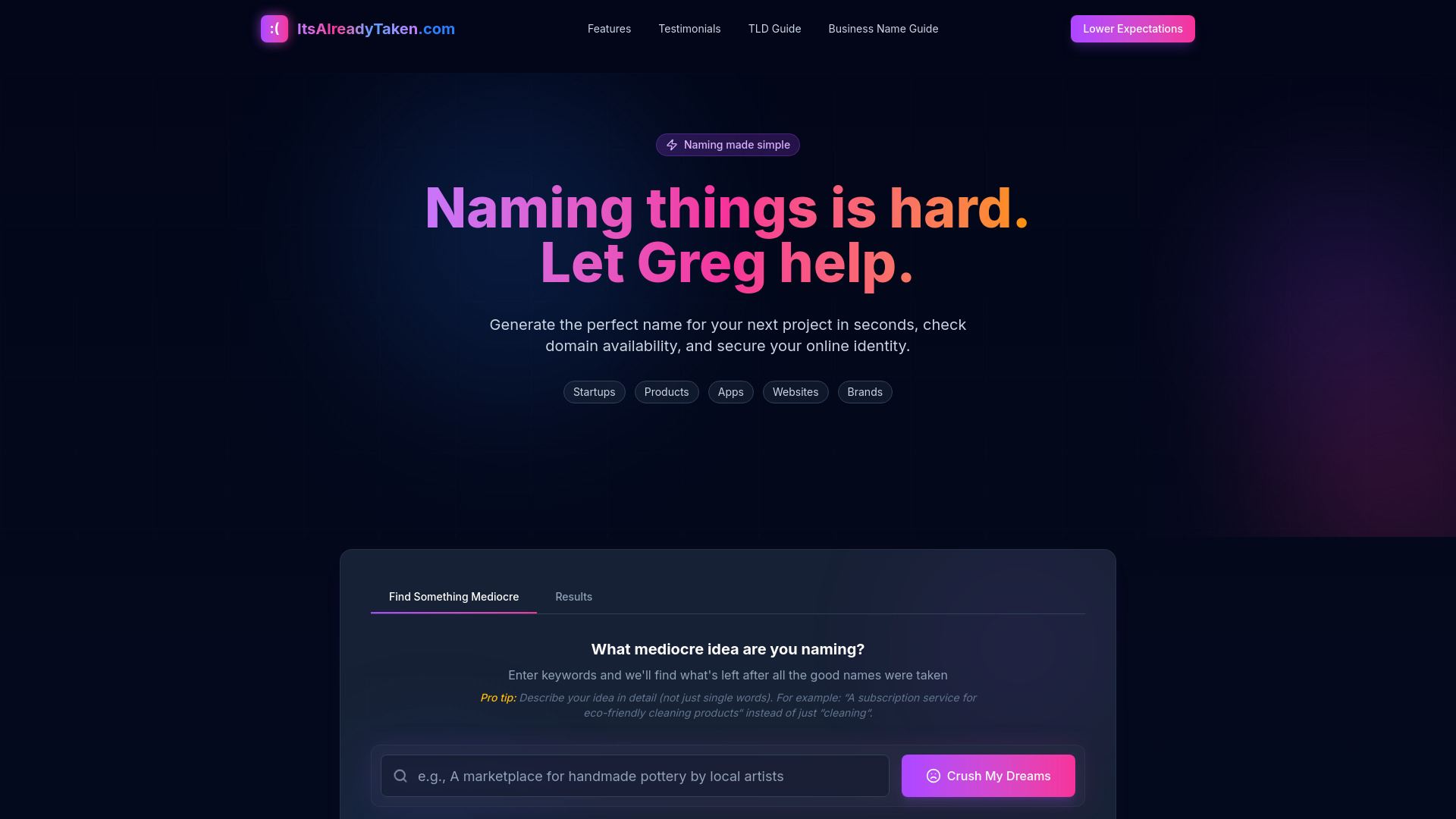
ItsAlreadyTaken.com
Discover if your desired app name is already in use with ItsAlreadyTaken.com. Check availability quickly and easily. Don't settle for a name that's already taken.
Use Cases
- Finding expired domains while browsing
- Checking availability and prices of domain names in real-time
- Generating unique domain names tailored to project needs
How to Use
To utilize Domain Detective, first download it from the Chrome Store and add it to your browser toolbar. Then, activate the 'Auto Scan Websites' feature in the settings. Finally, navigate to a website to allow the extension to identify any available domains.