
Dot Copilot
AI assistant for Android streamlining tasks and productivity.
AI AssistantProductivityTask Management
Introduction
Dot Copilot is a smart AI assistant for Android that helps users streamline their digital lives by adding events, managing to-do lists, replying to messages, translating text, summarizing content, and tracking finances using Google Sheets.
Key Features
Smart Scheduling
Task Management
Expense Tracking
Web Summarization
Translation
Note Taking
Chat Assistance
Social Media Engagement
Frequently Asked Questions
What is Dot Copilot?
How to use Dot Copilot?
What is Dot Copilot?
How does Dot Copilot protect my privacy?
Can I use Dot Copilot offline?
How accurate is Dot Copilot's visual comprehension?
Can I switch between plans?
Is Dot Copilot available for iOS?
Why do I need to pay for this software?
Can I try Dot Copilot for free?
How do I get in touch with your team?
Similar Tools
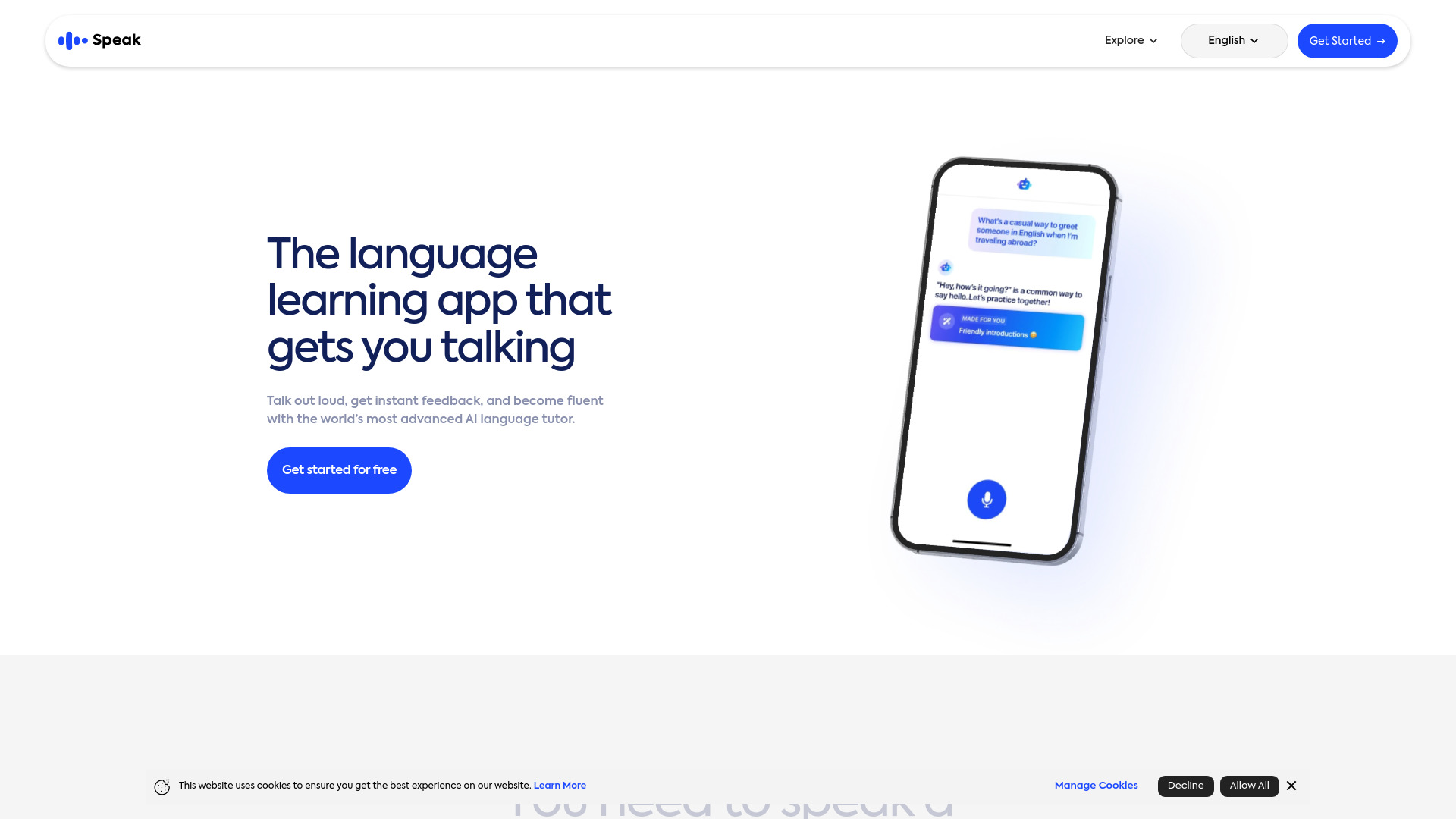
Speak
Enhance your language skills with an innovative app using AI technology for practicing real conversations.
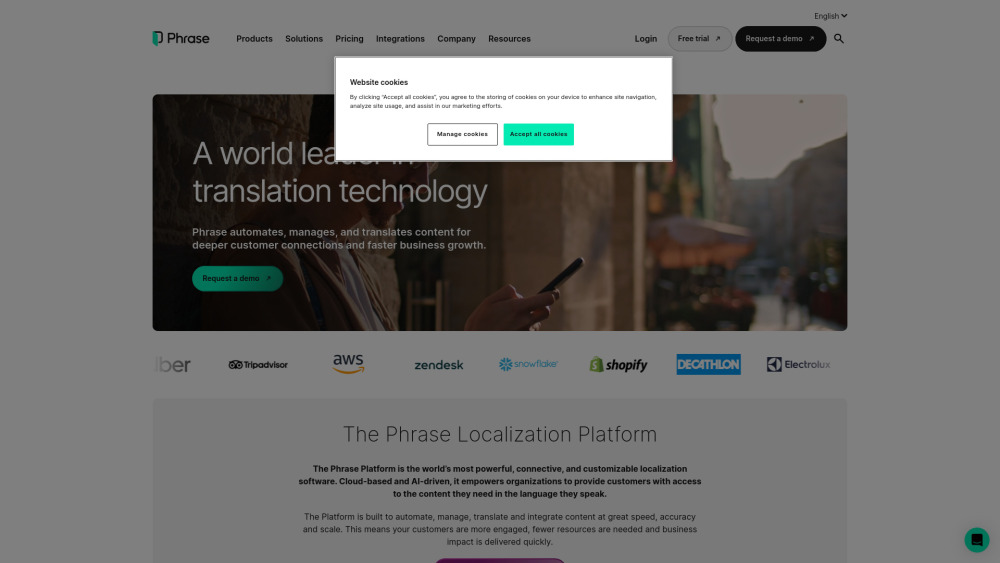
Phrase (Frm. Memsource)
Empowering localization with a robust platform for managing and automating translations efficiently. A powerful solution for translation management.
Rephrase
Boost text quality with our macOS AI writing assistant for improved content creation. Ideal for enhancing writing productivity on your computer.
Use Cases
- Extracting schedule details from chats
- Tracking monthly expenses using Google Sheets
- Summarizing web page content
How to Use
To use Dot Copilot, simply tap on the app and request the desired assistance, such as adding schedules, managing tasks, or summarizing content from your screen.