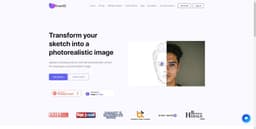
Draw3D
AI-powered Draw3D transforms sketches into photorealistic images, bringing drawings to life.
Draw3Dsketchesphotorealistic artwork
Introduction
Draw3D is a free AI-powered software program that transforms sketches into photorealistic images. This tool allows artists, designers, and creators to bring their drawings to life with stunning realism.
Key Features
Transform sketches into photorealistic images
Handle any amount of details in the scene
Bring sketches of animals to life
Transform sculptures into photos and vice versa
Upscale images without losing quality
Edit images with the included image editor
Frequently Asked Questions
What is Draw3D?
How to use Draw3D?
Is Draw3D free to use?
Can Draw3D handle sketches with a high level of detail?
Can Draw3D bring animal sketches to life?
Can Draw3D transform sculptures into photos?
Can I upscale the images generated by Draw3D?
Does Draw3D include an image editor?
Similar Tools

Quickads
Effortlessly create image and video ads with this AI-powered tool. Say goodbye to the hassle and hello to effective marketing campaigns.

Genie AI
Experience a versatile AI chatbot capable of handling multiple tasks with ease. Engage with our multi-model application today!
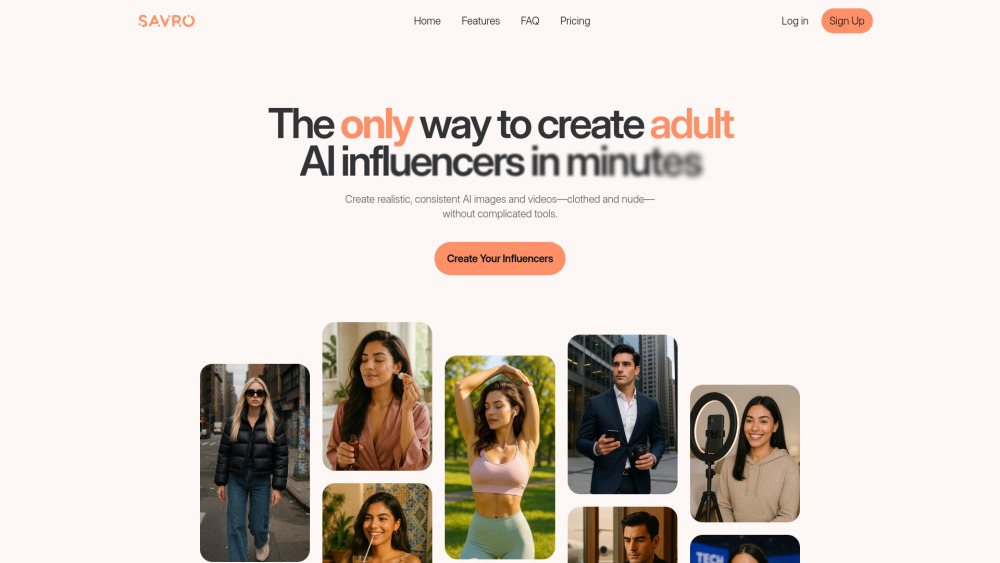
Savro AI
Create adult AI influencers in minutes
Use Cases
- Creating realistic artwork
- Designing graphics and visualizations
- Producing digital art and animations
- Assisting with CAD and 3D modeling
- Enhancing concept art and game design
- Aiding in architecture and product design
- Supporting visual effects and simulation
How to Use
To use Draw3D, simply upload your sketch and the tool will automatically convert it into a photorealistic image. You can then upscale the image without losing any quality and even edit it using the included image editor.