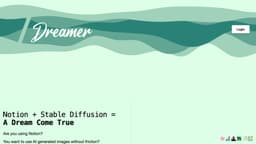
AI generated images with Stable Diffusion for Notion
Create AI-generated visuals for Notion pages with ease.
AI generated imagesStable DiffusionNotion integration
Introduction
AI generated images with Stable Diffusion for Notion is a tool that allows users to easily create visuals for their Notion pages using artificial intelligence (AI) generated images. It provides a frictionless image generation experience by integrating a new command/dream feature into Notion, where users can write a prompt that describes the image they want. The AI then generates the image directly in Notion, replacing the prompt with the generated image.
Key Features
Frictionless image generation within Notion
Integration with Stable Diffusion AI models
Ability to describe the desired image using prompts
Direct replacement of the prompt with the generated image
Multiple pricing plans available
Ability to cancel subscription monthly
Prompt Writing Skills improvement through monthly prompts
Terms and Feedback available on the website
Frequently Asked Questions
What is AI generated images with Stable Diffusion for Notion?
How to use AI generated images with Stable Diffusion for Notion?
Why is SlashDreamer not free?
When can I cancel my subscription?
Do you offer refund?
Why do I need to give write permission to Notion?
Who owns the generated images?
How do we generate images using artificial intelligence?
Similar Tools

Quickads
Effortlessly create image and video ads with this AI-powered tool. Say goodbye to the hassle and hello to effective marketing campaigns.
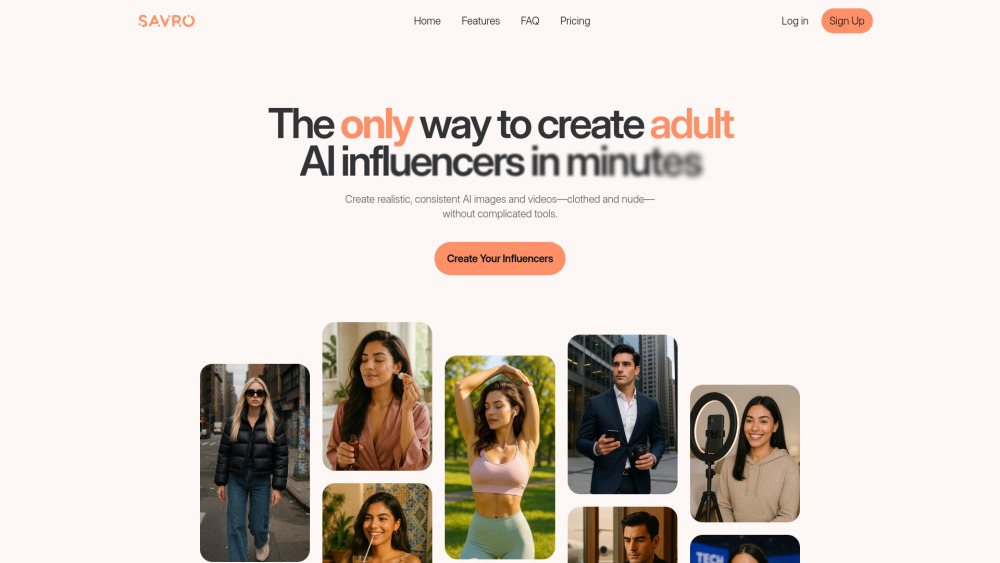
Savro AI
Create adult AI influencers in minutes
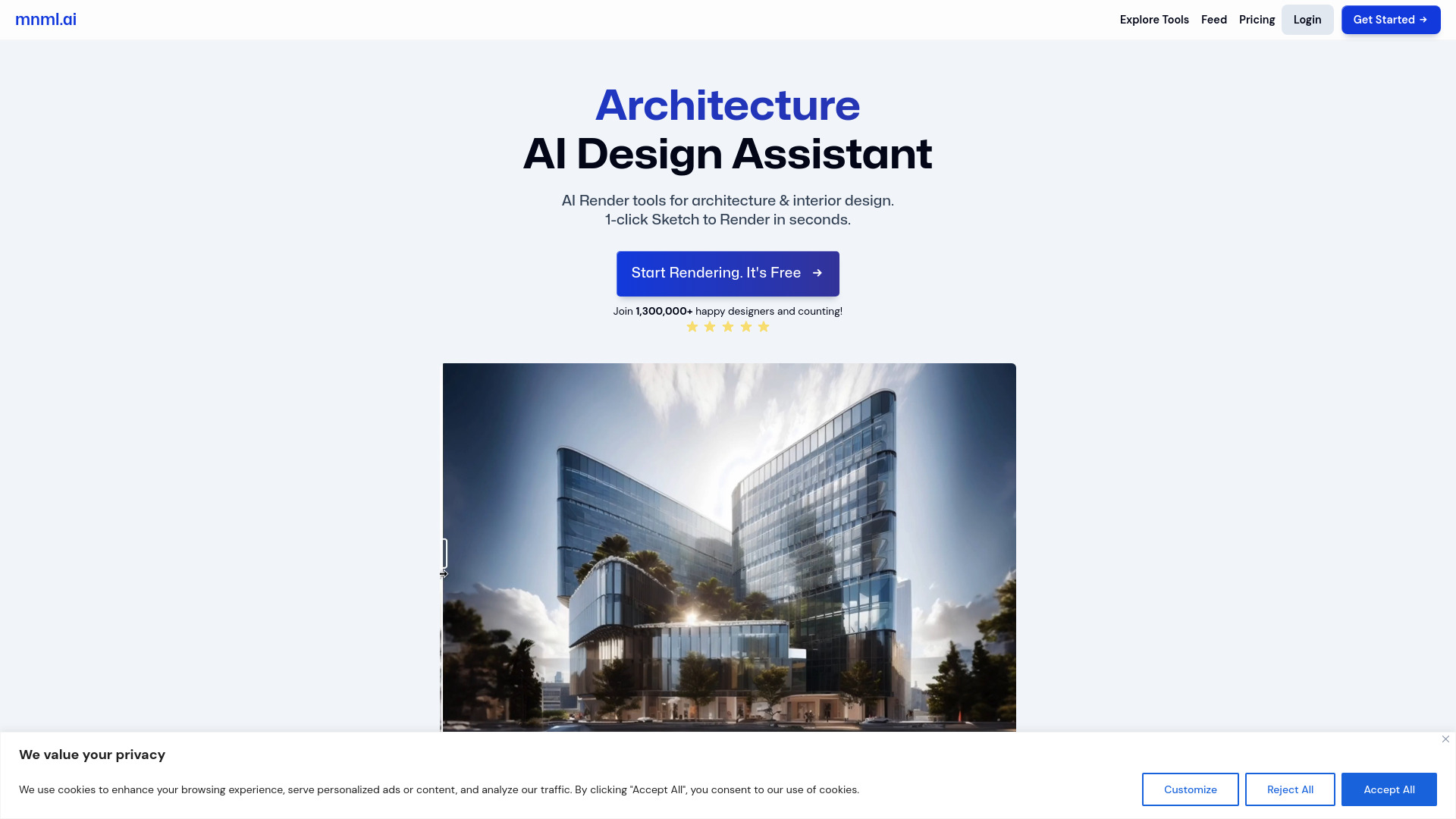
mnml.ai
Discover the power of mnml.ai, a cutting-edge app that harnesses AI technology to streamline your daily tasks and boost productivity.
Use Cases
- Enhancing visual content in Notion pages
- Creating realistic images of objects or scenes
- Adding customized visuals to project documentation
- Generating images for educational materials
- Making presentations more visually appealing
How to Use
To use AI generated images with Stable Diffusion for Notion, follow these steps: 1. Login to the AI generated images for Notion website. 2. Access Notion and open the page where you want to add an AI-generated image. 3. Use the command '/dream' followed by your prompt to describe the image you want (e.g., '/dreammonstera plant in a pot, in realistic style'). 4. End the prompt by adding a dot '.' to indicate you're done. 5. The AI will generate the image based on your prompt and replace it directly below the prompt in Notion.