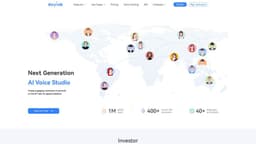
DupDub Voice Generator
Convert text into realistic human-like voices with DupDub Voice Generator.
Introduction
What stands out?
Frequently Asked Questions
What is DupDub Voice Generator?
How to use DupDub Voice Generator?
How many voices are available in DupDub Voice Generator?
Can I modify the voice in DupDub Voice Generator?
Is the audio generated by DupDub Voice Generator of high quality?
What can I use DupDub Voice Generator for?
Does DupDub Voice Generator offer pricing plans?
More Information
DupDub Voice Generator Discord
DupDub Voice Generator Support Email & Customer service contact & Refund contact etc.
DupDub Voice Generator Company
DupDub Voice Generator Login
DupDub Voice Generator Sign up
DupDub Voice Generator Pricing
DupDub Voice Generator Facebook
DupDub Voice Generator Youtube
DupDub Voice Generator Tiktok
DupDub Voice Generator Twitter
DupDub Voice Generator Instagram
Reviews & Feedback
Share your experience with the community
User Comments (0)
No reviews yet. Be the first to share your thoughts!
Statistics
Similar Tools
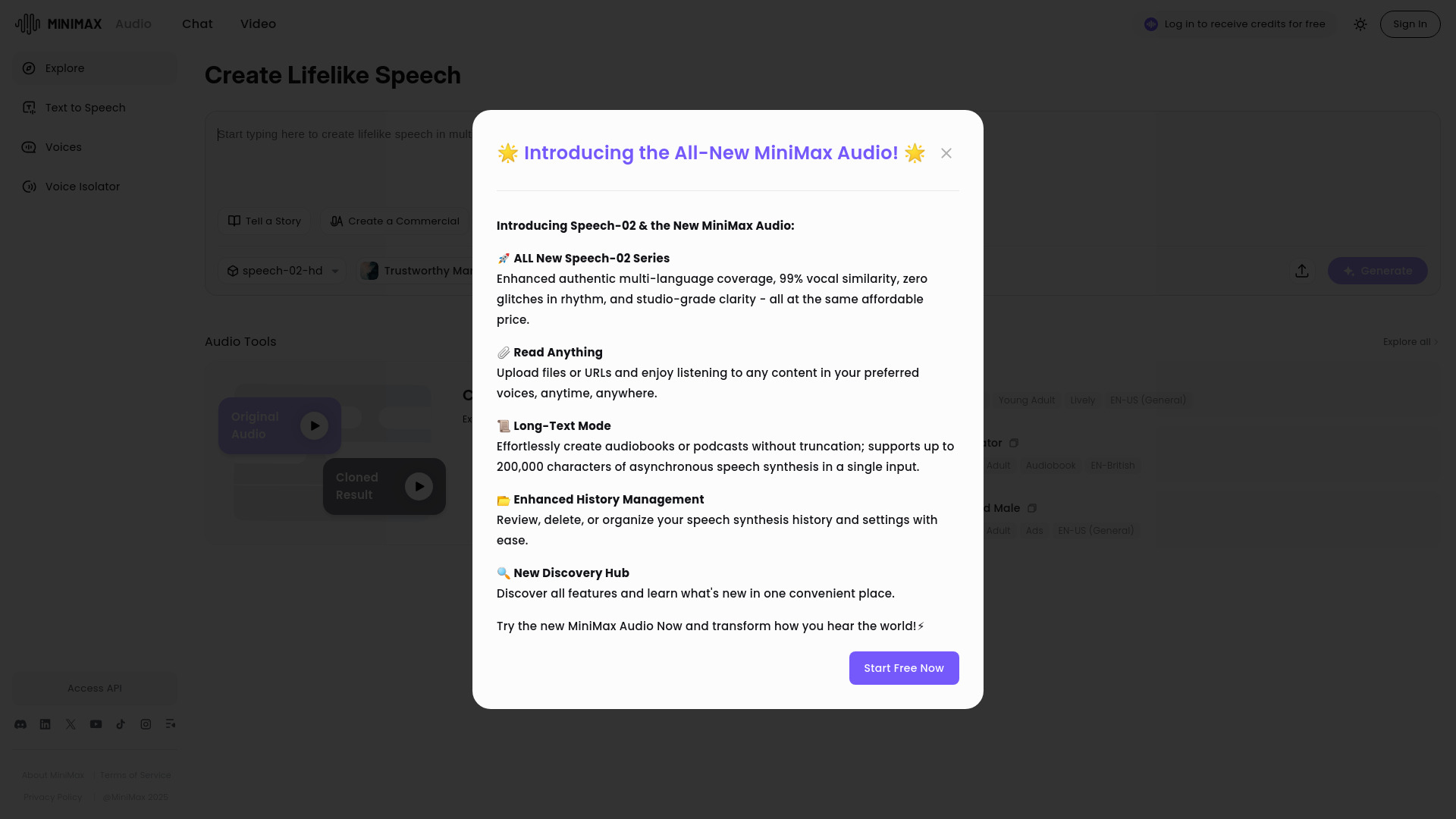
MiniMax Audio
Discover MiniMax Audio, a powerful app for maximizing your audio experience on your device. Enhance sound quality and enjoy your music like never before.
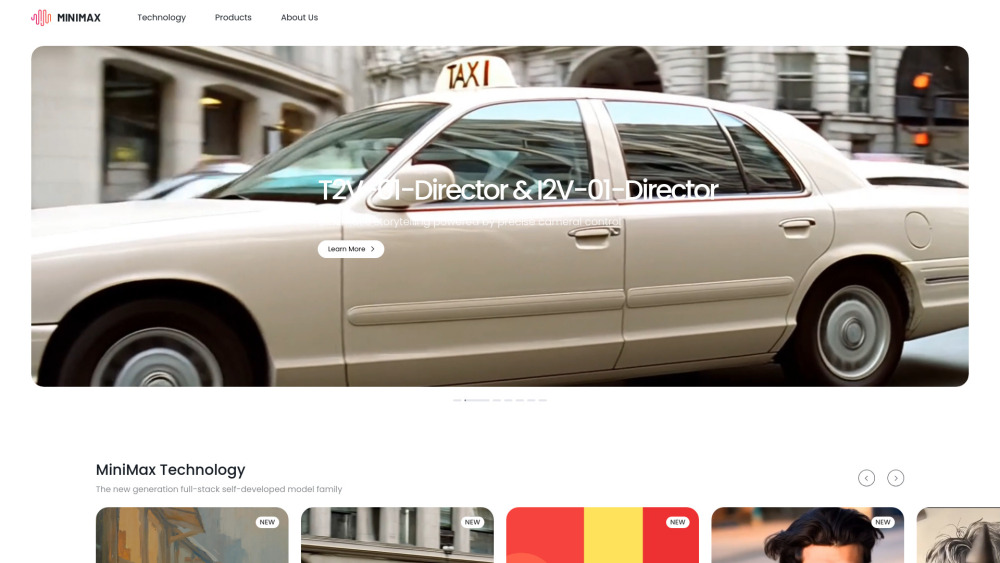
MiniMax
Experience AI technology that generates text, images, videos, and audio effortlessly. Unleash the power of cutting-edge tools for content creation in one comprehensive application.
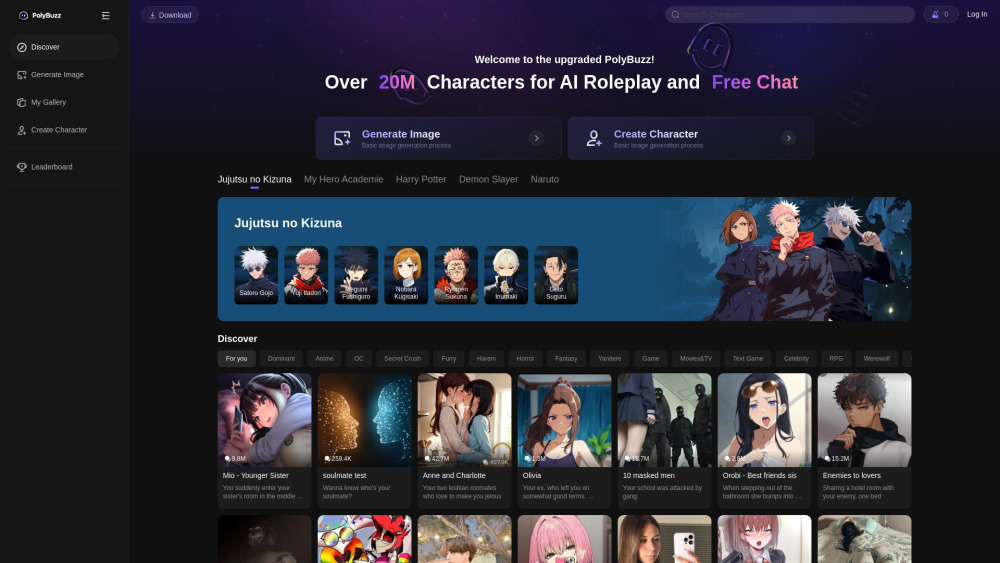
PolyBuzz
PolyBuzz is your go-to app for unlimited AI chat and immersive roleplay with a vast array of characters. Experience private and free interactions like never before! Join over 20 million users now.
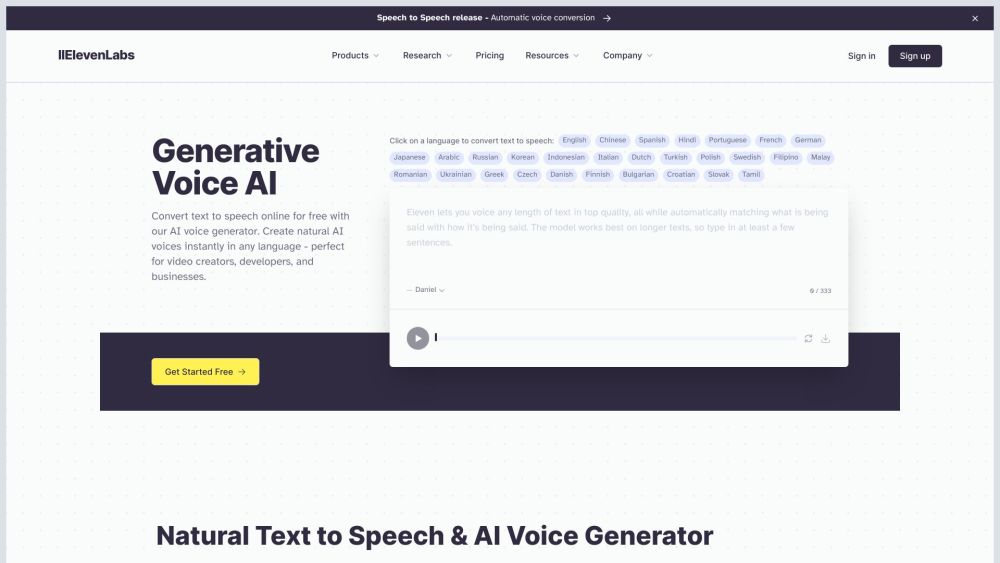
ElevenLabs
Effortlessly produce top-notch AI voices in just minutes with this app. Upgrade your content with high-quality voiceovers quickly and easily.
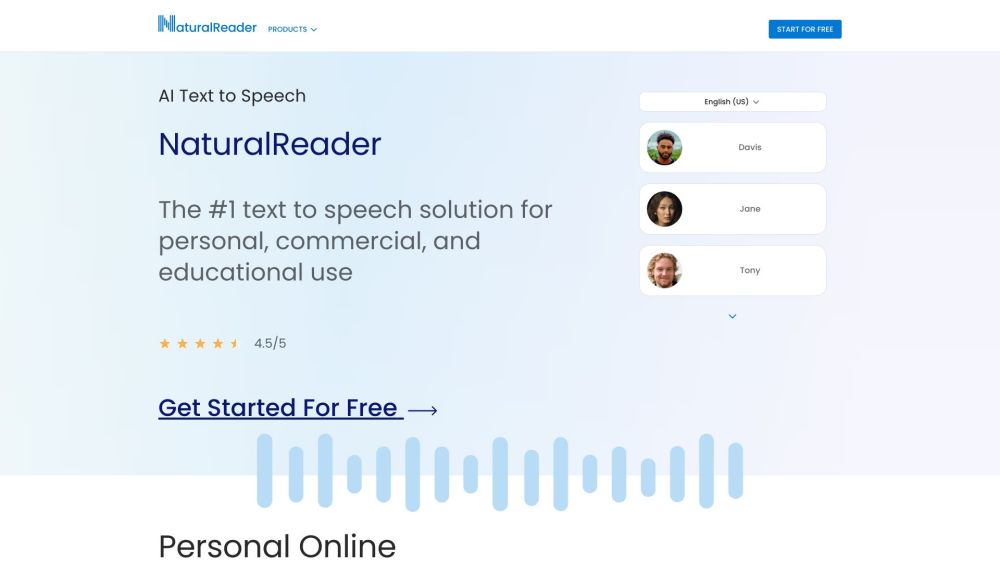
NaturalReader
NaturalReader converts text into spoken audio for users to listen to their documents.
Use Cases
- DupDub Voice Generator can be used in various scenarios, including: 1. Content Creation: Generate voiceovers for videos, podcasts, presentations, and more. 2. Accessibility: Convert written content into audio format for individuals with visual impairments. 3. Language Learning: Practice listening skills by converting text into spoken words. 4. Virtual Assistants: Create a personalized voice for virtual assistants and chatbots. 5. Gaming and Animation: Add voice acting to characters in games or animations.