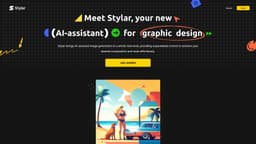
Dzine (formerly Stylar.ai)
AI image and design tool with precise control
Introduction
Dzine (formerly Stylar.ai) is a cutting-edge AI image and design tool that offers precise control over image generation and editing. It provides features like composition control, generative art creation, object removal, and background editing.
What stands out?
Composition control for images
Generative art creation
Object removal and insertion
Background removal and editing
Frequently Asked Questions
What is Dzine (formerly Stylar.ai)?
How to use Dzine (formerly Stylar.ai)?
Is Dzine suitable for beginners?
How can I create unique AI-generated images with Dzine?
Where can I generate AI images for free?
What sets Dzine apart in the AI Design landscape?
Which AI tool can remove the background from a photo?
How can I get involved with the Dzine community?
More Information
Dzine (formerly Stylar.ai) Reddit
Here is the Dzine (formerly Stylar.ai) Reddit: https://www.reddit.com/r/stylar_ai/
Dzine (formerly Stylar.ai) Discord
Here is the Dzine (formerly Stylar.ai) Discord: https://discord.gg/AMEqUCZvhn. For more Discord message, please click here(/discord/amequczvhn).
Dzine (formerly Stylar.ai) Support Email & Customer service contact & Refund contact etc.
Here is the Dzine (formerly Stylar.ai) support email for customer service: [email protected] . More Contact, visit the contact us page(mailto:[email protected])
Dzine (formerly Stylar.ai) Company
Dzine (formerly Stylar.ai) Company name: Stylar .
Dzine (formerly Stylar.ai) Pricing
Dzine (formerly Stylar.ai) Pricing Link: https://www.stylar.ai/pricing
Dzine (formerly Stylar.ai) Youtube
Dzine (formerly Stylar.ai) Youtube Link: https://youtube.com/@Stylar-ai?si=O-TIUWVl9dkaY0xk
Dzine (formerly Stylar.ai) Linkedin
Dzine (formerly Stylar.ai) Linkedin Link: https://www.linkedin.com/company/stylarai/
Dzine (formerly Stylar.ai) Twitter
Dzine (formerly Stylar.ai) Twitter Link: https://twitter.com/stylar_ai
Dzine (formerly Stylar.ai) Instagram
Dzine (formerly Stylar.ai) Instagram Link: https://www.instagram.com/stylar.ai_official/
Dzine (formerly Stylar.ai) Reddit
Dzine (formerly Stylar.ai) Reddit Link: https://www.reddit.com/r/stylar_ai/
Reviews & Feedback
Share your experience with the community
0.0
Based on 0 reviews
User Comments (0)
Sort Criteria
Order
No reviews yet. Be the first to share your thoughts!
Statistics
Monthly visits
NaN
Saved by users
0
Rating
0.0/ 5.0
Added on
—
Similar Tools

Picsart
Unleash your creativity with Picsart - an innovative photo editing app that offers a wide range of tools and filters to enhance your images.
MidJourney
AI platform for creating and exploring images with community input.

Freepik AI Image Generator
Real-time AI image generator
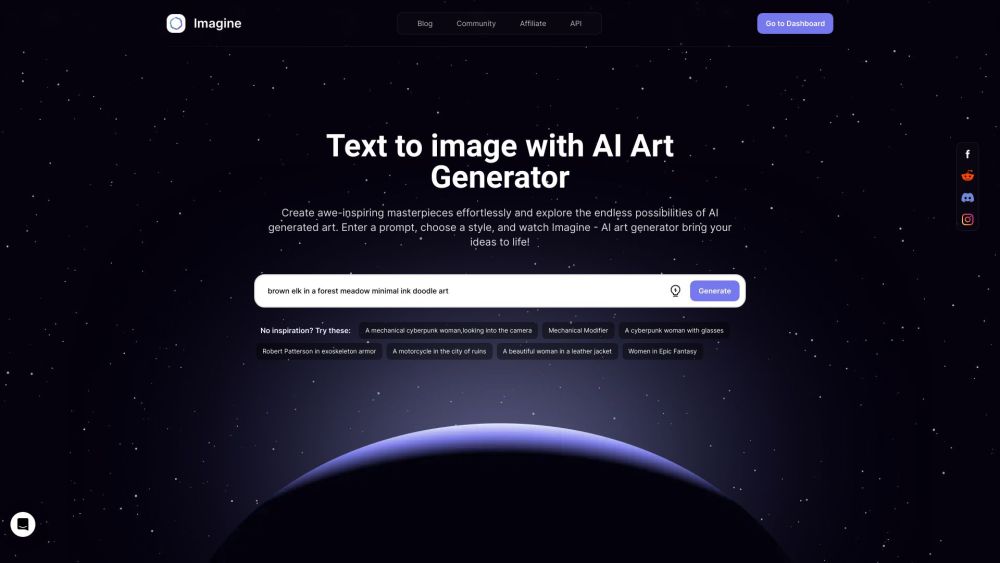
Imagine AI Art Generator
AI-generated art from text prompts.
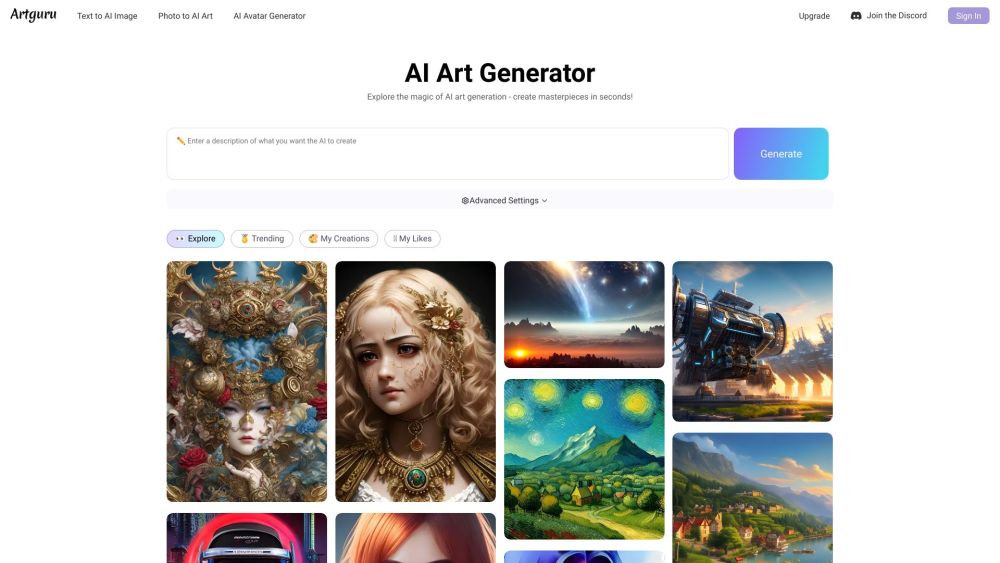
Artguru
Create beautiful art with the power of AI.
Use Cases
- Boost creativity with precise image composition control
- Efficiently edit images with AI-assisted tools
How to Use
Transform your designs effortlessly with Dzine by generating and editing images on an all-in-one free online platform. Choose from various tools like AI Photo Filter, AI Design Sketch, Image-to-Prompt feature, and much more.