
EdgeWriter
EdgeWriter is an AI-powered writing tool that provides more control and flexibility.
AI-powered writing toolproductivitycontent creation
Introduction
EdgeWriter is a powerful AI-powered tool that enhances your writing wherever you work. It allows you to save, edit, and copy AI-generated content, providing you with more control and flexibility.
Key Features
AI writer that lives in your browser
Save, edit, and copy AI content thoughtfully
Portable web extension available anytime
Tweak tone and type filters for unique outputs
Quickly filter prompts based on key variables
Frequently Asked Questions
What is EdgeWriter?
How to use EdgeWriter?
What is EdgeWriter?
How do I use EdgeWriter?
What are the core features of EdgeWriter?
What are the use cases for EdgeWriter?
What is the pricing for EdgeWriter?
Similar Tools

Plagiarism Remover
Eliminate plagiarism in your text with this free AI tool. Enhance your writing by rephrasing content effortlessly. Try it now!

CodeFast
Quickly learn coding to create successful online ventures with this app designed for fast-paced business growth. Start building today!
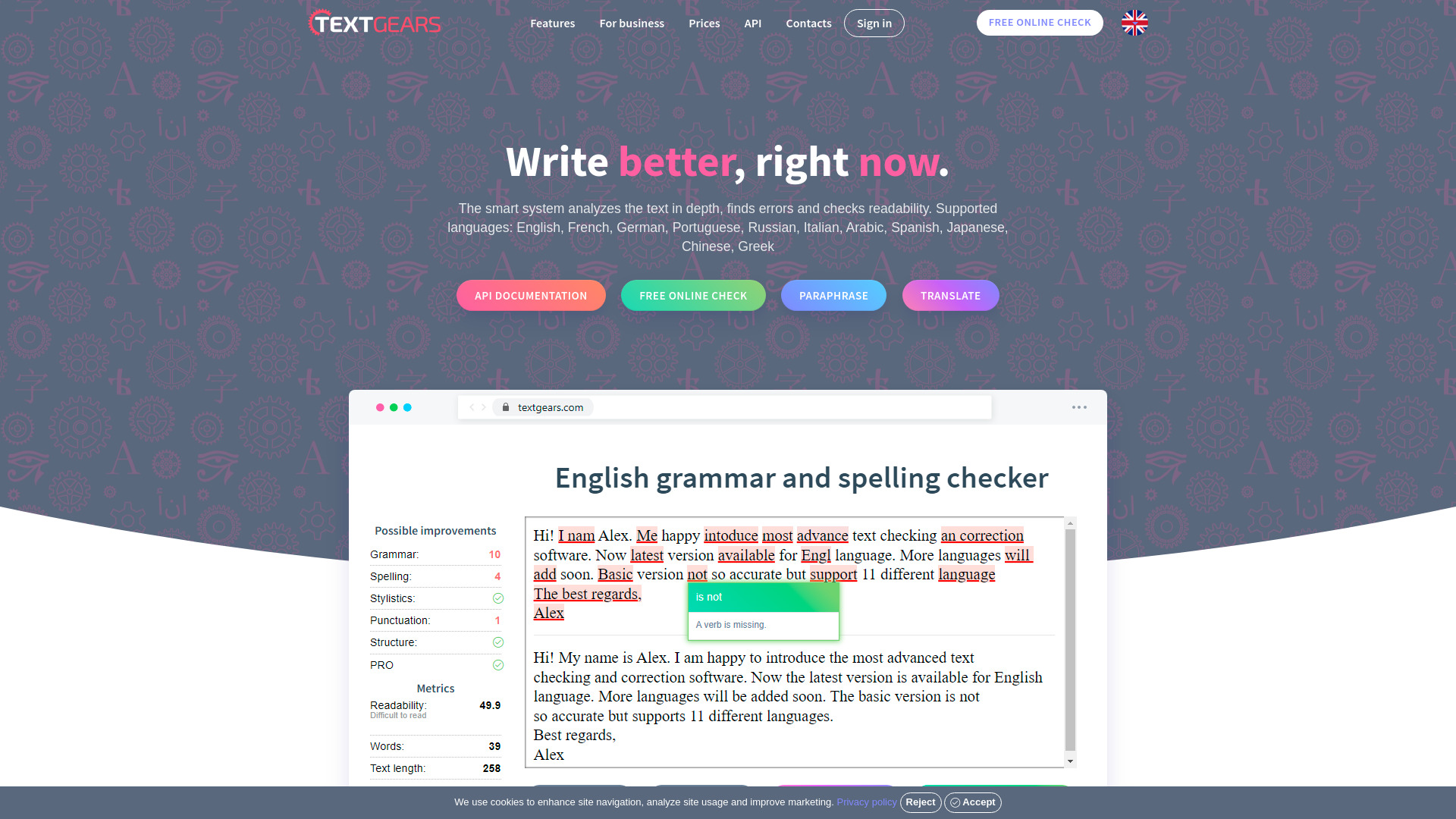
TextGears
Discover TextGears - a powerful app for enhancing your writing with advanced text analysis tools. Improve your content effortlessly with TextGears.
Use Cases
- Enhancing writing productivity and efficiency
- Generating unique content for various purposes
- Editing and fine-tuning AI-generated content
- Creating and managing content on the go
How to Use
1. Log in or register for free to access EdgeWriter. 2. Install the web extension for Chrome or Microsoft Edge. 3. Whenever you need to enhance your writing, click on the EdgeWriter icon in your browser. 4. Use the AI writer to create unique content or edit existing content. 5. Save your content for later, make necessary tweaks for tone and type, and copy it for immediate use. 6. You can also use the web extension to save and edit your AI writing, offering a smart back-end solution for content management.