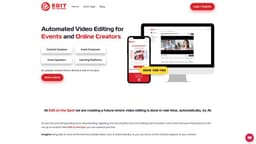
Edit on the Spot
"Edit on the Spot automates video editing, making it faster and more efficient for event recordings."
automated video editingreal-time editingAI-powered editing
Introduction
Edit on the Spot is an automated video editing platform that repurposes live-streams, video conference calls, and studio recordings into clips, segments, and highlight videos automatically. It utilizes AI to make video editing faster, easier, and more efficient for event recordings and presenter-style content.
Key Features
Automatic trimming of recordings to remove dead air
AI-powered video editing
Custom branding with logos and outros
Instant delivery of finished videos
Integration with popular web conferencing and live streaming platforms
Frequently Asked Questions
What is Edit on the Spot?
How to use Edit on the Spot?
Can I stream my recordings directly to Edit on the Spot?
What is the cost of using Edit on the Spot?
Does Edit on the Spot provide transcription services?
Can I add custom branding to my videos?
Which platforms does Edit on the Spot integrate with?
Similar Tools
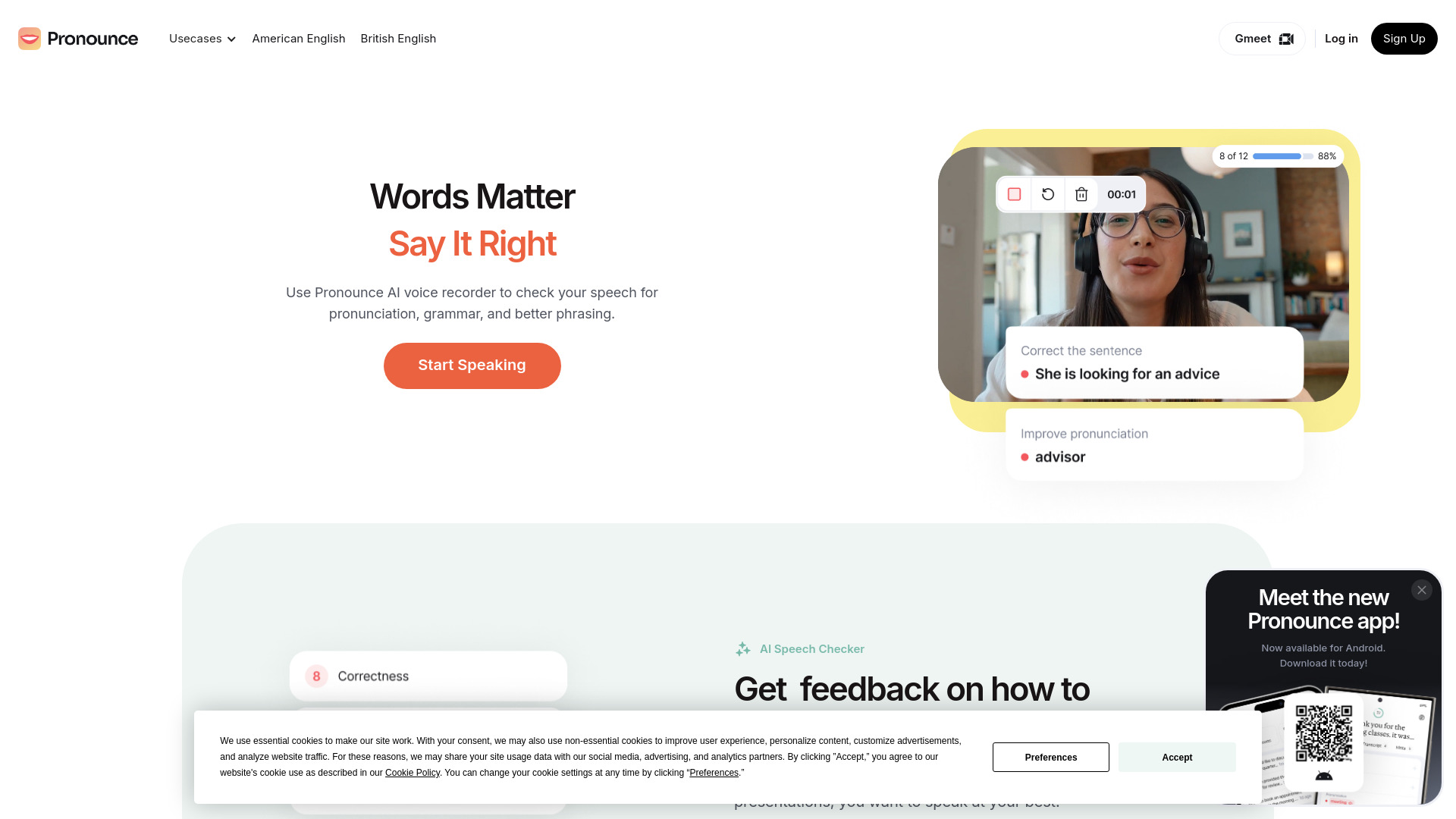
Pronounce
Enhance your English pronunciation and communication skills with our AI speech checker app. Perfect your spoken English today!
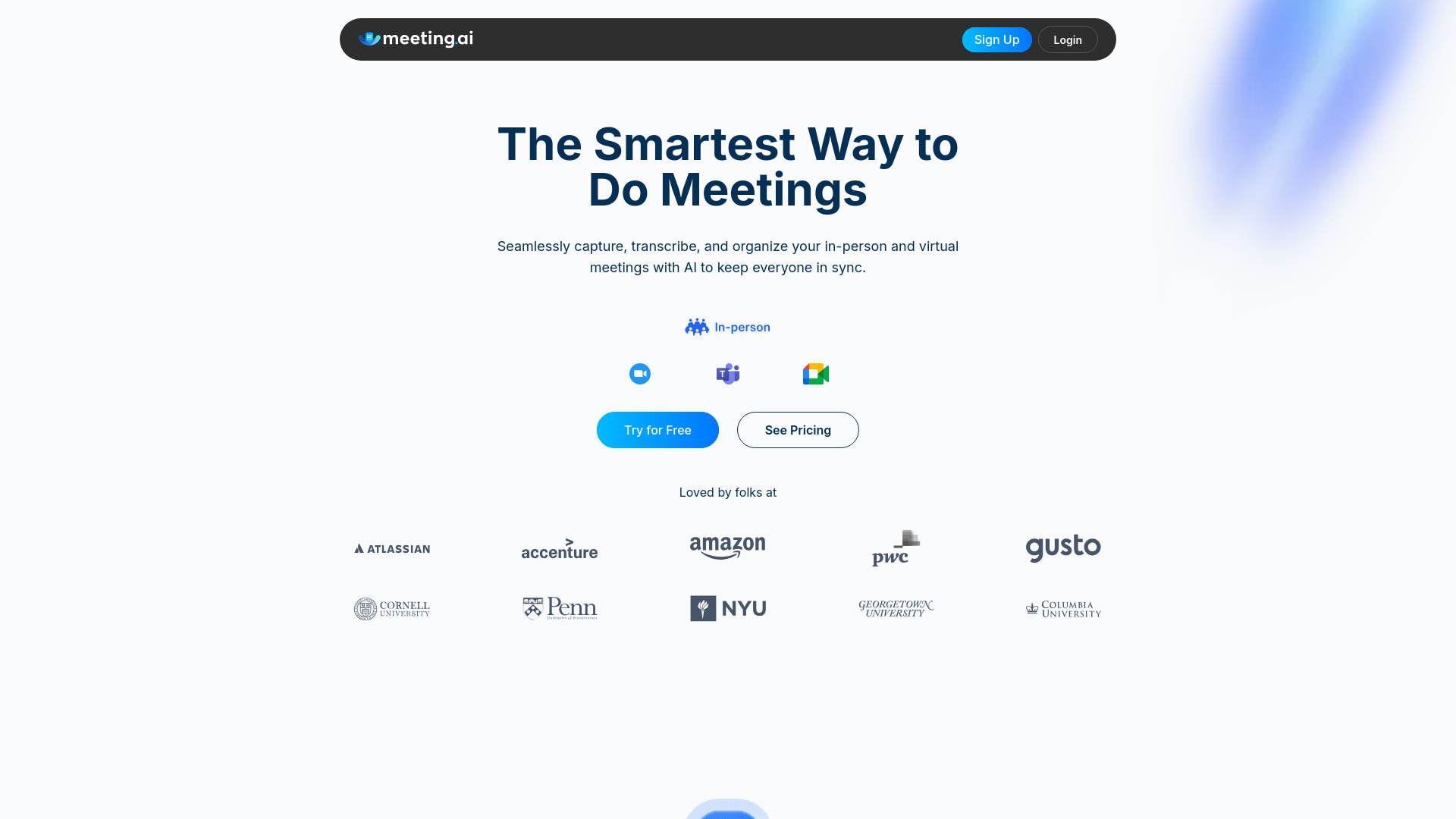
Meeting.ai
An advanced tool using AI to transcribe, organize, and summarize meetings efficiently. Ideal for enhancing productivity and collaboration.
Good Tape
Easily convert audio files into text with our automatic transcription service. Fast and accurate speech-to-text conversion at your fingertips.
Use Cases
- Content creators who use Zoom, Teams, or other platforms to record videos, podcasts, interviews, etc.
- Event speakers who want professionally edited video clips of their presentations within minutes for sharing on social media
- Event producers looking to streamline their video editing workflows and deliver edited content to clients immediately
- Online learning platforms that need to save time and cost by integrating automated editing and branding for professional development sessions
How to Use
1. Connect your preferred web conferencing or live streaming platform (Zoom, Teams, Restream, etc.) to Edit on the Spot. 2. Upload or stream your video recordings using the platform. 3. Use the free trimming feature to remove dead air at the beginning and end of your recordings and add custom branding, intros, and outros. 4. Receive a download link via email as soon as your meeting or recording ends, or directly stream your edited video to your desired destination.