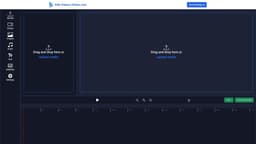
Online Video Editor
The Online Video Editor is a free and watermark-free tool with professional-grade features.
Introduction
Online Video Editor is a free tool that allows you to edit videos online without any watermark. It provides professional-grade editing features that are easy to use and share.
What stands out?
Trim and cut videos
Merge multiple videos
Add effects and filters
Adjust video speed
Crop and rotate videos
Add text and captions
Change video resolution and aspect ratio
Export videos without any watermark
Frequently Asked Questions
What is Online Video Editor?
How to use Online Video Editor?
Is the Online Video Editor free to use?
Does the Online Video Editor require sign up?
Can I edit videos without any watermark?
What file formats are supported for editing?
Is the Online Video Editor suitable for beginners?
Reviews & Feedback
Share your experience with the community
0.0
Based on 0 reviews
User Comments (0)
Sort Criteria
Order
No reviews yet. Be the first to share your thoughts!
Statistics
Monthly visits
NaN
Saved by users
0
Rating
0.0/ 5.0
Added on
—
Similar Tools

Kapwing
Collaborate online with Kapwing to create, customize, and expand your content effortlessly.

VEED.IO
Experience a free AI video editing tool with features like text to video, avatars, auto-subtitles, and voice translations.
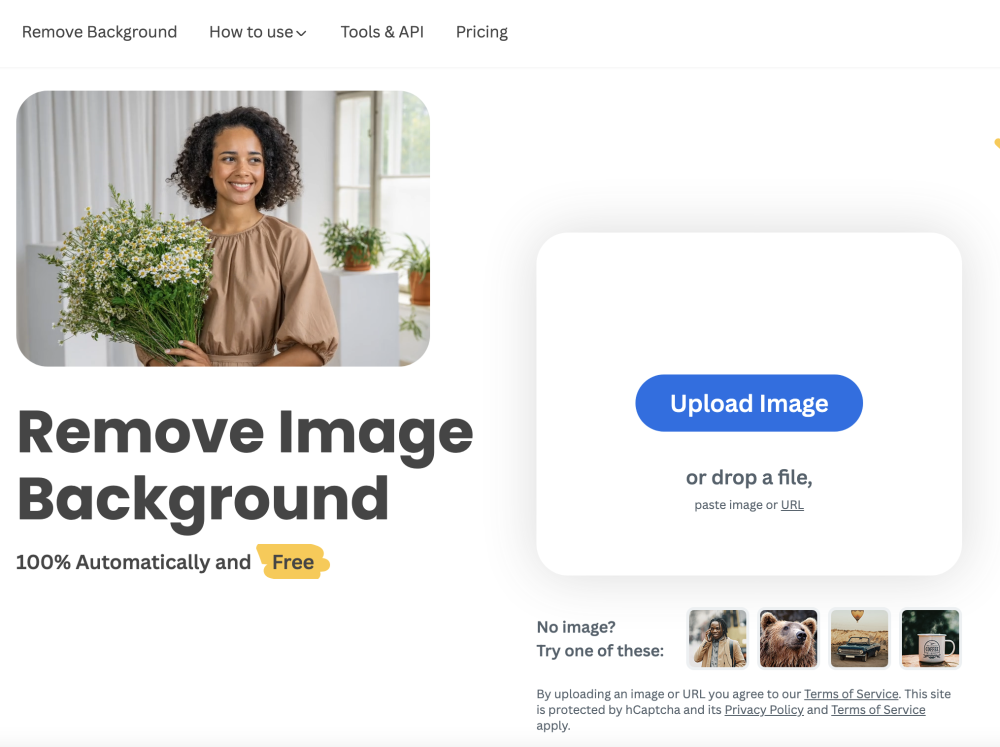
remove.bg
A free tool - remove.bg - can automatically remove image backgrounds with one click.
Use Cases
- Create professional videos for social media
- Edit videos for YouTube or vlogs
- Make personalized videos for special occasions
- Enhance video quality and appearance
- Combine multiple videos into one
- Add captions and subtitles to videos
How to Use
To use the Online Video Editor, simply visit the website and upload your video file. You can then use the editing tools to trim, cut, merge, add effects, and more. Once you're done editing, you can save the video and share it with others.