Introduction
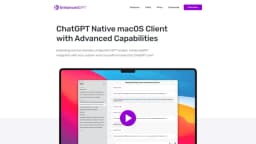
Native macOS client for OpenAI GPT and DALL·E models with expanded capabilities like read/write files, run bash commands, search the web, extract web content, and more.
What stands out?
Read/Write Text-Based Files
Run Bash Commands
Memorizing Important Instructions
Read PDFs
Web Search
Read Web Page Content
Frequently Asked Questions
What is EnhanceGPT?
How to use EnhanceGPT?
Can I use the app without an OpenAI API Key?
Do you store or have access to my prompts?
Where are my chats stored?
What can I do to ensure that I don't incur very high API costs?
What macOS version is required for the app?
What should I do if I encounter an issue with the app?
What to do if I want a refund?
Why is the app not available on the App Store?
More Information
EnhanceGPT Support Email & Customer service contact & Refund contact etc.
Here is the EnhanceGPT support email for customer service: [email protected] . More Contact, visit the contact us page(https://enhanced-gpt.com/contacts)
EnhanceGPT Company
EnhanceGPT Company name: Nixes 2024 .
EnhanceGPT Pricing
EnhanceGPT Pricing Link: https://enhanced-gpt.com/#pricing
Reviews & Feedback
Share your experience with the community
0.0
Based on 0 reviews
User Comments (0)
Sort Criteria
Order
No reviews yet. Be the first to share your thoughts!
Statistics
Monthly visits
NaN
Saved by users
0
Rating
0.0/ 5.0
Added on
—
Similar Tools

AI PDF Summarizer by PDF Guru
Simplify PDFs with AI! Summarize, extract key points, ask questions, and translate in 80+ languages. Perfect for work, study, or research.
DeepSeek
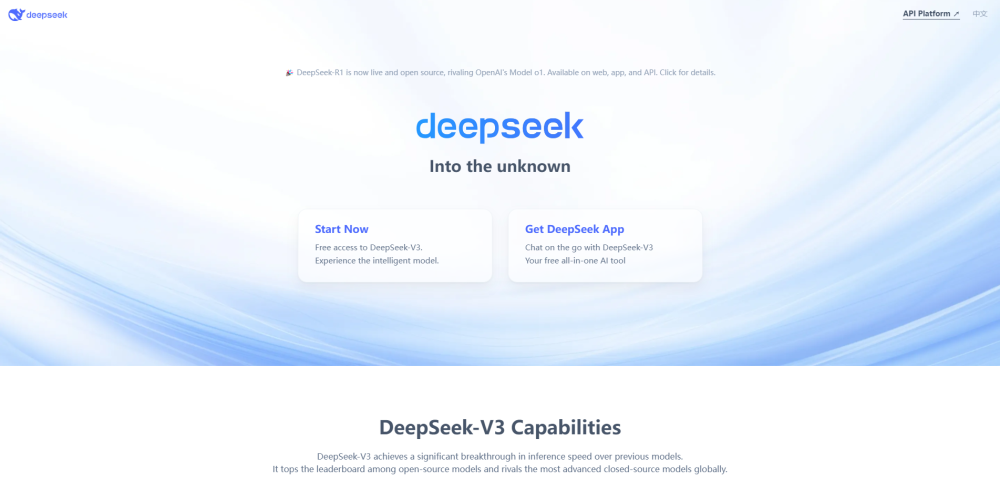
Cutting-edge AI platform for programming and chatting with publicly available models, offering advanced capabilities and features.

PolyBuzz
PolyBuzz offers free, private, and unrestricted AI chat and immersive roleplay with over 20 million characters.

AI Therapy
Your personal AI therapist for round-the-clock mental health support.

Wanderboat AI Travel Planner
Discover your personalized travel experiences with AI travel planner. Tailored recommendations for your perfect trip. Start planning now!
Use Cases
- Accessing and modifying text-based files
- Executing system commands
- Extracting content from PDF documents
- Performing web searches
- Extracting content from web pages
How to Use
To use EnhanceGPT, simply download and install the native macOS client on your computer. Once installed, you can access the advanced capabilities of OpenAI's GPT and DALL·E models, such as reading and writing files, running bash commands, conducting web searches, extracting web content, and more.