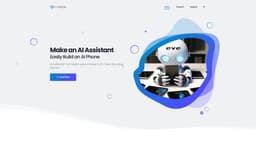
Evebyte Studio
A Windows software that allows easy control of Android devices without coding.
Introduction
Evebyte Studio is a Windows software designed to easily control physical Android phone devices using a graphical interface. No coding is required. It allows users to create and manage single or multiple tasks with their phones.
What stands out?
Graphical interface for controlling Android phone devices
No coding required
Ability to create and manage single or multiple tasks
Flexible task job changes
Data security and privacy protection
Frequently Asked Questions
What is Evebyte Studio?
How to use Evebyte Studio?
Can I control multiple Android phones with Evebyte Studio?
Is coding knowledge required to use Evebyte Studio?
Can I change task jobs on my phone anytime?
Is my data secure when using Evebyte Studio?
More Information
Evebyte Studio Support Email & Customer service contact & Refund contact etc.
Here is the Evebyte Studio support email for customer service: [email protected] .
Evebyte Studio Company
Evebyte Studio Company name: Evebyte Studio . More about Evebyte Studio, Please visit the about us page(https://www.evebyte.com/#about).
Evebyte Studio Pricing
Evebyte Studio Pricing Link: https://www.evebyte.com/pricing/
Reviews & Feedback
Share your experience with the community
0.0
Based on 0 reviews
User Comments (0)
Sort Criteria
Order
No reviews yet. Be the first to share your thoughts!
Statistics
Monthly visits
NaN
Saved by users
0
Rating
0.0/ 5.0
Added on
—
Similar Tools

Pixelcut
Easily create stunning product photos and ads with our free online design tool. Remove backgrounds and erase objects effortlessly.

Wondershare
Discover innovative tools for enhancing creativity, productivity, and efficiency with our app. Unleash your potential today!

TurboScribe
Unlimited AI transcription with 99.8% accuracy in 98+ languages.
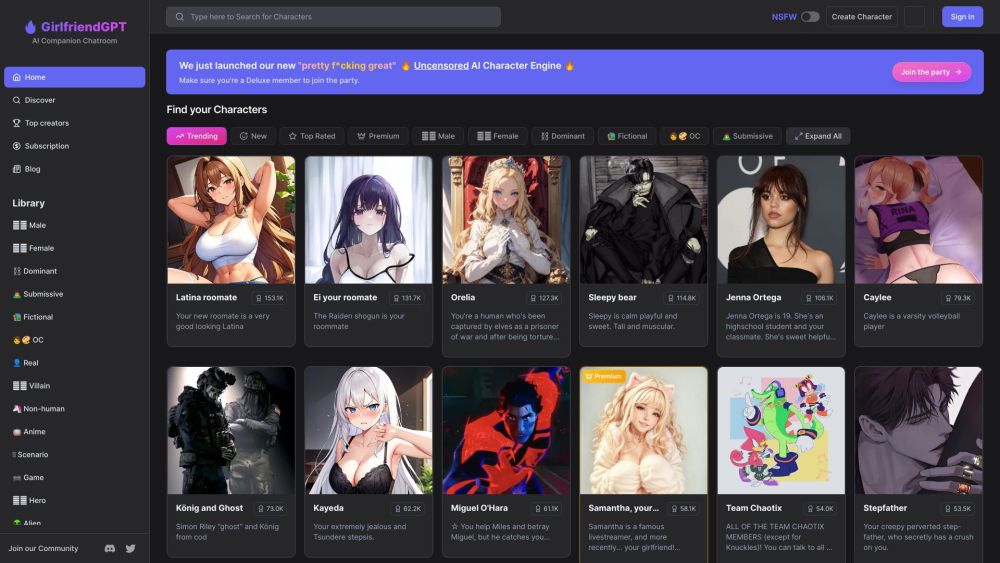
GirlfriendGPT - The AI Companion Chatroom
An uncensored AI companion chatroom for SFW and NSFW conversations.
Gamma App
Gamma App is an AI-powered tool that creates stunning presentations, webpages, and documents effortlessly.
Use Cases
- 1. Remote phone management: Easily control and manage multiple phones from your PC. 2. Task automation: Create and schedule tasks on your phone for improved efficiency. 3. AI phone assistant development: Build an AI assistant using your connected phones. 4. Testing and debugging: Use the software to perform testing and debugging tasks on Android devices.
How to Use
1. Connect your Android phone device to your PC. 2. Launch Evebyte Studio. 3. Use the intuitive graphical interface to click, drag, and run tasks on your phone. 4. Easily change task jobs as needed.