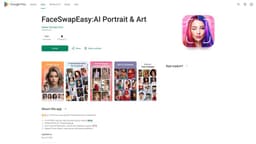
FaceSwapEasy:AI Portrait & Art
Effortlessly create stunning portraits with AI-powered face swap.
Introduction
The ultimate AI-powered Face Swap app for creating stunning portraits and headshots effortlessly. It offers 4,000+ professional portrait templates and allows users to create magic in just 2 seconds. The app also supports photo search, providing endless possibilities.
What stands out?
AI-powered face swap
4,000+ professional portrait templates
Quick and seamless creation
Photo search support
Upload your own photo
No watermark
Unlimited sharing
Aging gender swap
Hairstyle and makeup editing
Cartoonify portraits
Frequently Asked Questions
What is FaceSwapEasy:AI Portrait & Art?
How to use FaceSwapEasy:AI Portrait & Art?
What AI photo tools are available?
How does the app work?
Does the app support makeup editing?
Is there a watermark on the edited photos?
Can I upload my own photo for face swapping?
What are the system requirements for using the app?
Reviews & Feedback
Share your experience with the community
0.0
Based on 0 reviews
User Comments (0)
Sort Criteria
Order
No reviews yet. Be the first to share your thoughts!
Statistics
Monthly visits
NaN
Saved by users
0
Rating
0.0/ 5.0
Added on
—
Similar Tools

Cutout.Pro
Revolutionize your photo editing with our AI-powered platform that also generates content. Enhance your images effortlessly and efficiently!
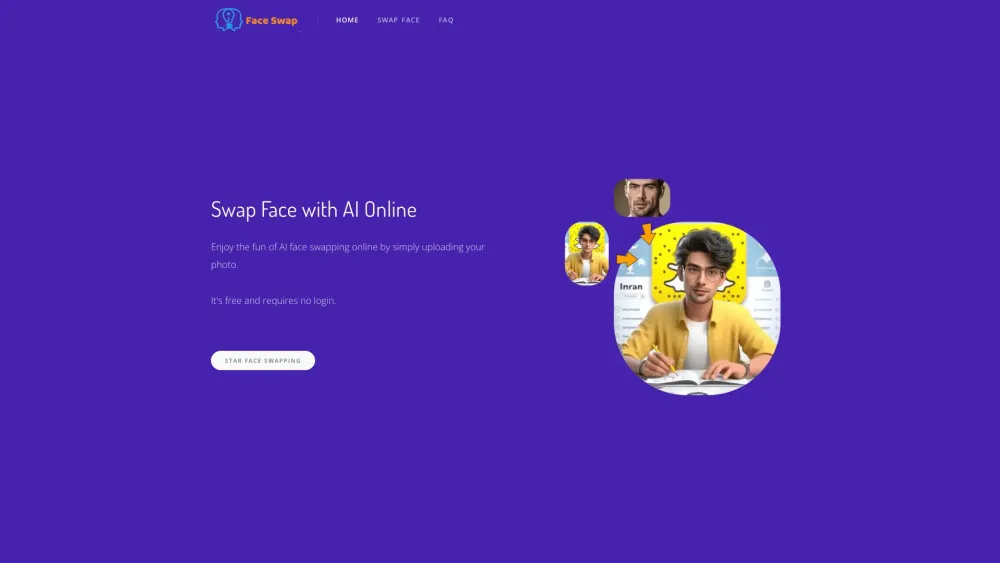
AI Face Swap
Easily swap faces using a cutting-edge AI technology online by uploading your photo for a fun and entertaining experience.

Kapwing
Collaborate online with Kapwing to create, customize, and expand your content effortlessly.
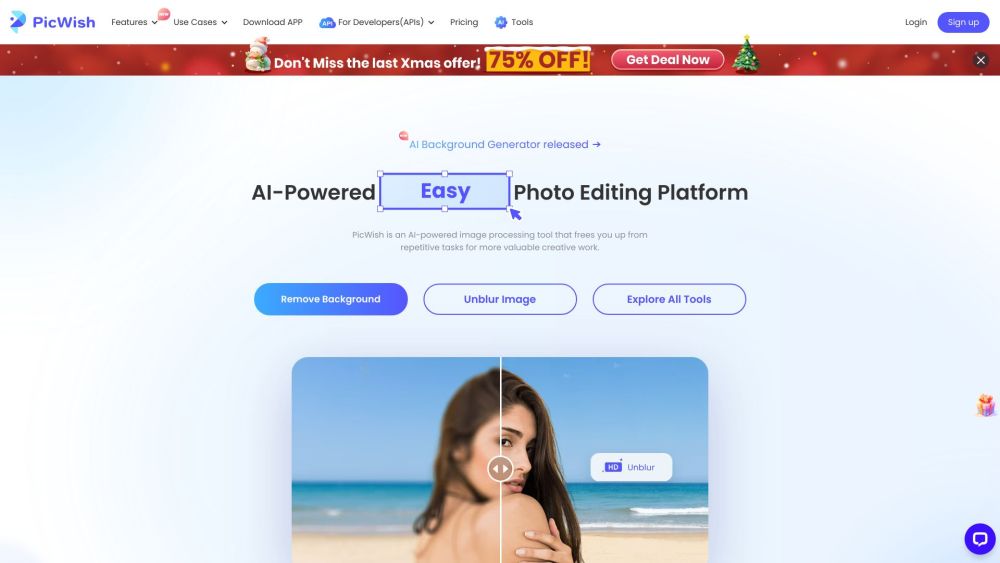
PicWish
Revolutionize your image editing with our AI-driven tool for processing images. Enhance, retouch, and transform your photos with ease.

CapCut
AI-powered video editor and graphic design tool for all platforms.
Use Cases
- Enhancing selfies and portraits with AI effects
- Exploring fashion styles and trying on virtual outfits
- Creating high school graduation photos from different eras
- Transforming portraits into captivating cartoon characters
- Visualizing aging and gender transformations
- One-click makeup and hair color adjustments
How to Use
Simply upload a single profile picture, and the app will generate a diverse range of astonishing photos. Users can explore fashion styles, try on different outfits virtually, and get a glimpse of how they would look in various dresses. The edited photos can be shared on social media.