facturasaexcel
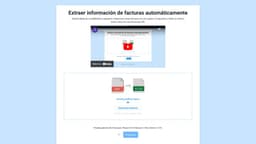
Facturasaexcel is an AI-powered tool that extracts information from invoices to create organized Excel files.
invoice extractionaccounting tablesPDF to Excel
Introduction
What is facturasaexcel? facturasaexcel is a tool that automatically extracts information from invoices and generates accounting tables. It is designed for freelancers and businesses to quickly convert their invoices into organized Excel files. By leveraging Artificial Intelligence technology, it saves time and effort by eliminating manual data entry.
Key Features
Core Features of facturasaexcel
facturasaexcel offers the following key features: - Automatic extraction of invoice information - Generation of accounting tables in seconds - Batch processing of multiple invoices - Export to Excel file format (.xlsx)
Frequently Asked Questions
What is facturasaexcel?
How to use facturasaexcel?
How accurate is the invoice extraction process?
What if I encounter any issues or have suggestions?
How are my personal data handled?
Are there any other links to be aware of?
Can the generated Excel files be further edited?
Similar Tools
insightsoftware
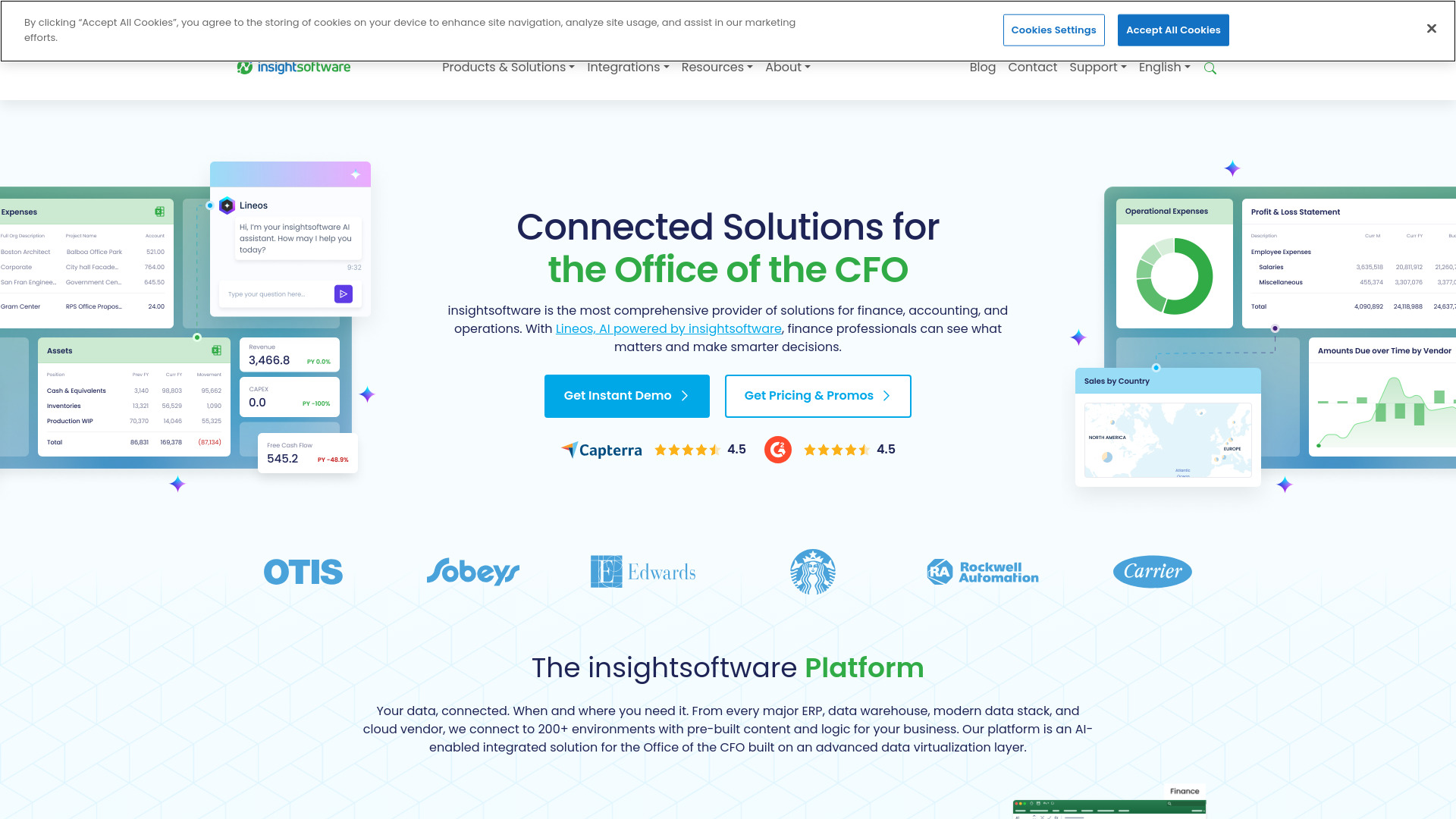
Powerful finance software for detailed reporting, budget planning, and in-depth analytics to help you manage your finances effectively.
AI Bookkeeping
Revolutionize your bookkeeping with AI Bookkeeping, the ultimate app for managing your finances efficiently and accurately. Say goodbye to manual data entry!
Jupid - AI Accountant
Effortlessly form your LLC, manage bookkeeping, and file taxes stress-free with our AI accountant app. Simplify your financial tasks today.
Use Cases
- Use Cases of facturasaexcel
- facturasaexcel is beneficial for: - Freelancers who need to convert multiple invoices into a structured accounting format - Businesses looking to streamline their accounting process - Individuals who want to save time by automating the extraction of invoice data - Users who want to easily search and find specific invoices without the need for manual sorting
How to Use
How to use facturasaexcel? Using facturasaexcel is simple: 1. Select multiple invoices in PDF format. 2. Wait for 15 seconds. 3. Download the generated Excel file (.xlsx), with each invoice listed in a separate row. 4. Optionally, you can drag and drop the PDF files directly onto the website. 5. For a better organization, the invoices will be automatically renamed with their corresponding date and description.