
FormulaGenerator
Provides AI-powered toolkit for generating formulas, queries, and code in Excel.
Introduction
FormulaGenerator is a one-stop solution for generating Excel formulas, VBA automations, SQL queries, and more using their free AI toolkit powered by fine-tuned GPT models. It helps users debug formulas and code, offers an intuitive interface for creating complex formulas, and provides explanations for formulas. It also generates VBA, SQL, and Appscript code.
Key Features
The core features of FormulaGenerator include: 1. Formula generation: Quickly generate Excel formulas by entering text instructions. 2. Error Spotter: Debug formulas and code for Excel, Google Sheets, and SQL. 3. Explain Formula: Get easy-to-understand explanations for formulas. 4. Generate Code: Generate VBA, SQL, and Appscript code. 5. Answer Bot: Get instant answers to questions related to Excel, Google Sheets, and more. 6. Fine Tuning Service: Create a custom AI application based on your industry/niche.
Frequently Asked Questions
What is FormulaGenerator?
How to use FormulaGenerator?
Similar Tools

insightsoftware
Powerful finance software for detailed reporting, budget planning, and in-depth analytics to help you manage your finances effectively.

GPT Workspace
Enhance productivity in Google Workspace tools with AI integration for streamlined workflows and efficient task management.
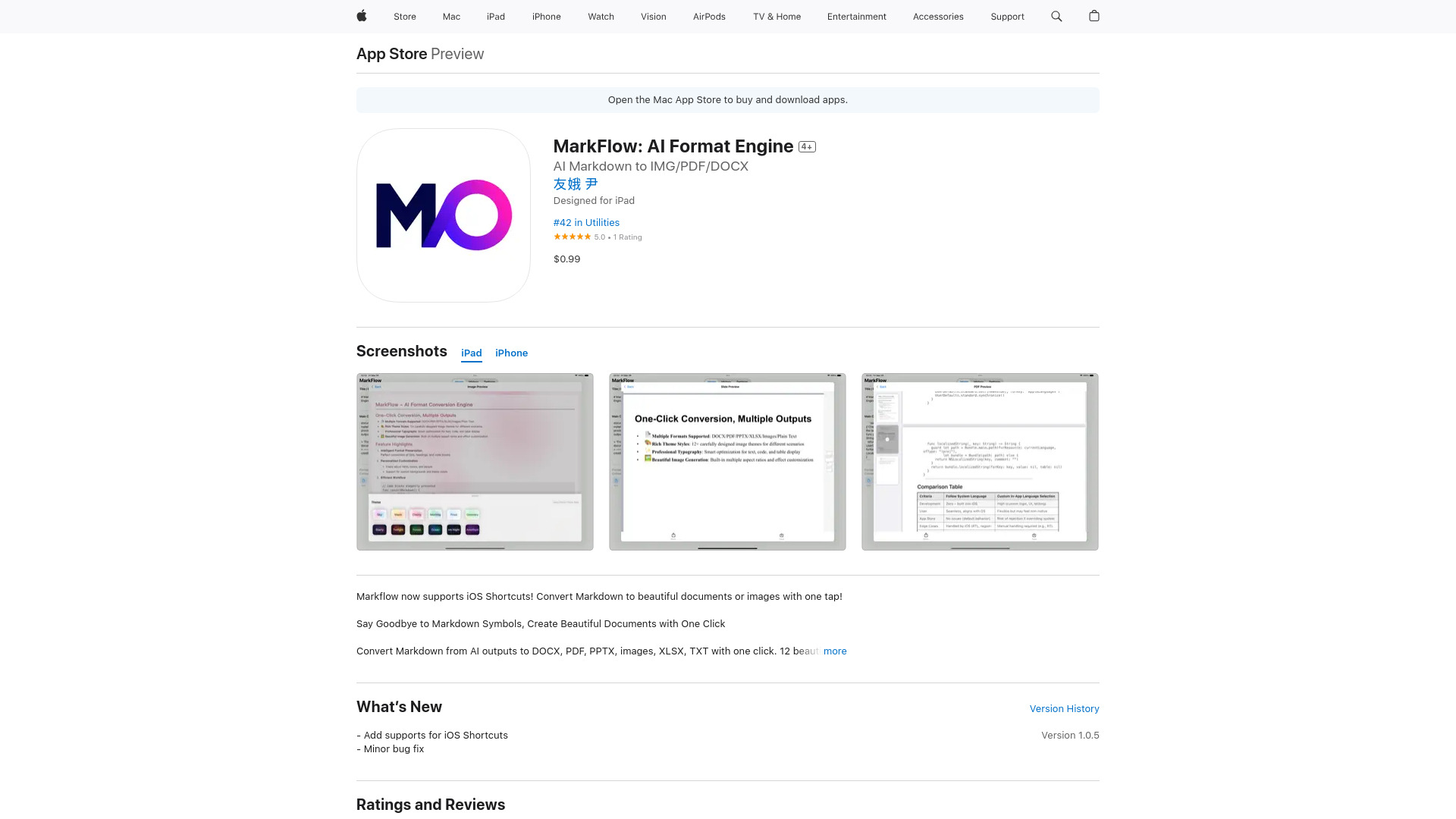
MarkFlow: AI Format Engine
Experience the power of MarkFlow, an advanced AI Format Engine that revolutionizes your document formatting process with precision and efficiency.
Use Cases
- FormulaGenerator can be used for various purposes such as: 1. Creating complex formulas in Excel and Google Sheets. 2. Debugging formulas and code errors. 3. Generating VBA, SQL, and Appscript code. 4. Getting step-by-step answers for Excel and Google Sheets tasks. 5. Building custom AI applications based on industry-specific needs.
How to Use
To use FormulaGenerator, you can start by entering text instructions to generate Excel formulas. For example, you can describe a task like 'Split the text in cell A2 where the "/" symbol appears into two columns' and FormulaGenerator will automatically generate the formula for you. The platform also offers an Error Spotter feature to debug formulas and code, an Explain Formula feature to understand formulas, and the ability to generate VBA, SQL, and Appscript code. You can try FormulaGenerator as a web app or a Google Sheets extension.