BatchRemoveBackground.com
BatchRemoveBackground.com - Bulk background removal made easy.
Introduction
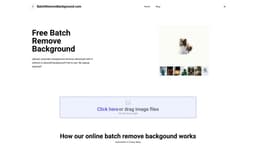
BatchRemoveBackground.com is a free online tool that allows users to easily remove the background from images in bulk. Users can upload multiple images, and the tool will automatically remove the background from each image. The resulting images can be downloaded with or without a colored background, and the tool is completely free to use with no signup required.
What stands out?
Remove background up to 30 images at one time, saving time and effort.
Our AI-powered background remover makes the process of removing backgrounds from large numbers of images a breeze.
Supports batch processing of multiple images, eliminating the need for individual operations.
Frequently Asked Questions
What is BatchRemoveBackground.com?
How to use BatchRemoveBackground.com?
Is BatchRemoveBackground.com really free to use?
What file formats are supported?
Can I remove backgrounds from multiple images at once?
Can I download images with transparent backgrounds?
Do I need any special software or plugins to use BatchRemoveBackground.com?
Reviews & Feedback
Share your experience with the community
0.0
Based on 0 reviews
User Comments (0)
Sort Criteria
Order
No reviews yet. Be the first to share your thoughts!
Statistics
Monthly visits
NaN
Saved by users
0
Rating
0.0/ 5.0
Added on
—
Similar Tools

Fotor
The ultimate AI photo editor
Shutterstock
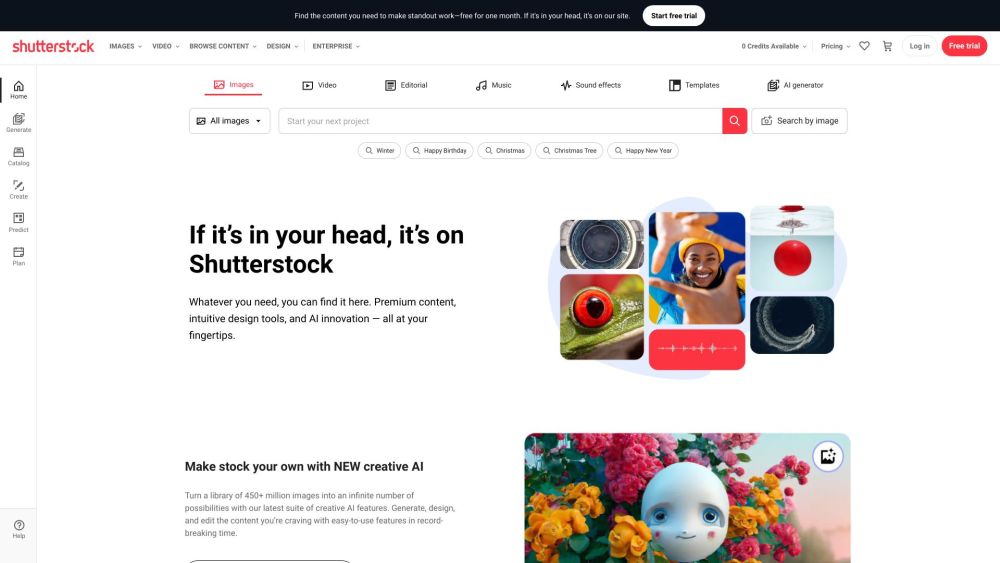
Explore a variety of stock images, photos, vectors, videos, and music for your creative projects with this versatile application.

Pixelcut
Easily create stunning product photos and ads with our free online design tool. Remove backgrounds and erase objects effortlessly.

PhotoRoom
Easily enhance product and portrait photos on-the-go with the PhotoRoom app. Transform your pictures with professional quality right from your phone.
Use Cases
- Designers can easily remove backgrounds from multiple images to create clean and professional designs.
- E-commerce businesses can quickly remove backgrounds from product images for a consistent and appealing look.
- Social media marketers can remove backgrounds from images to create eye-catching posts and ads.
How to Use
To use BatchRemoveBackground.com, simply click on the 'Upload' button or drag and drop image files (PNG, JPG, GIF up to 10MB) onto the website. After the images are uploaded, click on the 'Process' button to automatically remove the backgrounds. Once the process is complete, the new images can be downloaded as PNG files with transparent backgrounds.