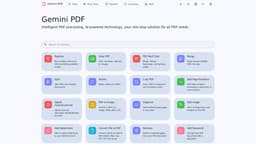
Gemini PDF
Free AI-powered PDF processing
AI-powered PDF processingFree PDF toolsPDF merging
Introduction
Gemini PDF is an AI-powered online PDF processing platform that offers free, one-stop solutions for merging, splitting, compressing, and converting PDF files to various formats such as JPG, Office files, and more. It also provides tools for organizing, signing, securing, viewing, editing, and extracting content from PDFs.
Key Features
Merge, split, compress, and convert PDF files
Organize, sign, secure, view, edit, and extract content from PDFs
Frequently Asked Questions
What is Gemini PDF?
How to use Gemini PDF?
Is Gemini PDF completely free to use?
Can Gemini PDF handle large PDF files?
Similar Tools

StreamLadder
Climb the ranks of popular streaming platforms with StreamLadder. Increase your visibility and grow your audience effortlessly. Start today!

Promo AI Video Maker
Easily generate and oversee promotional videos with our advanced AI tool. Unleash the power of automation for your video marketing campaigns.
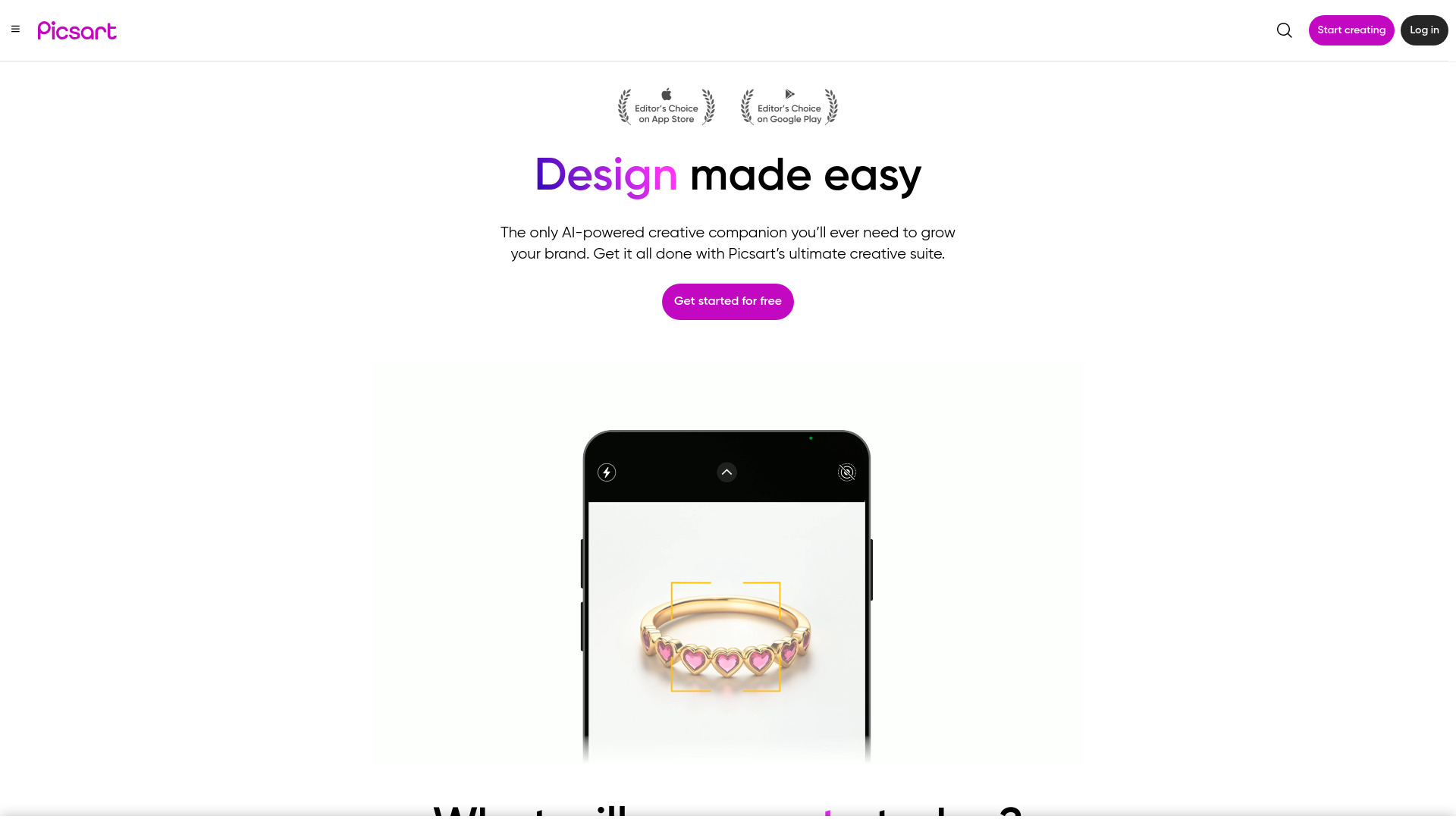
Picsart
Unleash your creativity with Picsart - an innovative photo editing app that offers a wide range of tools and filters to enhance your images.
Use Cases
- Merge multiple PDFs into one document
- Split a large PDF into multiple smaller documents
- Compress the file size of a PDF
- Convert Office files to PDFs and vice versa
- Sign, secure, and add watermarks to PDFs
- View, annotate, and extract content from PDFs
- Convert PDFs to image, Word, Presentation, RTF, HTML, XML, and more
How to Use
To use Gemini PDF, simply visit the website and select the desired PDF processing tool from the menu. Upload your PDF file, choose the desired action, and follow the on-screen instructions to accomplish your task.