
Glyf
Create stunning 3D designs on your phone with Glyf's AI-powered app.
Introduction
Glyf is an Android and iOS app that allows users to create stunning 3D designs directly on their phones. It enables the conversion of simple 3D designs into high-quality 3D art pieces using the power of AI. Users can also create AI-powered art by inputting a few words.
What stands out?
Create stunning 3D designs on your phone
Convert simple 3D designs into high-quality 3D art using AI
Generate AI-powered art from text
Easy-to-use interface
Save and share your creations
Frequently Asked Questions
What is Glyf?
How to use Glyf?
Can I use Glyf on both Android and iOS devices?
Can I convert my own images into 3D models with Glyf?
Is AI enhancement only applicable to 3D designs?
Can I share my creations with others?
More Information
Glyf Support Email & Customer service contact & Refund contact etc.
Here is the Glyf support email for customer service: [email protected] . More Contact, visit the contact us page(https://glyf.in/#contact)
Glyf Company
Glyf Company name: Axndx . More about Glyf, Please visit the about us page(https://glyf.in/#about).
Glyf Facebook
Glyf Facebook Link: https://www.facebook.com/glyf3d/
Glyf Linkedin
Glyf Linkedin Link: https://www.linkedin.com/showcase/glyfapp/
Glyf Twitter
Glyf Twitter Link: https://twitter.com/glyf3d/
Glyf Instagram
Glyf Instagram Link: https://www.instagram.com/glyf3d/
Reviews & Feedback
Share your experience with the community
0.0
Based on 0 reviews
User Comments (0)
Sort Criteria
Order
No reviews yet. Be the first to share your thoughts!
Statistics
Monthly visits
NaN
Saved by users
0
Rating
0.0/ 5.0
Added on
—
Similar Tools
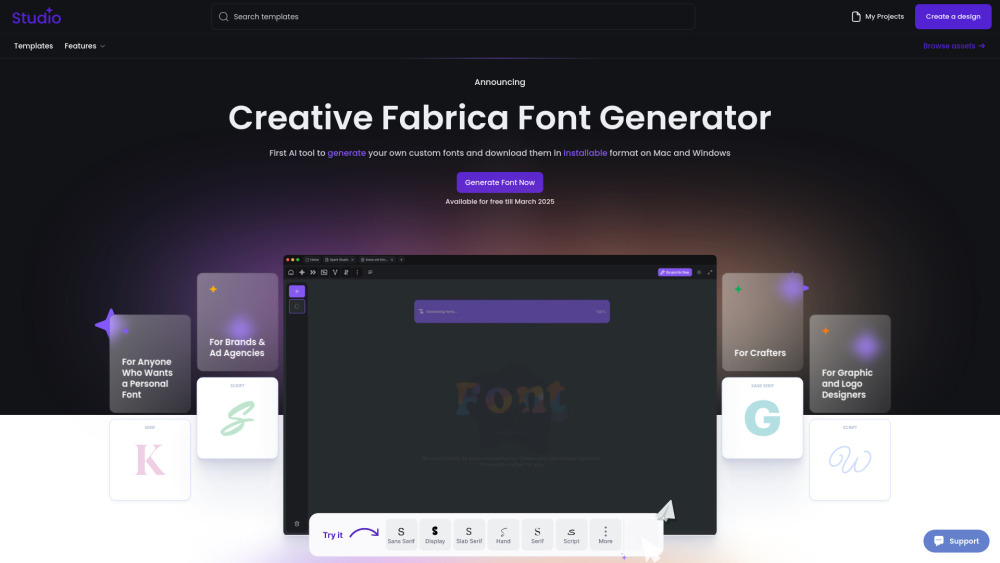
Creative Fabrica
Revolutionize your font creation process with the first AI-powered tool to customize and download fonts for Mac and Windows in an installable format.

Grok
AI assistant that promotes truth and objectivity with various features.
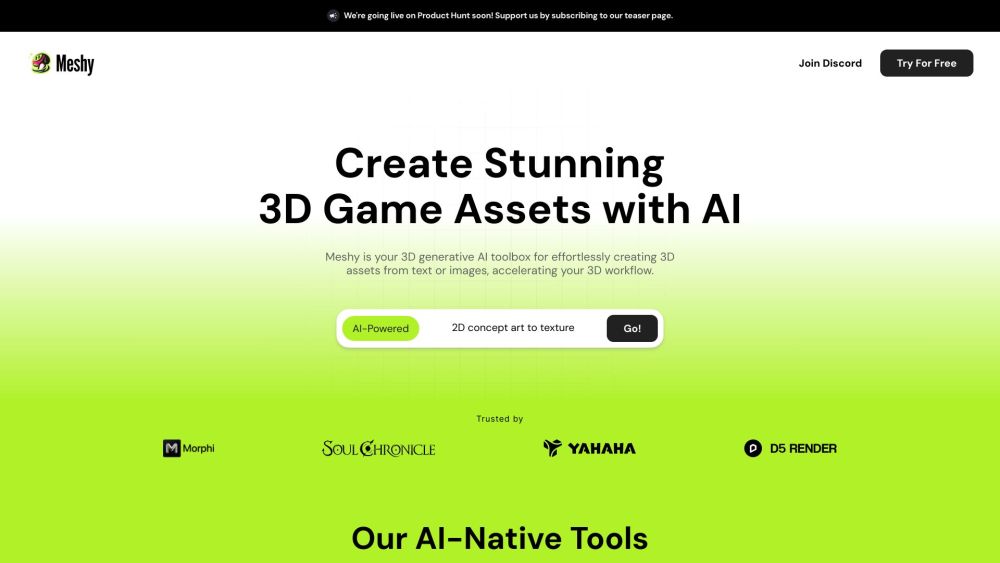
Meshy
Effortlessly transform text and images into captivating 3D assets.
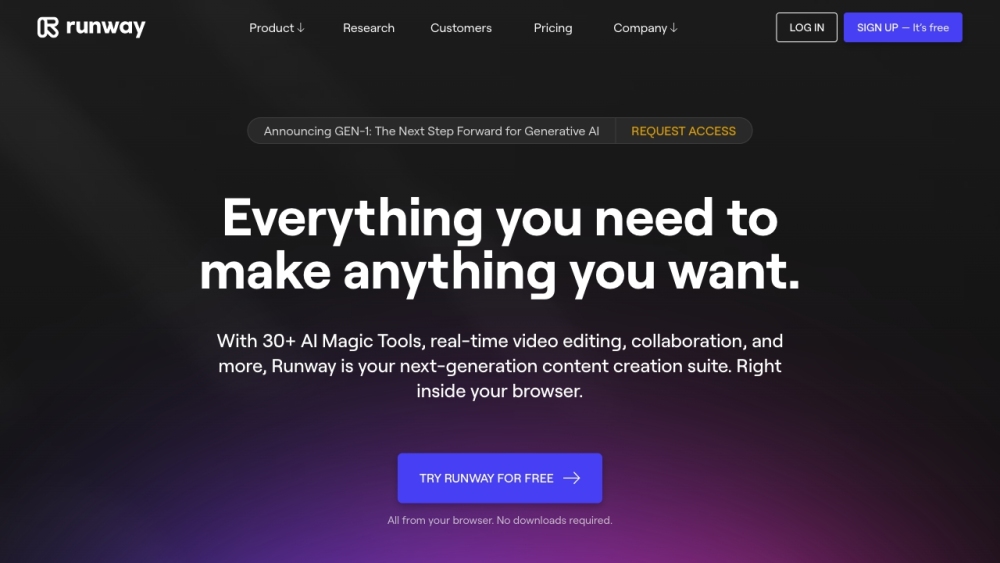
Runway
Discover Runway, a cutting-edge application that utilizes AI to create innovative tools for artists and entertainers in the creative industry.

Civitai
Discover a vibrant community and extensive collection of Stable Diffusion AI Art models on this platform, perfect for all your creative needs.
Use Cases
- Designing 3D art and fonts
- Converting images into 3D models
- Creating unique 3D icons
- Artistic expression through AI-powered visuals
How to Use
1. Download and install the Glyf app from the Google Play Store or Apple App Store. 2. Open the app and explore the various features and options available. 3. To convert simple 3D designs to high-quality 3D art, select the desired design and apply AI enhancement. 4. To create AI-powered art, enter a few words and let the app generate stunning visuals. 5. Save or share your creations with others.