Introduction
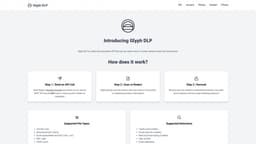
Glyph DLP is a data loss prevention API that can be used to scan or redact sensitive data from documents.
Key Features
Data Loss Prevention API, Scanning and Redacting Sensitive Data
Frequently Asked Questions
What is Glyph DLP?
How to use Glyph DLP?
What is Glyph DLP?
How does Glyph DLP work?
What file types does Glyph DLP support?
What can Glyph DLP detect?
Similar Tools
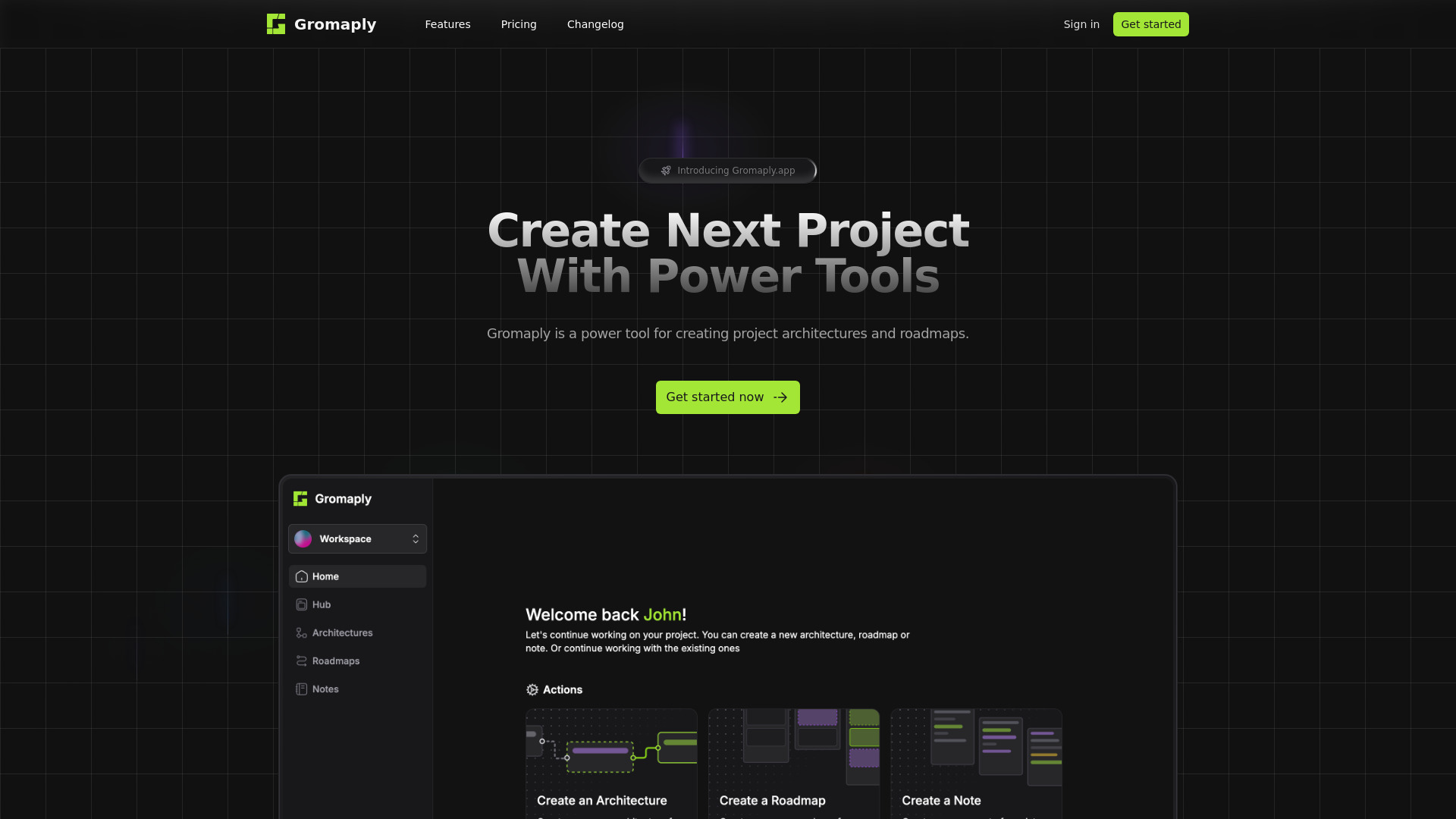
Gromaply
Discover Gromaply, the ultimate app for exploring maps and navigating with ease. Find your way around effortlessly with Gromaply at your fingertips!
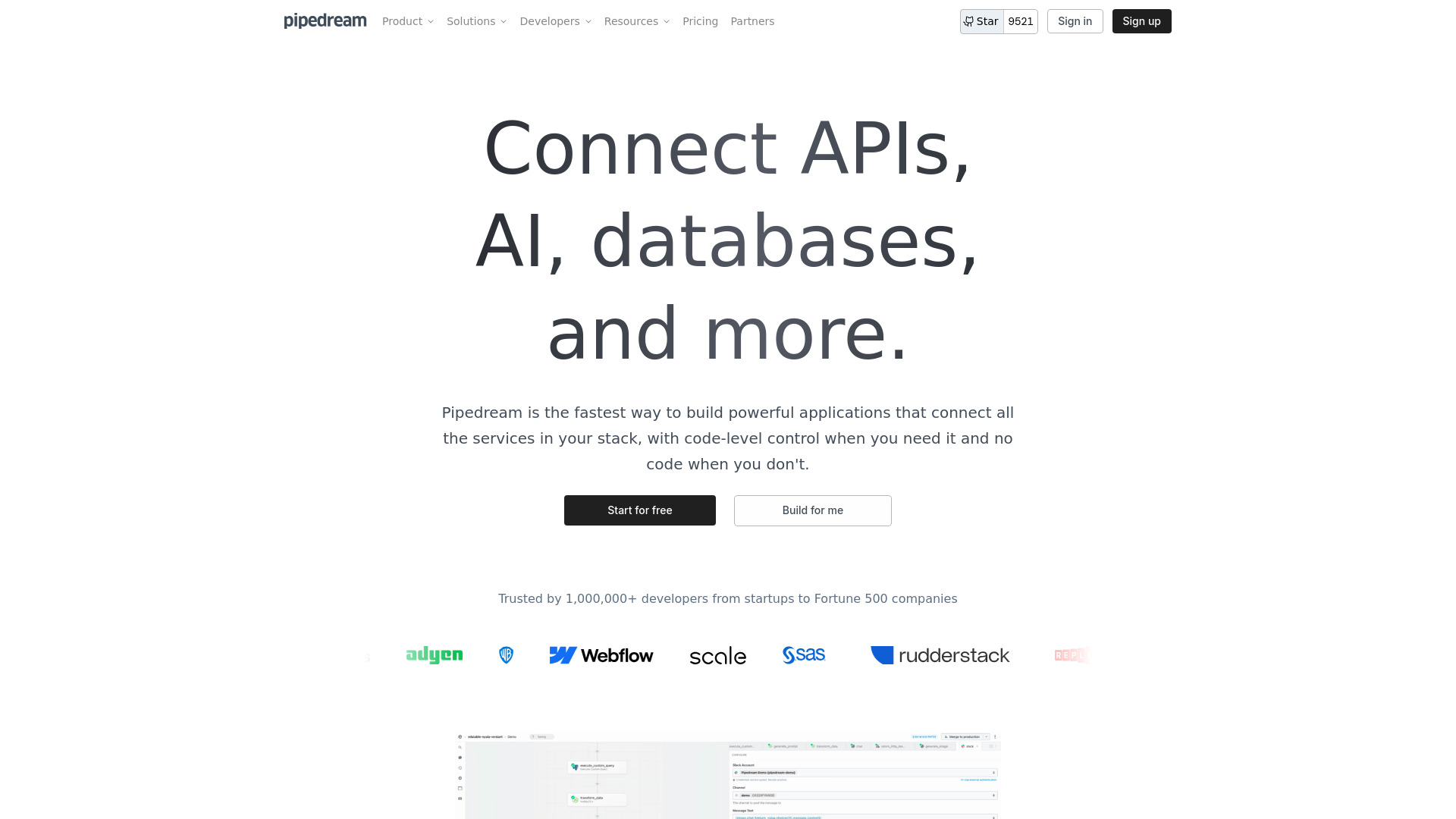
Pipedream
Easily connect APIs and automate tasks with our application, simplifying processes and streamlining workflows for efficiency.
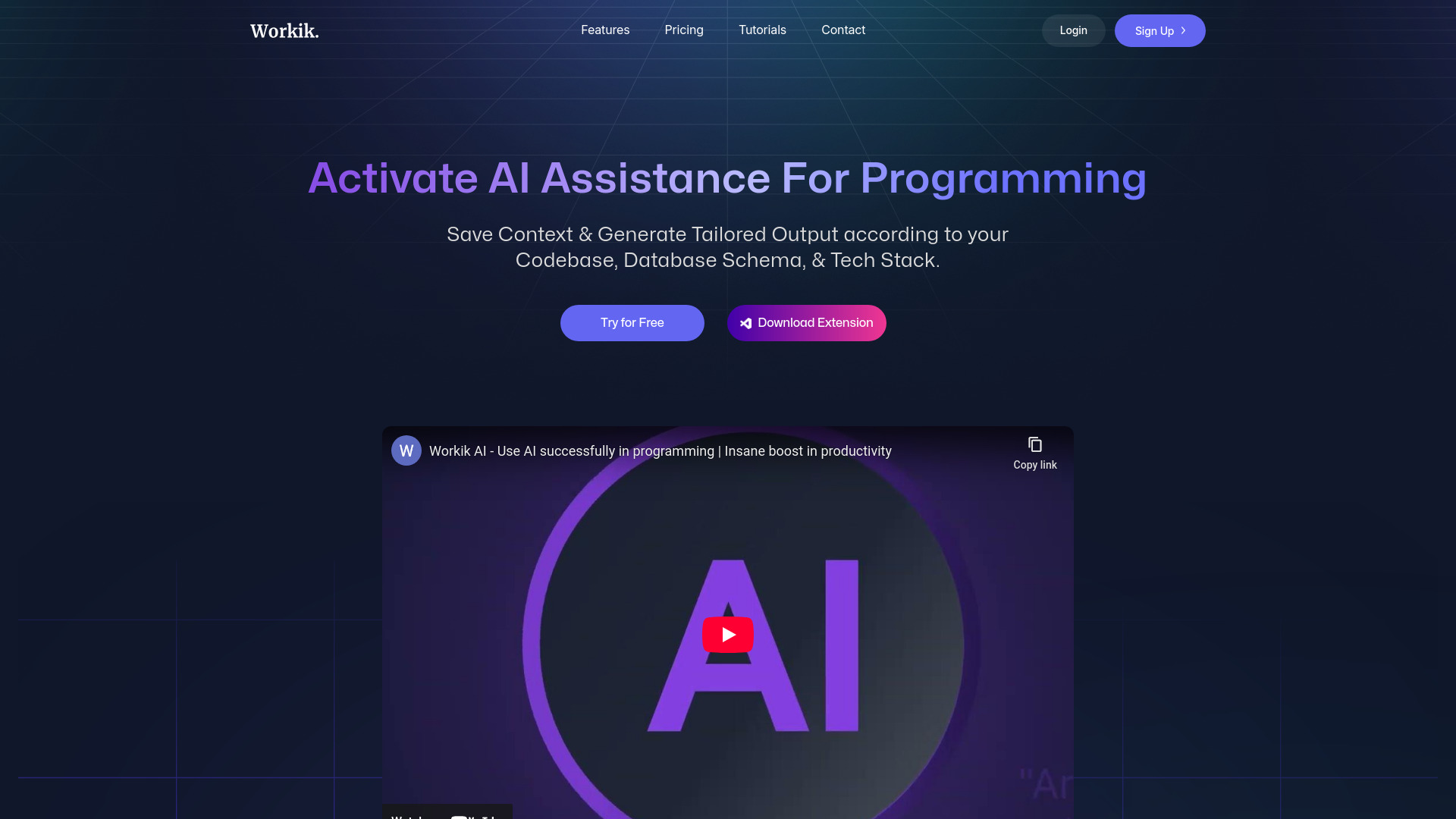
Workik
Boost your productivity with a coding assistant utilizing AI technology to help developers work more efficiently.
Use Cases
- Safeguarding sensitive information, Protecting data privacy
How to Use
Step 1: Send an API call with a Base64-encoded document via our secure REST API. Step 2: Choose to scan or redact sensitive information from the document. Step 3: Receive the scan results or redacted document, now safer and compliant with your data handling protocols.