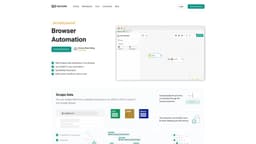
Goless
Boost productivity with no-code browser automations.
Introduction
Goless is a browser extension that offers no-code automations to simplify information gathering from various services, helping users boost productivity.
What stands out?
Web automation tools
Automated workflows
ChatGPT automations
Web scraping
Task automation
Spreadsheet automation
Data scraping
Form filling
Anti-CAPTCHA
Trigger-based automation
Collaboration
Website testing
Social media automation
Frequently Asked Questions
What is Goless?
How to use Goless?
How do I automate browser actions with Goless?
What web automation tasks can I create?
Do I need to know programming to use GoLess?
More Information
Goless Discord
Here is the Goless Discord: https://discord.gg/QeqBVCCCdE. For more Discord message, please click here(/discord/qeqbvcccde).
Goless Company
Goless Company name: GoLess .
Goless Login
Goless Login Link: https://goless.com/sign-in
Goless Sign up
Goless Sign up Link: https://goless.com/sign-up
Goless Pricing
Goless Pricing Link: https://goless.com/pricing
Goless Linkedin
Goless Linkedin Link: https://www.linkedin.com/company/goless
Goless Twitter
Goless Twitter Link: https://twitter.com/golesscom
Goless Instagram
Goless Instagram Link: https://www.linkedin.com/company/goless
Reviews & Feedback
Share your experience with the community
0.0
Based on 0 reviews
User Comments (0)
Sort Criteria
Order
No reviews yet. Be the first to share your thoughts!
Statistics
Monthly visits
NaN
Saved by users
0
Rating
0.0/ 5.0
Added on
—
Similar Tools
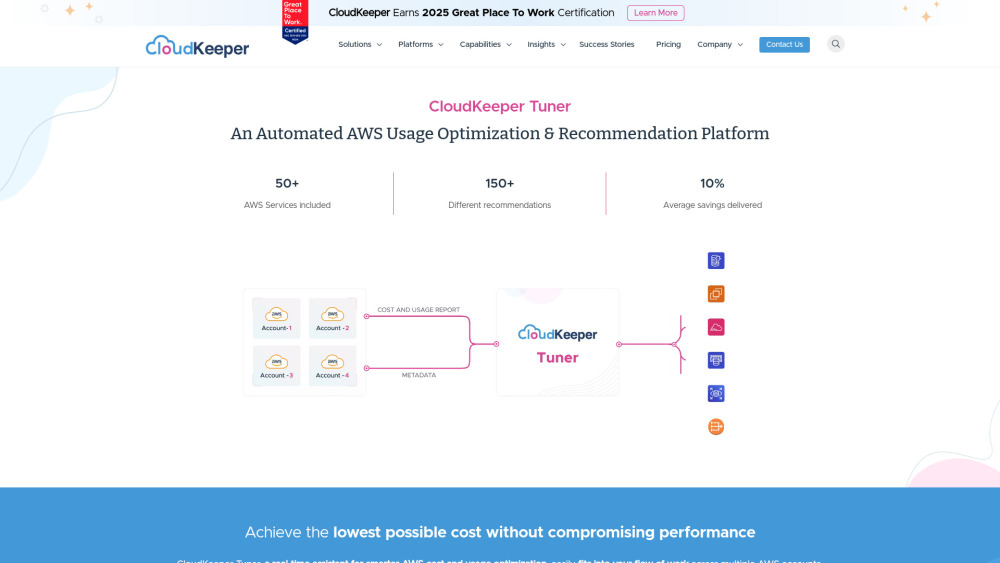
CloudKeeper Tuner
Optimize your AWS usage with CloudKeeper Tuner, the automated platform for recommendations and efficiency improvements. Start saving now!

Easycart
Effortlessly build a high-performing one-click checkout fast. Transform your sales process in minutes with this conversion-boosting app.
Beacons
Revolutionize your content creation with our AI-driven platform designed for creators. Unlock endless possibilities today!
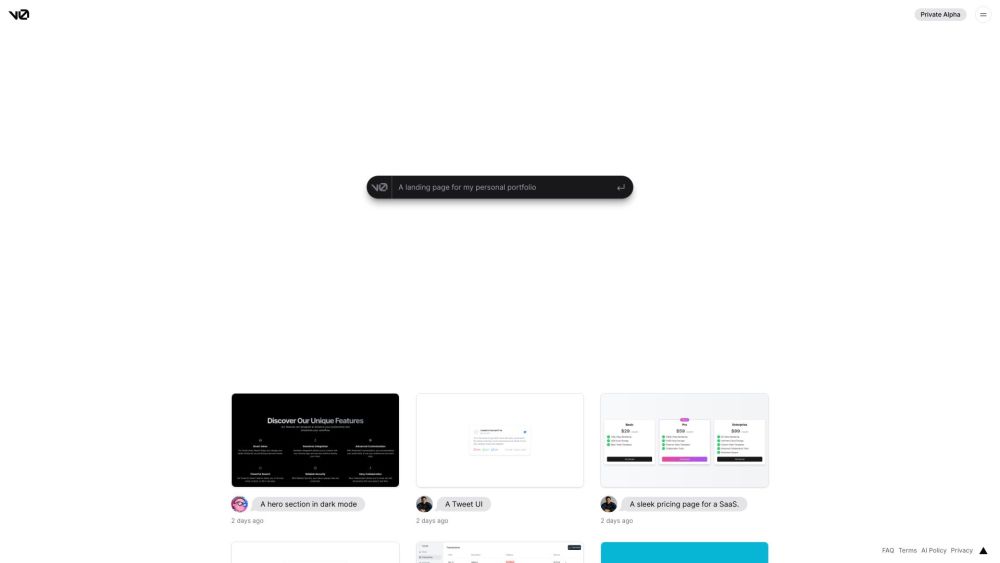
v0.dev
Generative UI system powered by AI.
Framer
Framer app enables users to easily build and launch sleek websites without the need for coding skills. Start designing your site today!
Use Cases
- Simplify daily tasks
- Optimize data collection
- Automate data entry
- Automate website testing
- Save time on social media actions
How to Use
To automate browser actions with Goless, simply create a workflow using the Chrome extension. Utilize the drag-and-drop interface to design a block diagram of your workflow. You can start from pre-built workflows in the marketplace and customize them based on your specific needs.