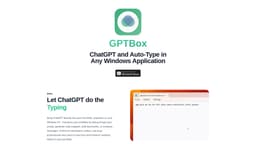
GPTBox
AI integration for enhanced productivity in Windows tasks.
chatgpt windowsdeepseek windowswindows ai assistant
Introduction
GPTBox is a productivity tool integrating ChatGPT and DeepSeek directly into the Windows taskbar for improved text generation and workflow efficiency.
Key Features
Inline text generation in any Windows application
Global access to ChatGPT and DeepSeek
Fast and efficient AI support directly from the taskbar
Frequently Asked Questions
What is GPTBox?
How to use GPTBox?
Is GPTBox free for Windows users?
How do I get an OpenAI API key?
How can I resolve technical issues with GPTBox?
Similar Tools

LimeChat
Revolutionize your e-commerce business with our AI-powered platform that offers support and marketing through WhatsApp. Boost sales and engagement now!

iSlide
Simplify your PowerPoint design with our innovative platform, offering a wide range of templates and AI tools to enhance your presentations.

Gethookd
Revolutionize your ad creation and performance with our AI platform. Optimize your ads like never before for maximum results.
Use Cases
- Type emails using AI assistance
- Generate code snippets seamlessly
- Draft documents quickly
How to Use
To use GPTBox, install it on your Windows PC, obtain an OpenAI and Deepseek API key, and access AI features via a keyboard shortcut.