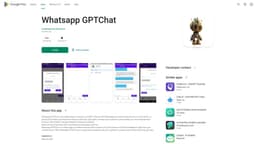
GPTChat
AI chatbot assistant for daily tasks and questions.
AI chatbotAndroid appPersonal assistant
Introduction
GPTChat is an Android app that allows users to connect to chatGPT and use its functionalities on their device. It serves as a personal AI chatbot assistant that assists with daily tasks and provides answers to questions.
Key Features
Connect to chatGPT on your Android device
Personal AI assistant for daily tasks
Question-answering functionality
Share chat responses and conversations to other apps like WhatsApp and email
Frequently Asked Questions
What is GPTChat?
How to use GPTChat?
Is GPTChat free to use?
Can I use GPTChat without an internet connection?
Can I share the chat responses and conversations with others?
Does GPTChat support voice recognition?
Similar Tools

Search AI Hub - Chrome Extension
Aggregator for AI and traditional search results
LearnLingo
Discover a new way to learn languages with AI tutors through chat and voice interactions. Start your language journey today!
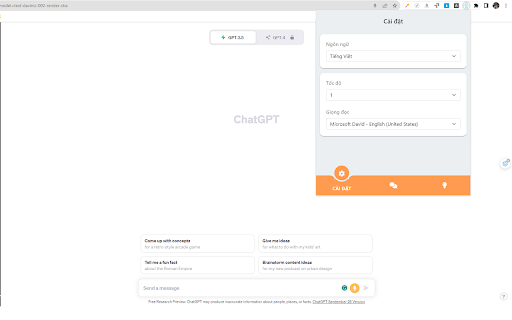
GPT Voice Chat Support - Chrome Extension
Elevate your voice chat experience with GPT-powered support through this innovative extension for seamless communication.
Use Cases
- Getting answers to general knowledge questions
- Scheduling appointments and setting reminders
- Finding information on the internet
- Recommending restaurants and places to visit
- Providing weather updates
- Assisting with language translation
How to Use
To use GPTChat, simply download the app from the Google Play Store and install it on your Android device. Once installed, open the app and start interacting with the chatbot by typing or speaking your queries.