
GPT Hotline
Connect with smart AI on WhatsApp to chat, create, get news, and more.
Introduction
GPT Hotline is a platform that connects users with the world's smartest AI on WhatsApp. It allows users to chat about any topic, create and edit images, get the news, and more with the world's most advanced chatbot on their favorite messaging app.
What stands out?
Instant messaging with the AI on WhatsApp
Search and share past conversations
Power commands to create/edit images, get news updates, etc.
Speech To Text functionality to send voice messages
Set reminders for yourself
Frequently Asked Questions
What is GPT Hotline?
How to use GPT Hotline?
Can I access the AI on WhatsApp?
What can I do with GPT Hotline?
How can I share past conversations with friends?
What power commands are available?
Can I send voice messages to the AI?
Can I set reminders for myself?
What discounts are available?
What is the cancellation policy?
More Information
GPT Hotline Support Email & Customer service contact & Refund contact etc.
More Contact, visit the contact us page(https://www.gpthotline.com/contact)
GPT Hotline Login
GPT Hotline Login Link: https://www.gpthotline.com/signin
GPT Hotline Pricing
GPT Hotline Pricing Link: https://www.gpthotline.com/pricing
Reviews & Feedback
Share your experience with the community
0.0
Based on 0 reviews
User Comments (0)
Sort Criteria
Order
No reviews yet. Be the first to share your thoughts!
Statistics
Monthly visits
NaN
Saved by users
0
Rating
0.0/ 5.0
Added on
—
Similar Tools

AI PDF Summarizer by PDF Guru
Simplify PDFs with AI! Summarize, extract key points, ask questions, and translate in 80+ languages. Perfect for work, study, or research.
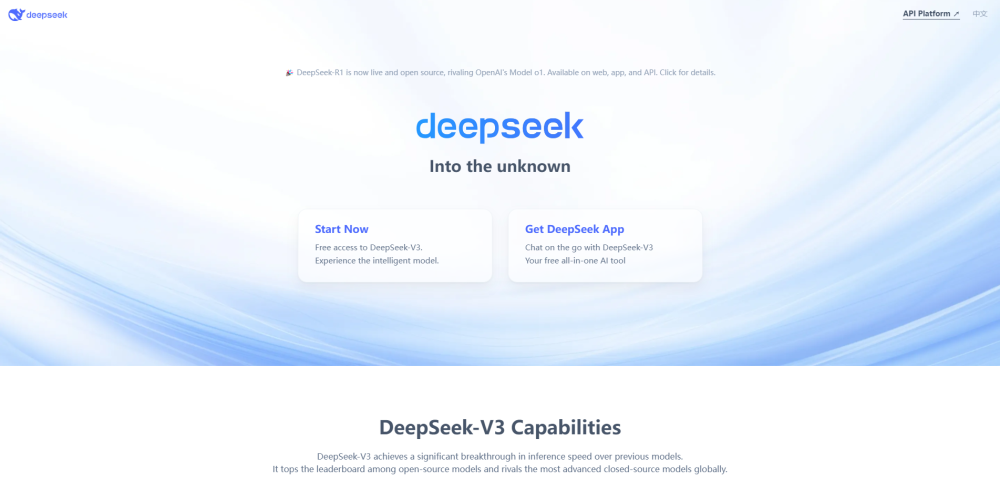
DeepSeek
Cutting-edge AI platform for programming and chatting with publicly available models, offering advanced capabilities and features.
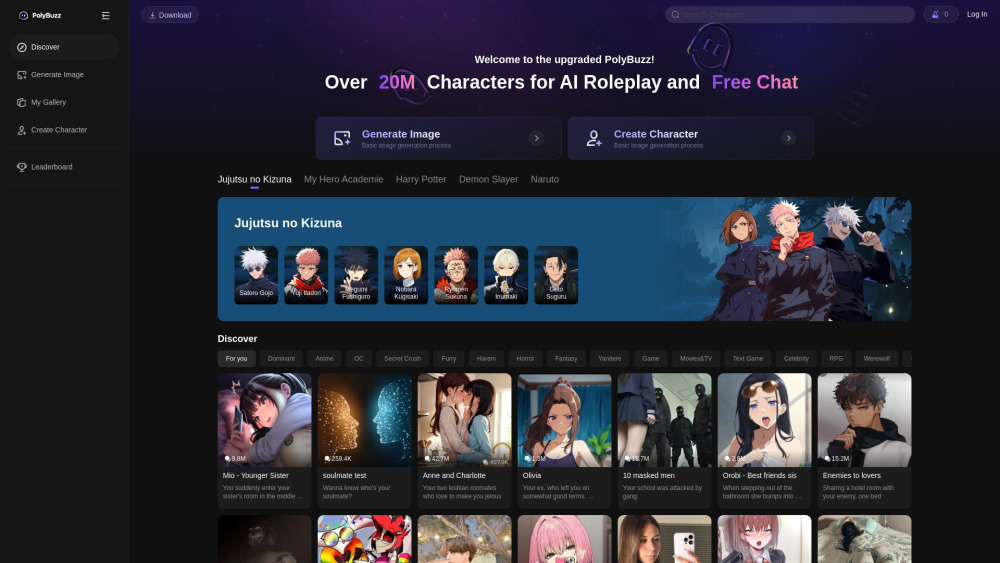
PolyBuzz
PolyBuzz offers free, private, and unrestricted AI chat and immersive roleplay with over 20 million characters.

AI Therapy
Your personal AI therapist for round-the-clock mental health support.

Wanderboat AI Travel Planner
Discover your personalized travel experiences with AI travel planner. Tailored recommendations for your perfect trip. Start planning now!
Use Cases
- Having natural language conversations with the AI
- Creating and editing images with the AI's assistance
- Getting news updates based on your interests
- Sending voice messages for a more personal connection with the AI
- Setting reminders for important tasks and receiving notifications
How to Use
To use GPT Hotline, you need to sign up for the GPT Pro Plan, register your phone number, and start texting your AI assistant on WhatsApp. You can easily message the AI, search and share past conversations, use power commands to create/edit images, get news updates, and more. You can also use the Speech To Text functionality to send voice messages to the AI. Additionally, you can set reminders for yourself and receive messages when the time comes.