
GPTRoom
GPTRoom is an AI-powered platform for transforming room designs with different themes.
room designhome remodelingAI
Introduction
GPTRoom is an AI-powered platform that allows users to generate dream rooms and transform their room designs using different themes. It caters to home design enthusiasts and offers a simple and innovative way to remodel rooms.
Key Features
1. AI-generated dream rooms: GPTRoom uses AI to generate dream rooms based on user preferences and captured photos. 2. Theme selection: Explore and choose from a variety of themes to redesign your room. 3. Room remodeling: Transform your room virtually by applying different themes and visualizing the changes. 4. Photo capture: Capture a photo of your room within the platform to start the remodeling process.
Frequently Asked Questions
What is GPTRoom?
How to use GPTRoom?
Can I use GPTRoom for commercial design projects?
Are there any limitations to the number of themes available?
Can I save and share my redesigned room visuals from GPTRoom?
Is GPTRoom compatible with mobile devices?
Similar Tools
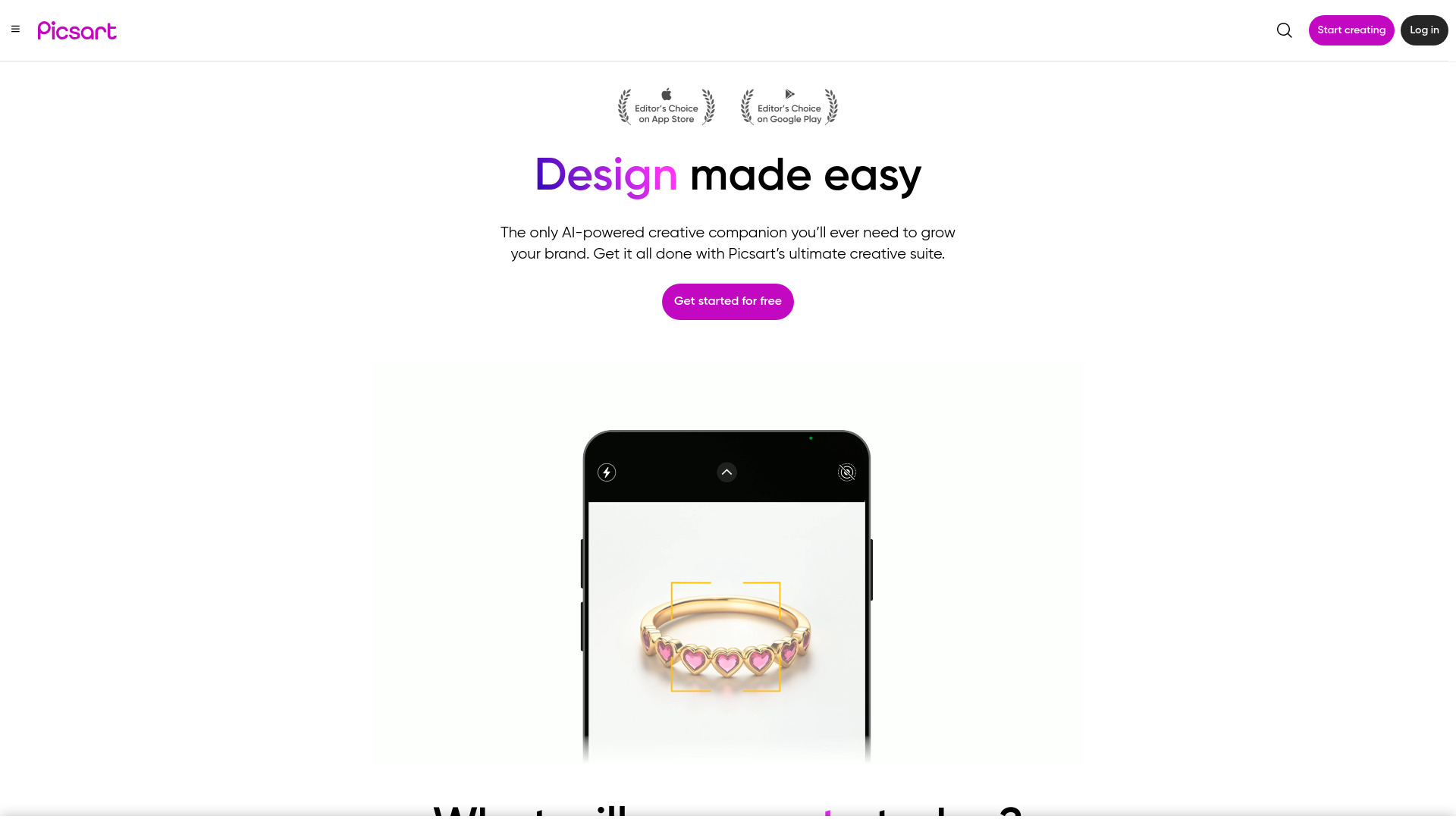
Picsart
Unleash your creativity with Picsart - an innovative photo editing app that offers a wide range of tools and filters to enhance your images.
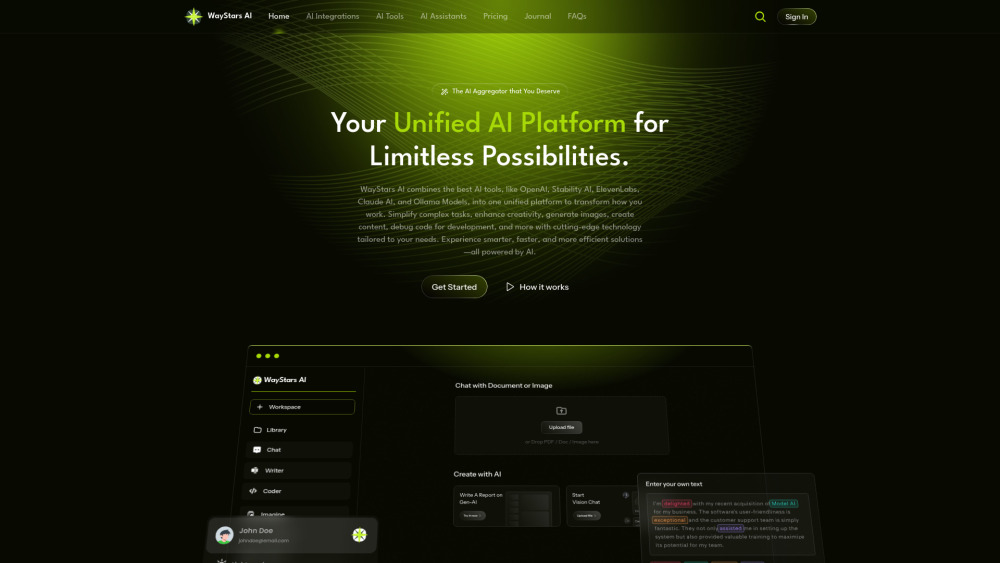
WayStars AI- Your Unified AI Platform
WayStars AI is a comprehensive suite of AI tools that combines advanced models, productivity features, and creative functions into one seamless platform. Unleash the power of AI with WayStars.
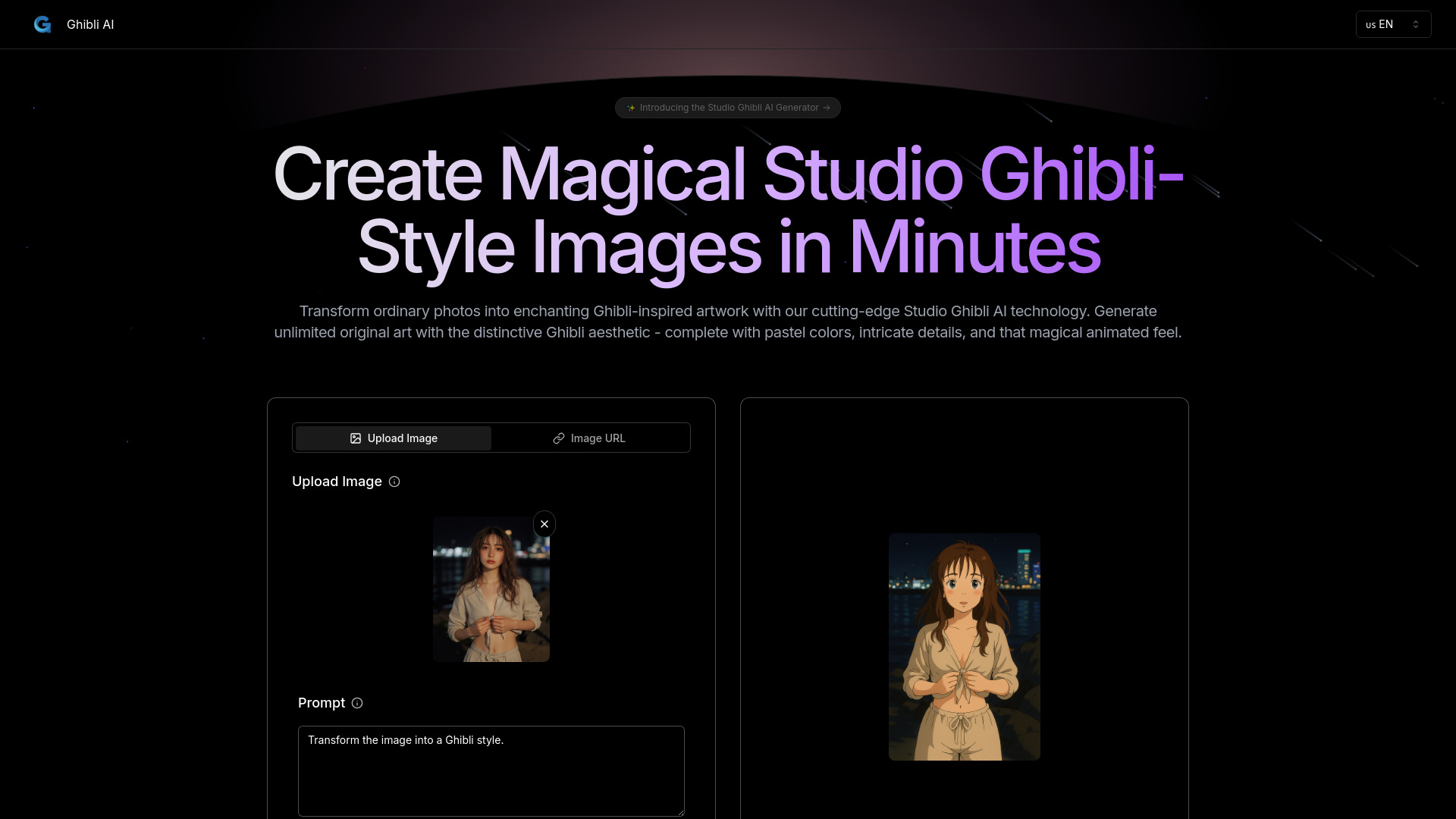
Ghibli AI
Explore an innovative AI tool that transforms photos or text into enchanting artwork inspired by the iconic Ghibli style.
Use Cases
- 1. Homeowners looking to remodel their rooms can use GPTRoom to visualize different design options and make informed decisions. 2. Interior designers and decorators can utilize GPTRoom to showcase design ideas to clients and provide realistic visualizations. 3. Home design enthusiasts can explore and experiment with various room themes for creative inspiration and planning.
How to Use
To use GPTRoom, simply capture a photo of your room using the platform's photo capture feature. Then, explore the different themes available to redesign your room. Choose a theme that fits your preferences and visualize how it would look in your room.