
Hidden
Hidden is an AI platform for creating engaging and unique marketing resources.
Introduction
Hidden is an AI platform that helps users create engaging and unique marketing resources for their brand. It offers a variety of tools and features to enhance brand visibility and memorability.
What stands out?
Logo creation
Customized marketing resources
Extensive design library
Easy editing and customization
Preview and download/print options
Frequently Asked Questions
What is Hidden?
How to use Hidden?
What can I create using Hidden?
How do I use Hidden?
Can I customize the designs provided by Hidden?
Is Hidden suitable for businesses of all sizes?
Can I use Hidden for personal branding?
More Information
Hidden Support Email & Customer service contact & Refund contact etc.
Here is the Hidden support email for customer service: [email protected] . More Contact, visit the contact us page(mailto:[email protected])
Hidden Company
Hidden Company name: Hidden Plain . More about Hidden, Please visit the about us page(https://hiddenlogo.ai/about).
Hidden Sign up
Hidden Sign up Link: https://hiddenlogo.ai/sign-up
Hidden Facebook
Hidden Facebook Link: https://www.facebook.com/hiddenplain
Hidden Twitter
Hidden Twitter Link: https://twitter.com/hiddenlogo
Hidden Instagram
Hidden Instagram Link: https://www.instagram.com/hidden.logo/
Hidden Pinterest
Hidden Pinterest Link: https://pinterest.com/hiddenlogo
Reviews & Feedback
Share your experience with the community
0.0
Based on 0 reviews
User Comments (0)
Sort Criteria
Order
No reviews yet. Be the first to share your thoughts!
Statistics
Monthly visits
NaN
Saved by users
0
Rating
0.0/ 5.0
Added on
—
Similar Tools

Fotor
The ultimate AI photo editor
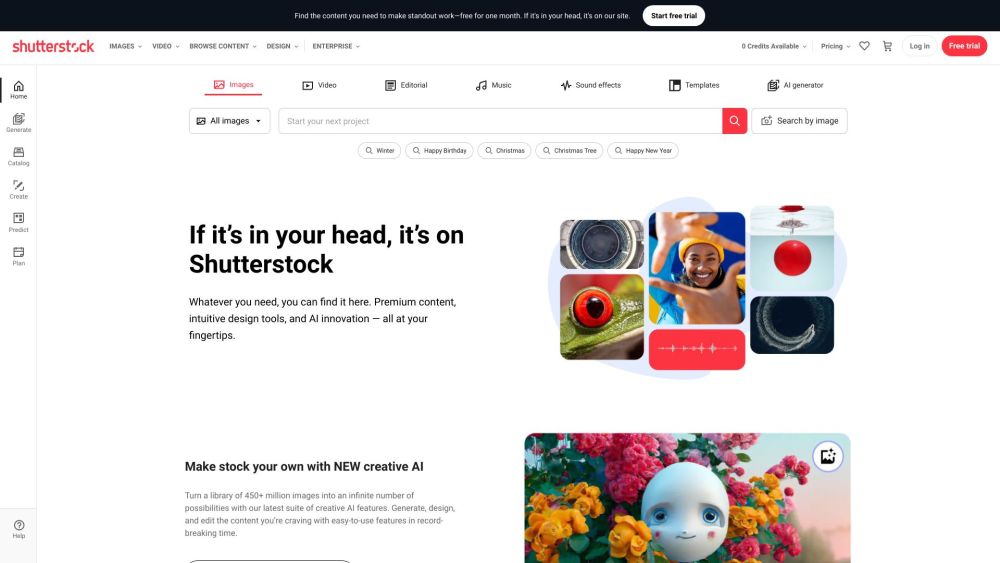
Shutterstock
Explore a variety of stock images, photos, vectors, videos, and music for your creative projects with this versatile application.

Pixelcut
Easily create stunning product photos and ads with our free online design tool. Remove backgrounds and erase objects effortlessly.
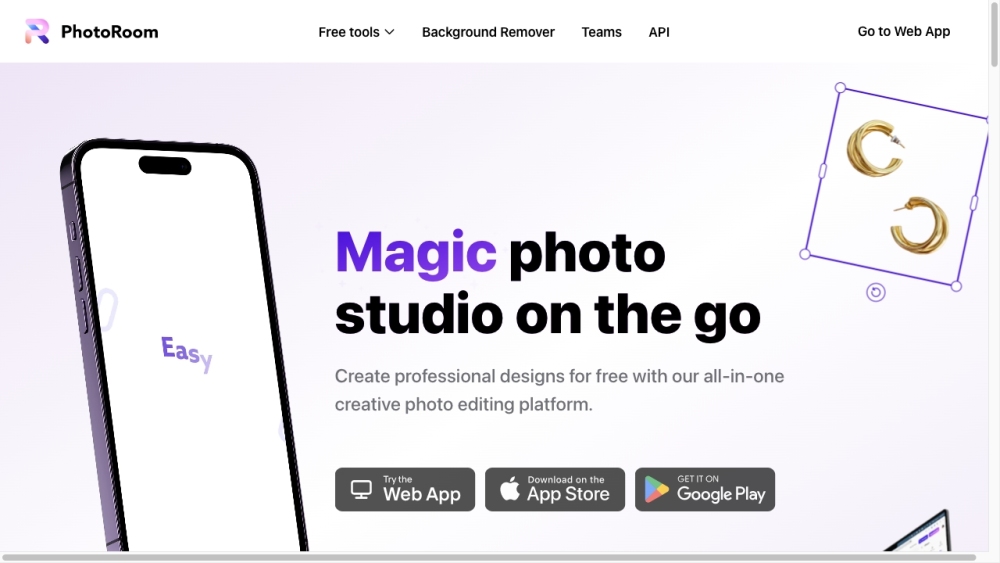
PhotoRoom
Easily enhance product and portrait photos on-the-go with the PhotoRoom app. Transform your pictures with professional quality right from your phone.
Use Cases
- Creating unique logos for businesses
- Enhancing LinkedIn profile with eye-catching cover photos
- Using creative Zoom backgrounds for virtual meetings
- Attracting attention at conferences with personalized posters
- Increasing brand visibility through advertising materials like pickup decals
How to Use
To use Hidden, simply sign up for an account and start generating marketing resources. Users can customize logos, LinkedIn cover photos, Zoom backgrounds, conference posters, and more. The platform provides a user-friendly interface and an extensive library of designs and templates to choose from. Users can easily preview and edit their creations before downloading or printing them.