HideJobs - Chrome Extension
Customizes LinkedIn by hiding unwanted job listings and content.
LinkedInJob searchContent management
Introduction
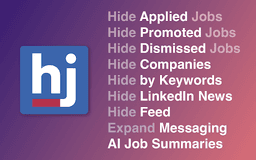
HideJobs is a browser extension that helps users customize their LinkedIn experience by hiding unwanted content such as irrelevant job listings and company-specific posts. It aims to provide a distraction-free and focused job search environment tailored to user preferences.
Key Features
Remove unwanted job listings
Hide specific companies
AI-powered job summaries
Block LinkedIn feed and news
Expand messaging area
Simple toggle management
Frequently Asked Questions
What is HideJobs?
How to use HideJobs?
Does HideJobs require page refreshes to hide content?
How does HideJobs ensure user privacy?
In how many languages is HideJobs available?
Similar Tools

Plagiarism Remover
Eliminate plagiarism in your text with this free AI tool. Enhance your writing by rephrasing content effortlessly. Try it now!

Parafrasear Textos
Enhance the quality of your text with our online tool for paraphrasing. Improve readability and make your content stand out.
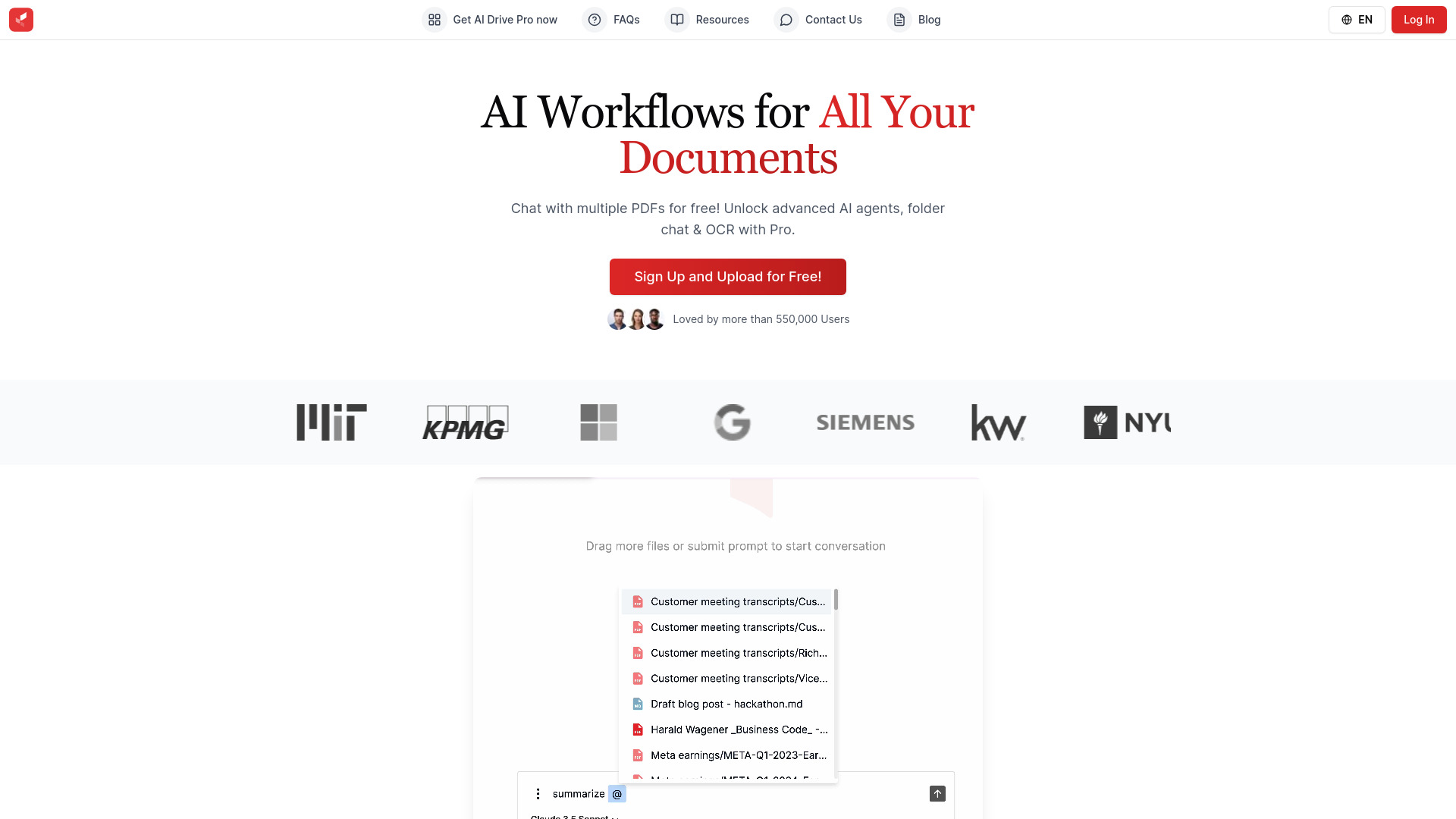
AI Drive
Experience the convenience of AI Drive, the app that utilizes artificial intelligence to enhance your driving experience. Say goodbye to manual control!

Meeting.ai
An advanced tool using AI to transcribe, organize, and summarize meetings efficiently. Ideal for enhancing productivity and collaboration.

Genie AI
Experience a versatile AI chatbot capable of handling multiple tasks with ease. Engage with our multi-model application today!
Use Cases
- Focus on relevant job opportunities without distractions
- Customize LinkedIn browsing experience for networking and job searching
How to Use
Install the HideJobs extension in your browser, and use the intuitive toggle options to manage visible job listings and company content directly on LinkedIn.