
ID Photo Editor
iOS app for creating and editing ID photos.
Introduction
ID Photo Editor, developed by Jaehyup Shin, is an iOS app designed for creating and editing ID photos. The app provides tools for adjusting photo attributes, ensuring compliance with country-specific sizing standards, and features AI background removal capabilities. It is aimed at helping users generate high-quality ID photos that meet specific requirements for various countries.
What stands out?
Photo attribute adjustment for brightness, contrast, and saturation
Country-specific resizing standards
AI-powered background removal and editing
Frequently Asked Questions
What is ID Photo Editor?
How to use ID Photo Editor?
Is ID Photo Editor free to use?
What devices are compatible with ID Photo Editor?
Reviews & Feedback
Share your experience with the community
0.0
Based on 0 reviews
User Comments (0)
Sort Criteria
Order
No reviews yet. Be the first to share your thoughts!
Statistics
Monthly visits
NaN
Saved by users
0
Rating
0.0/ 5.0
Added on
—
Similar Tools

Cutout.Pro
Revolutionize your photo editing with our AI-powered platform that also generates content. Enhance your images effortlessly and efficiently!

AI Face Swap
Easily swap faces using a cutting-edge AI technology online by uploading your photo for a fun and entertaining experience.

Kapwing
Collaborate online with Kapwing to create, customize, and expand your content effortlessly.
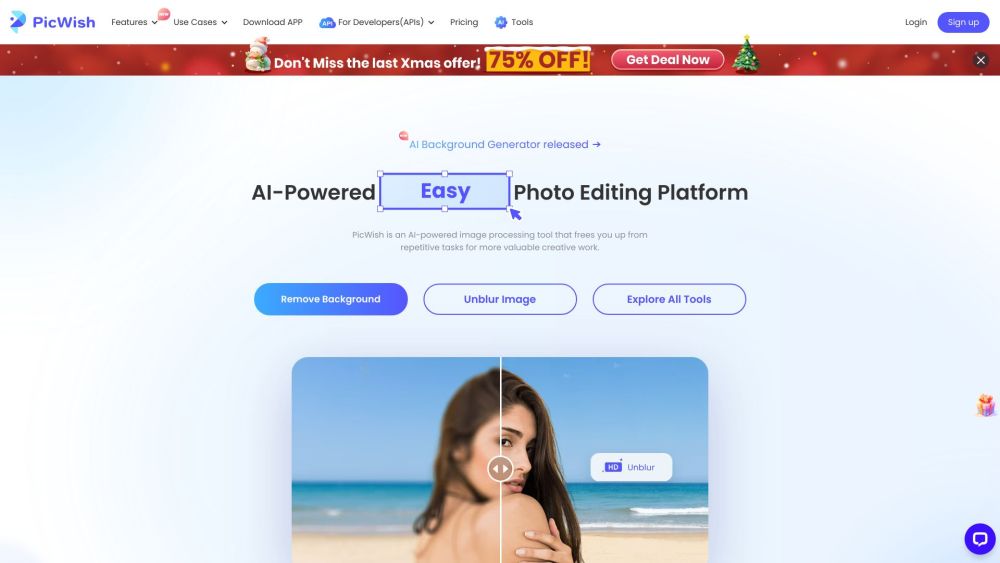
PicWish
Revolutionize your image editing with our AI-driven tool for processing images. Enhance, retouch, and transform your photos with ease.

CapCut
AI-powered video editor and graphic design tool for all platforms.
Use Cases
- Generate a compliant ID photo for passport applications
- Create professional-looking ID photos for job applications
How to Use
Download the ID Photo Editor from the App Store, upload your photo, adjust attributes, set the size, and remove backgrounds as needed.