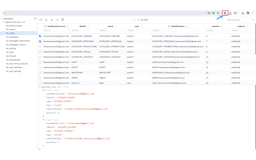
IDB CRUD Assistant - Chrome Extension
IndexedDb management made easy.
Chrome extensionIndexedDBDatabase management
Introduction
IDB CRUD Assistant is a Chrome extension that enhances indexedDb management. It provides an easy-to-use drawer interface for performing create, read, update, and delete operations on any website's IndexedDB.
Key Features
View indexedDb data in table format
Easy-to-use drawer interface
Create, read, update, and delete indexedDb records
Simple and elegant UI
Sort and filter records by every column
Filter columns
Download data in JSON and CSV format
Frequently Asked Questions
What is IDB CRUD Assistant?
How to use IDB CRUD Assistant?
What is indexedDb?
Similar Tools
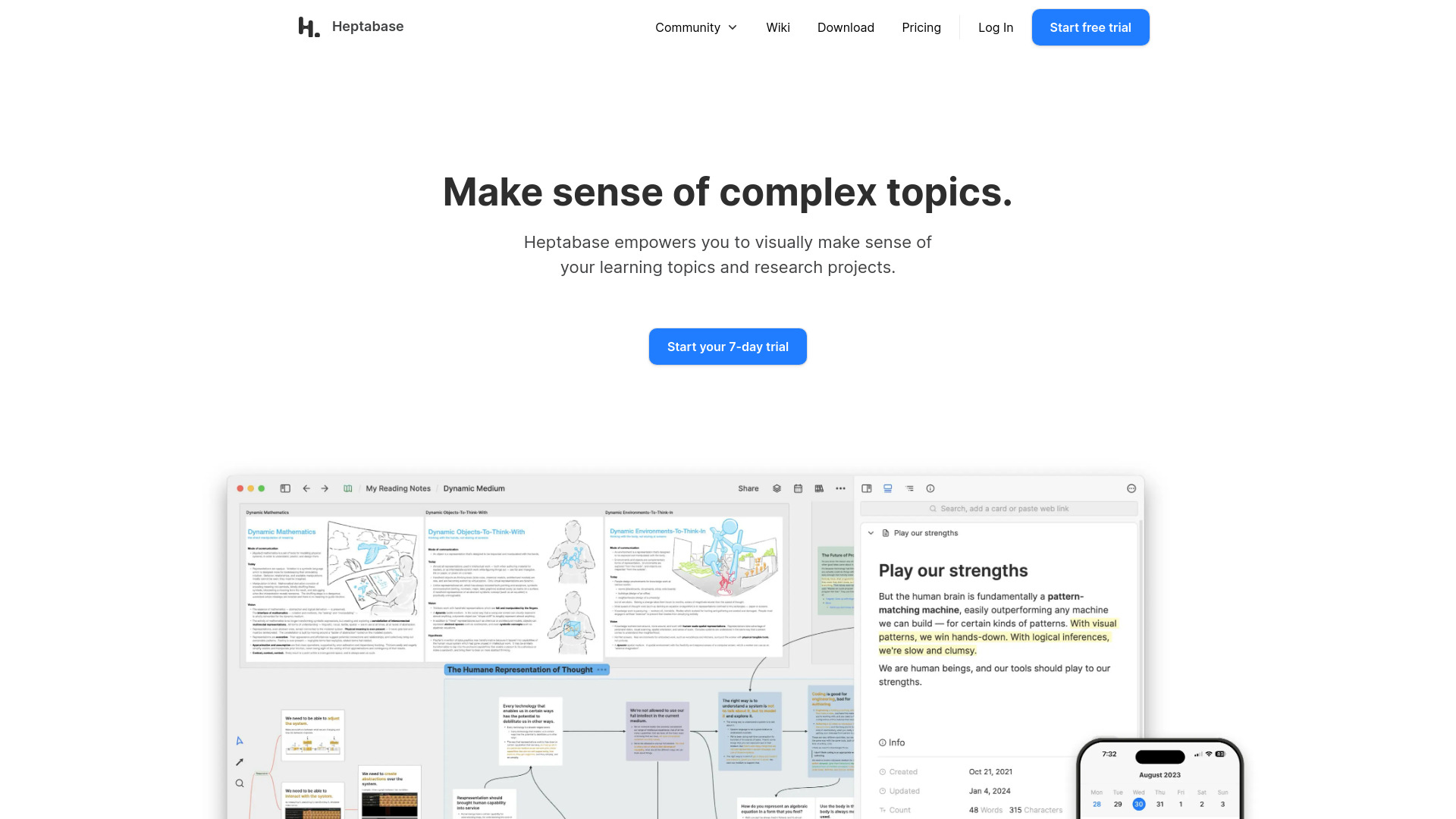
Heptabase
Enhance your learning and research with a visual note-taking tool designed to help you organize and retain information effectively.

Msty
An integrated platform for easy communication with both offline and online artificial intelligence models. Simplify your AI interactions with this app.

Day.ai
Elevate customer relationships with our Integrated CRM and meeting assistant tool. Enhance communication and efficiency for better connections.
Use Cases
- Manage and manipulate data in web-based databases
- Quickly perform CRUD operations on IndexedDB
- Simplify database tasks for developers
How to Use
To use IDB CRUD Assistant, simply install the Chrome extension and open the drawer interface. From there, you can easily perform CRUD operations on any website's IndexedDB.