Image to Caption
AI-Powered Image to Caption Generator
image to captioncaption generatorimage description generator
Introduction
An AI-Powered Image to Caption Generator
Key Features
AI-powered image caption generation
Easy and seamless caption creation
Supports jpeg and png images
Multilingual support
Customization options
Data-driven insights
Improved efficiency
Frequently Asked Questions
What is Image to Caption?
How to use Image to Caption?
What is an AI image to caption generator?
How does an AI image generator work?
How does an AI image to caption generator work?
What are the practical applications of AI image to caption generators?
Are AI image generators and AI image to caption generators related?
Similar Tools
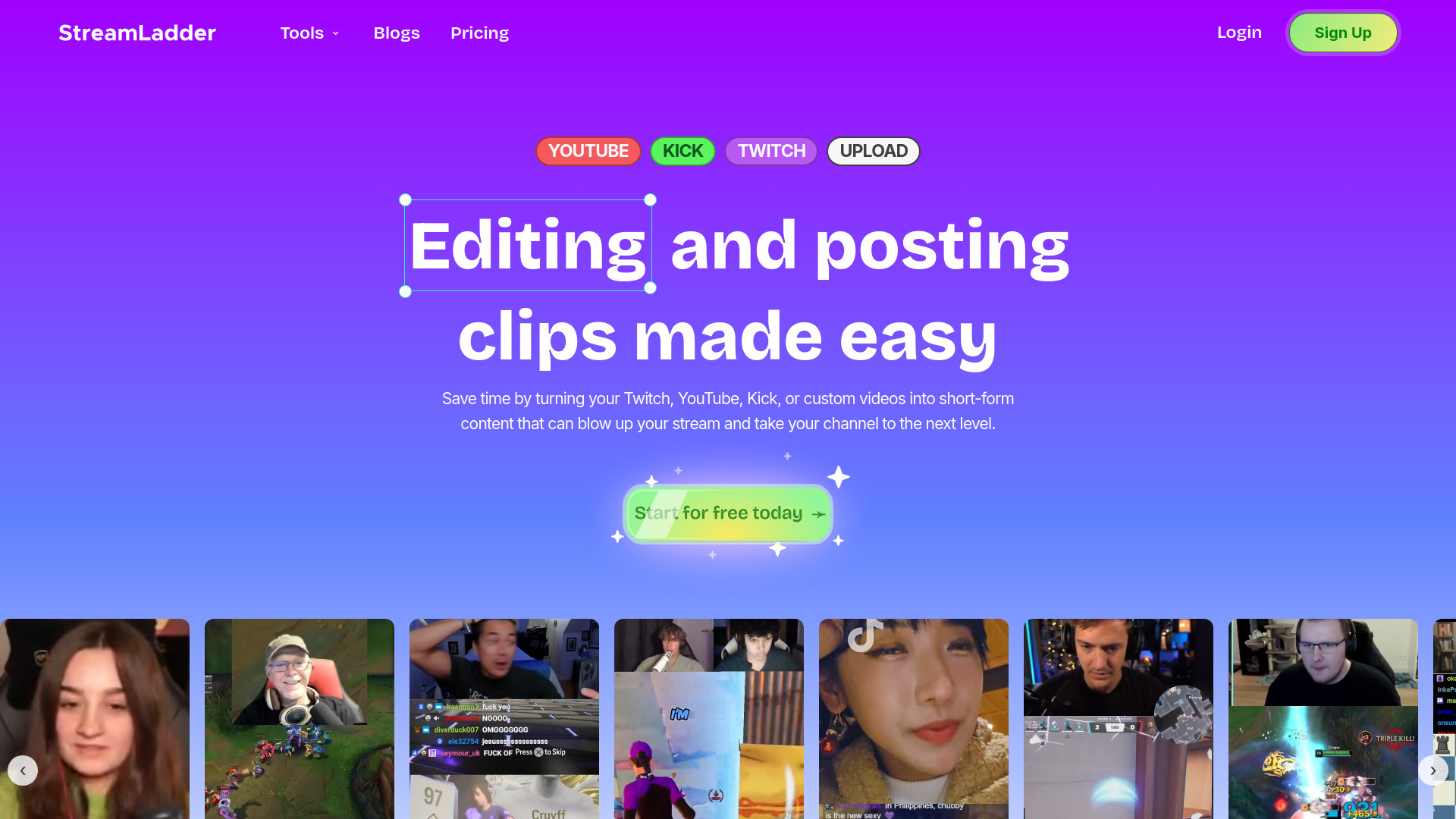
StreamLadder
Climb the ranks of popular streaming platforms with StreamLadder. Increase your visibility and grow your audience effortlessly. Start today!
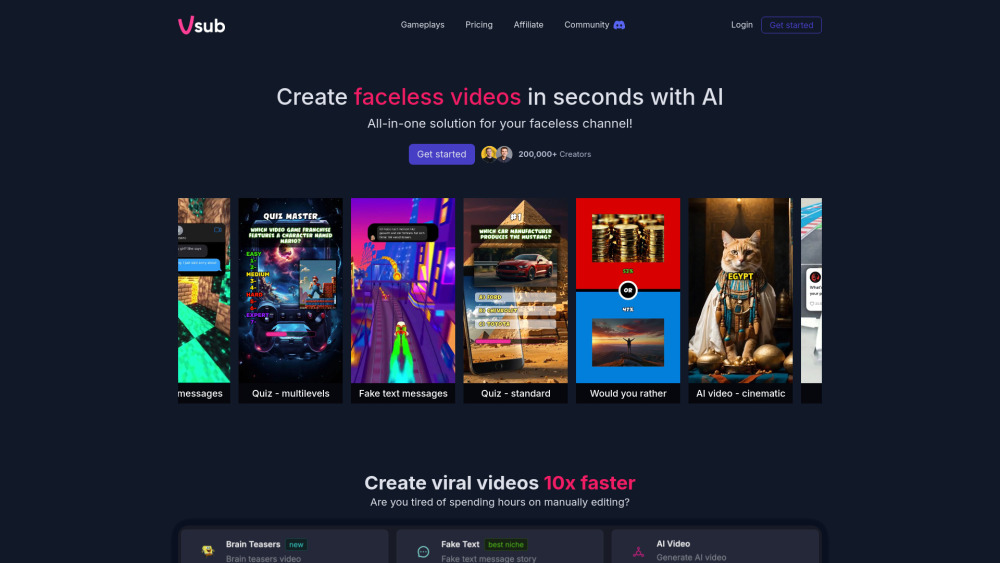
Vsub
Easily and quickly create videos without faces using an innovative AI platform.

Quickads
Effortlessly create image and video ads with this AI-powered tool. Say goodbye to the hassle and hello to effective marketing campaigns.
Use Cases
- Social media marketing
- Blog articles
- Content creation
- Digital marketing
- E-commerce
- Education
How to Use
Take advantage of the best caption generator by following these steps: 1. Start by uploading your image to the tool's interface. 2. Once the image is uploaded, the AI model examines the content and context of the image. 3. Watch as the tool generates a captivating and descriptive caption for your image. 4. Review the generated caption and make any necessary edits. 5. Copy the caption to use it wherever you'd like. 6. If desired, generate additional captions with beautiful tags. 7. Integrate the caption directly into your content. 8. If you no longer want to generate captions, press start over.