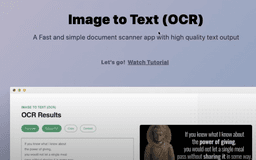
Image to Text (OCR) - Chrome Extension
Effortlessly extract text from images and PDFs.
Introduction
A powerful Chrome extension for extracting text from images and PDFs seamlessly.
What stands out?
Fast and Simple Scanner
Multilingual Support
Context Menu Magic
Versatile OCR
Screen Cropping
Audio Playback
Orientation Flexibility
Link Detection
Email Detection
Frequently Asked Questions
What is Image to Text (OCR)?
How to use Image to Text (OCR)?
Do I need an internet connection to use the extension?
Reviews & Feedback
Share your experience with the community
0.0
Based on 0 reviews
User Comments (0)
Sort Criteria
Order
No reviews yet. Be the first to share your thoughts!
Statistics
Monthly visits
NaN
Saved by users
0
Rating
0.0/ 5.0
Added on
—
Use Cases
- Scan documents with high-quality PDF output
- Recognize text in over 100 languages
- Extract text from images and PDFs with ease
How to Use
Install the Chrome extension, right-click on an image or PDF, and select 'Extract Text' from the context menu to get editable text output.