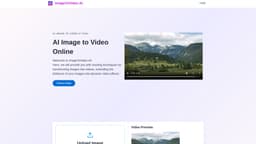
Image to Video AI
Convert images to videos effortlessly with AI technology.
Introduction
ImageToVideo AI allows users to convert images into MP4 videos using advanced AI technology. The platform provides a user-friendly interface to transform creativity into captivating visual stories, supporting various image formats like JPG, PNG, and WEBP. Users can easily upload images, input instructions for desired video styles, and download watermark-free videos.
What stands out?
User-friendly interface for easy video creation
Supports multiple image formats
No editing skills required
Watermark-free output
Frequently Asked Questions
What is Image to Video AI?
How to use Image to Video AI?
Is the file from image to video watermark-free?
What image formats are supported for conversion to video?
On which devices can I use ImageToVideo AI?
More Information
Image to Video AI Support Email & Customer service contact & Refund contact etc.
More Contact, visit the contact us page()
Image to Video AI Company
Image to Video AI Company name: . Image to Video AI Company address: . More about Image to Video AI, Please visit the about us page().
Image to Video AI Login
Image to Video AI Login Link:
Image to Video AI Sign up
Image to Video AI Sign up Link:
Reviews & Feedback
Share your experience with the community
0.0
Based on 0 reviews
User Comments (0)
Sort Criteria
Order
No reviews yet. Be the first to share your thoughts!
Statistics
Monthly visits
NaN
Saved by users
0
Rating
0.0/ 5.0
Added on
—
Similar Tools
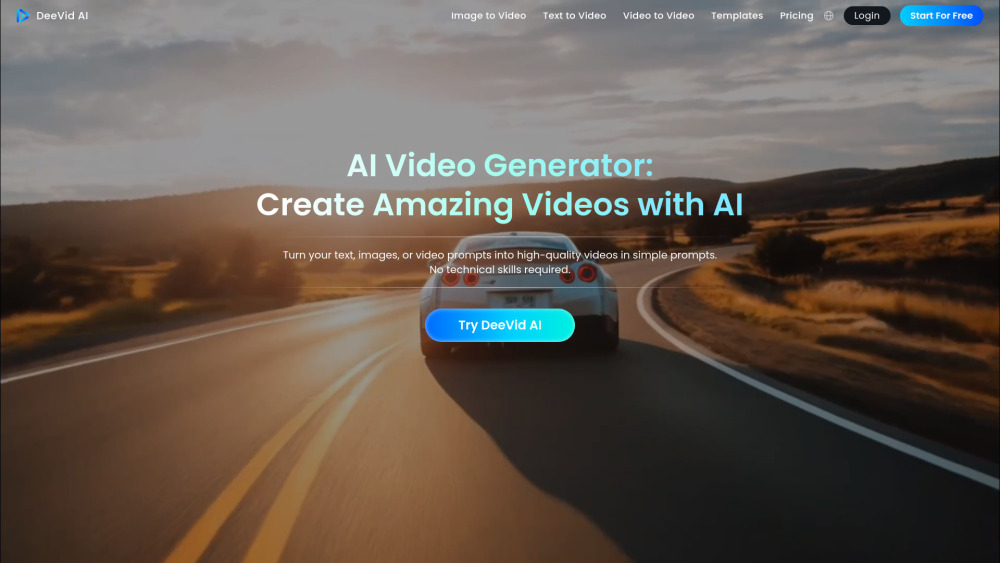
DeeVid AI
Easily transform text, images, or prompts into videos with this AI tool. Create engaging content in minutes!
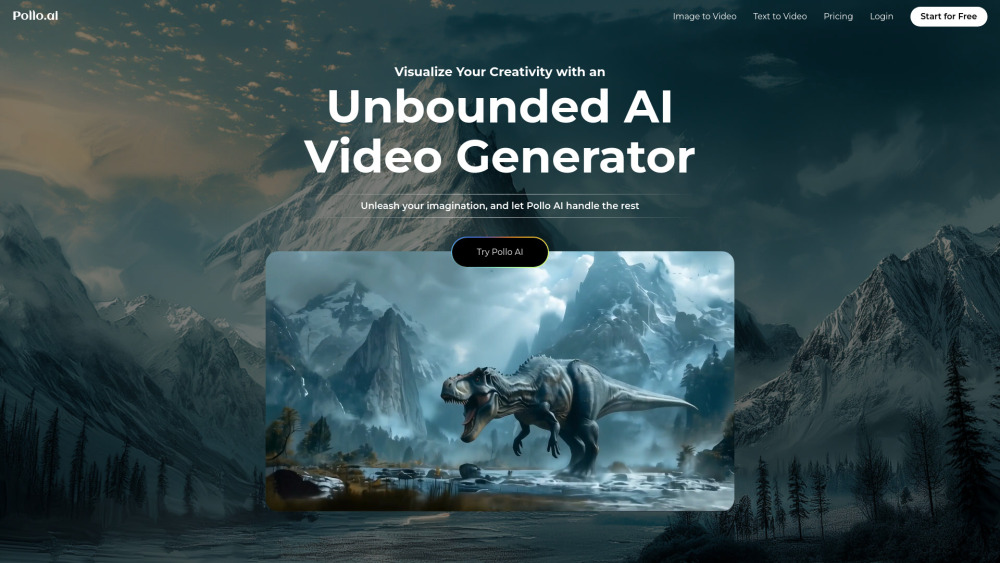
Pollo AI
Easily generate high-definition videos from prompts with our AI video creator application. Craft stunning videos effortlessly.
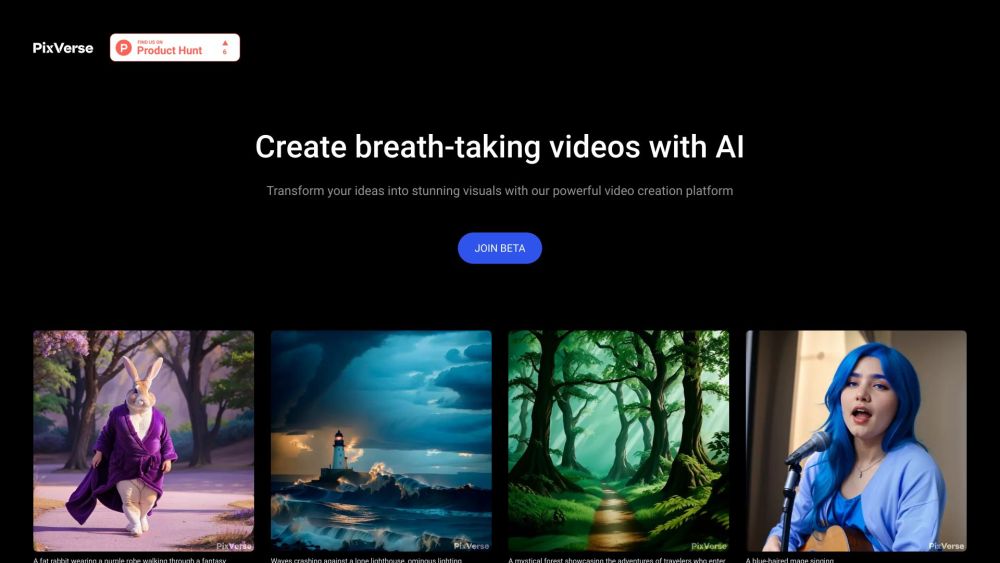
PixVerse
Revolutionary AI technology transforms various inputs into captivating videos. Experience the power of multi-modal creativity in action.
Use Cases
- Creating marketing videos from images
- Generating family memory videos
- Content creation for social media
How to Use
To use ImageToVideo AI, upload an image, provide your stylistic instructions, and await the generated MP4 video.