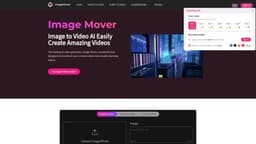
Image To Video AI - ImageMover
The leading AI video generator, Image Mover,is a powerful tool designed to transform your creative ideas into visually stunning videos.
ai video generatorimage to video aiAI Script to Video
Introduction
ImageMover AI is a cutting-edge online platform that uses AI to convert text scripts and photos into engaging videos. Whether for marketing, education, or training, this tool simplifies video creation with customizable features and intuitive design.
Key Features
Image to video: Upload images to transform them into exciting short videos.
AI Script to Video: Turn text scripts into professional videos effortlessly.
Photo to Video Conversion: Create dynamic videos from static images.
Customization Options: Add backgrounds, music, and transitions to enhance your videos.
Fast & Free: Generate videos quickly with no cost or downloads required.
Frequently Asked Questions
What is Image To Video AI - ImageMover?
How to use Image To Video AI - ImageMover?
Is Image Mover – Image to Video AI Generator really free to use?
What types of materials can I use?
How long does it take to generate a video?
Do I need prior video editing experience?
Similar Tools
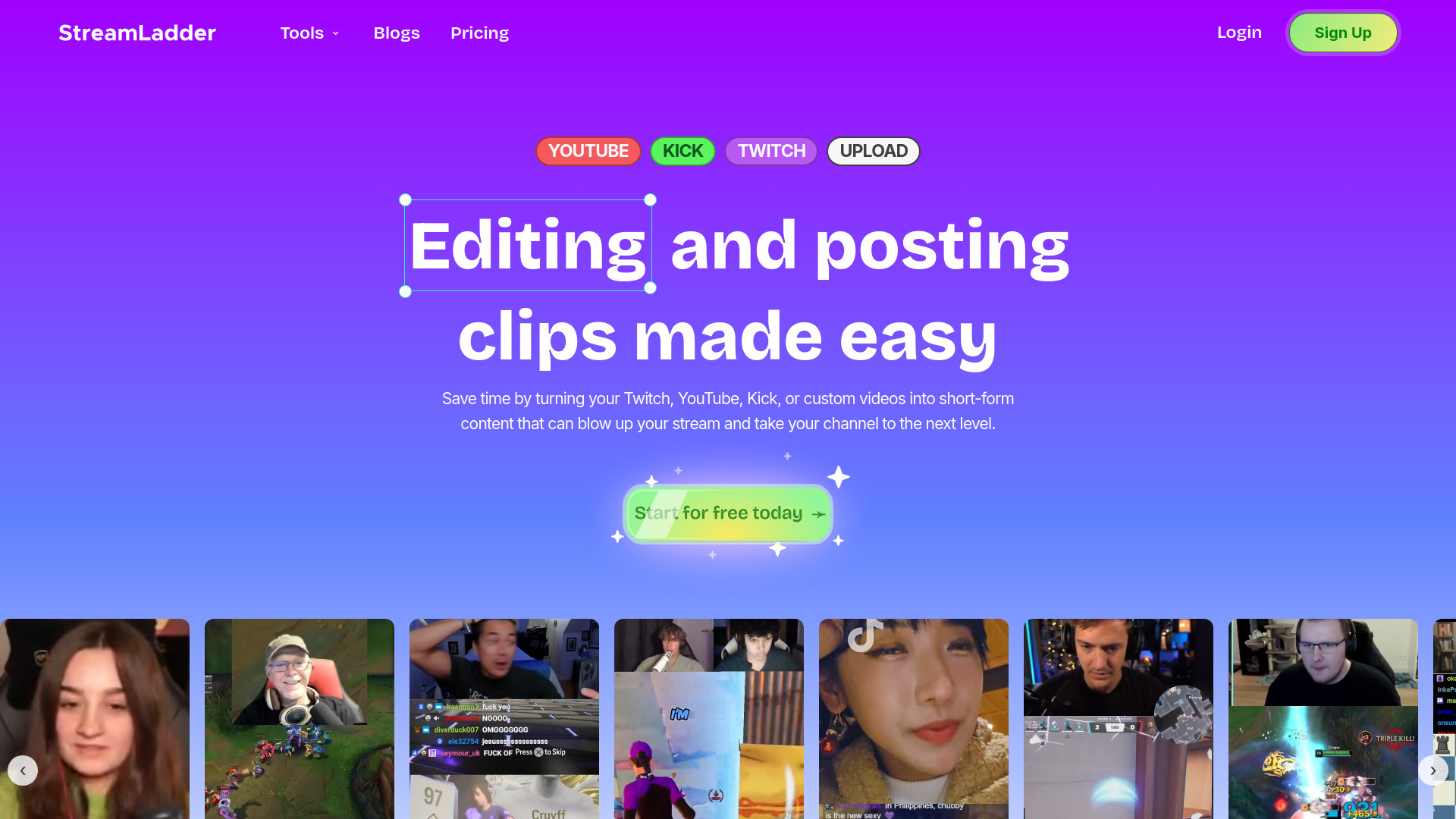
StreamLadder
Climb the ranks of popular streaming platforms with StreamLadder. Increase your visibility and grow your audience effortlessly. Start today!
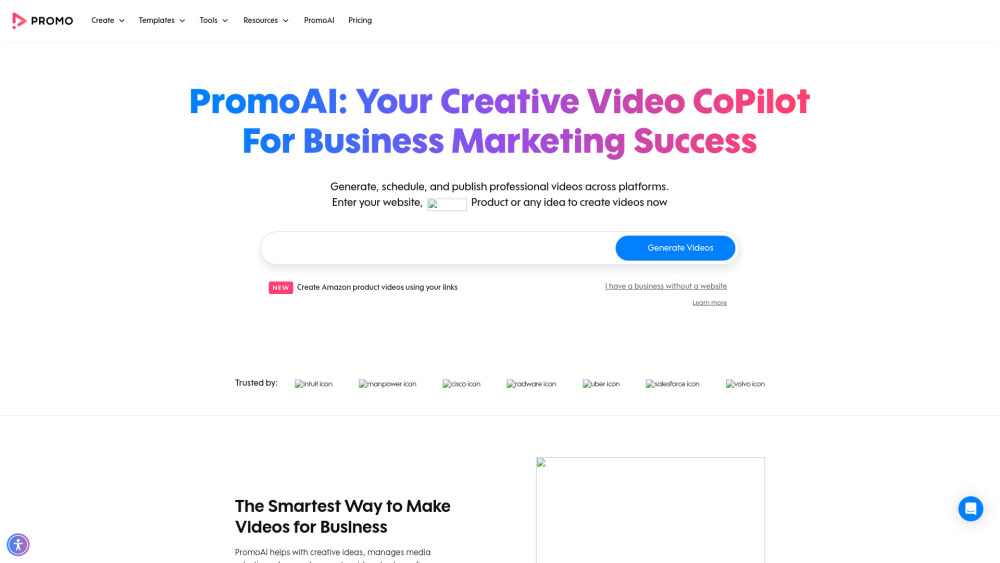
Promo AI Video Maker
Easily generate and oversee promotional videos with our advanced AI tool. Unleash the power of automation for your video marketing campaigns.
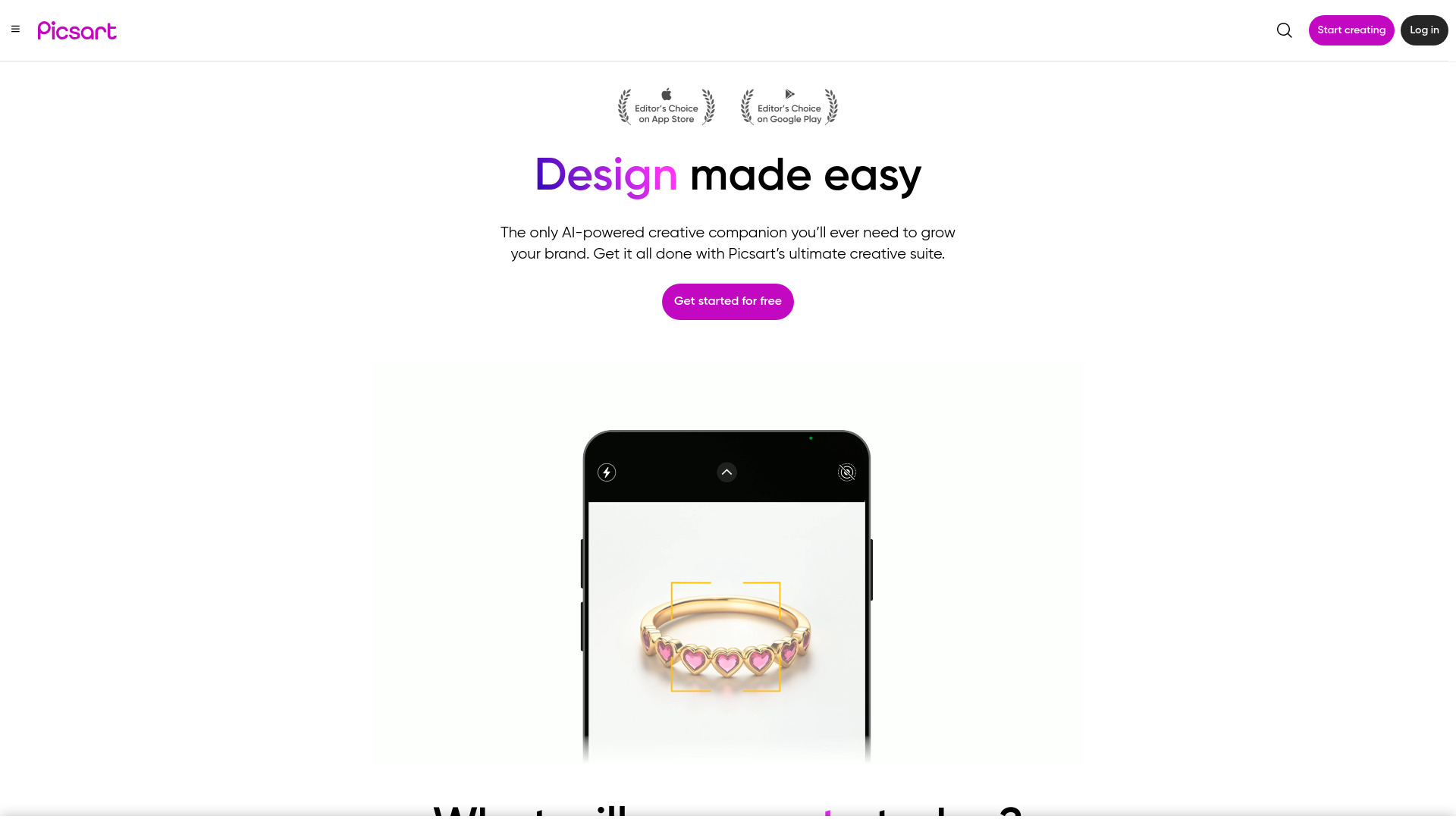
Picsart
Unleash your creativity with Picsart - an innovative photo editing app that offers a wide range of tools and filters to enhance your images.
Use Cases
- Marketing Videos: Create promotional content that grabs audience attention.
- Educational Materials: Develop interactive learning videos for students.
- Corporate Training: Streamline onboarding with engaging training videos.
How to Use
Step 1 Input Your Script or Upload Photos: Enter your text or upload images to start. Step 2 Customize Your Video: Add graphics, backgrounds, and music to personalize the video. Step 3 Generate and Download: Let AI create your video, then download and share it.