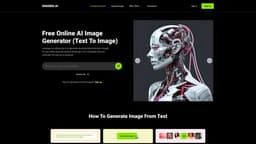
ImgGen AI
Free AI image generator and enhancement tool.
Introduction
ImgGen AI is a free AI image generator and enhancement tool that simplifies complex enhancements like generating images, background removal, text removal, unblurring images, upscaling, and more.
What stands out?
AI image generation
Background removal
Text removal
Unblurring images
Upscaling images
Frequently Asked Questions
What is ImgGen AI?
How to use ImgGen AI?
What is ImgGen AI?
How many images can I generate for free?
What is the maximum file size or image resolution supported by ImgGen AI?
Can I download the generated images for free?
How can I restore old photos?
Are there any restrictions on the quantity of images I can enhance?
More Information
ImgGen AI Support Email & Customer service contact & Refund contact etc.
More Contact, visit the contact us page(https://imggen.ai/contact)
ImgGen AI Company
More about ImgGen AI, Please visit the about us page(https://imggen.ai/about).
ImgGen AI Sign up
ImgGen AI Sign up Link: https://imggen.ai/app/signup
Reviews & Feedback
Share your experience with the community
0.0
Based on 0 reviews
User Comments (0)
Sort Criteria
Order
No reviews yet. Be the first to share your thoughts!
Statistics
Monthly visits
NaN
Saved by users
0
Rating
0.0/ 5.0
Added on
—
Similar Tools

Picsart
Unleash your creativity with Picsart - an innovative photo editing app that offers a wide range of tools and filters to enhance your images.
MidJourney
AI platform for creating and exploring images with community input.

Freepik AI Image Generator
Real-time AI image generator
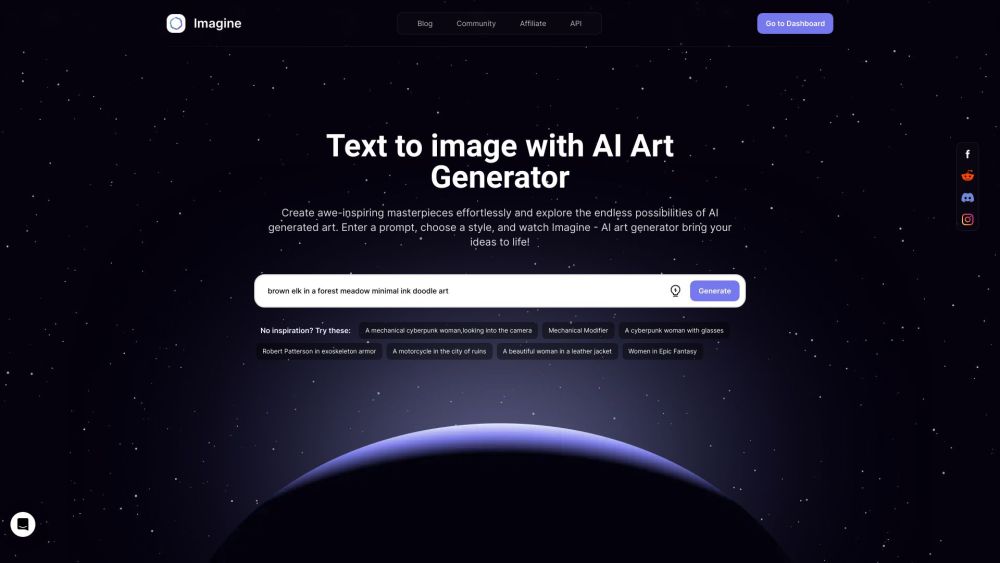
Imagine AI Art Generator
AI-generated art from text prompts.
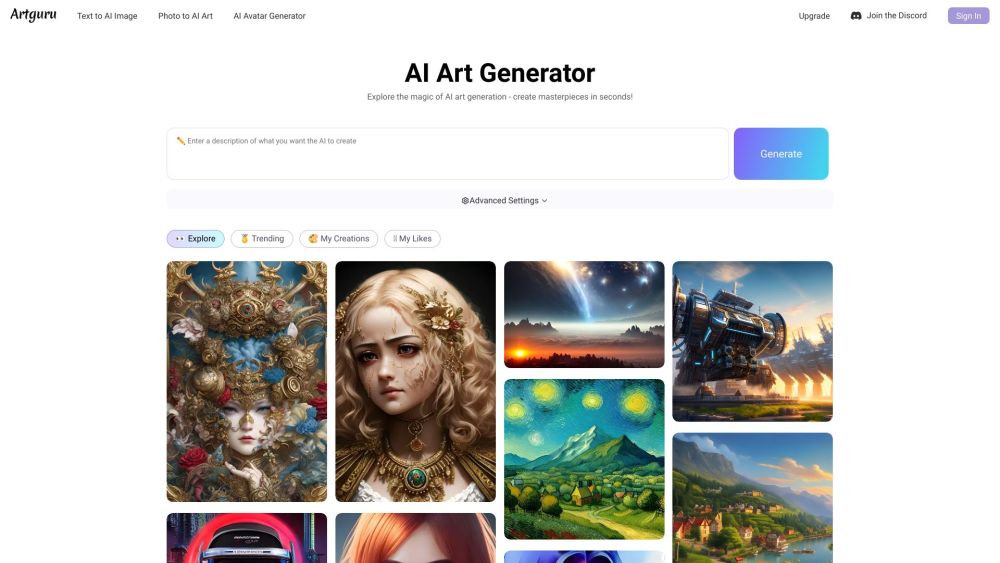
Artguru
Create beautiful art with the power of AI.
Use Cases
- Generate professional AI headshots
- Create stunning visuals for posters, wallpapers, occasion cards, and branding visuals
How to Use
To use ImgGen AI, simply type or paste a text prompt into the provided text box to describe the image you want to generate. Click the 'Generate Image' button and our AI will create a stunning high-resolution image for you. You can then download the watermark-free image for free.