
Inline AI - Chrome Extension
AI Chrome extension for writing enhancement
Text Editor AI extensionGrammar correction toolTranslation tool
Introduction
Inline AI is a versatile Chrome extension that brings the power of AI to any website with a Text Editor. It allows users to enhance their writing by running quick prompts, fixing grammar errors, and translating text with simple keyboard shortcuts.
Key Features
Quickly generate responses or ideas
Automatically correct grammar and spelling errors
Instantly translate selected text into different languages
Frequently Asked Questions
What is Inline AI?
How to use Inline AI?
How can I run prompts with Inline AI?
Can Inline AI fix grammar errors automatically?
What languages can Inline AI translate text into?
Similar Tools

Plagiarism Remover
Eliminate plagiarism in your text with this free AI tool. Enhance your writing by rephrasing content effortlessly. Try it now!

CodeFast
Quickly learn coding to create successful online ventures with this app designed for fast-paced business growth. Start building today!
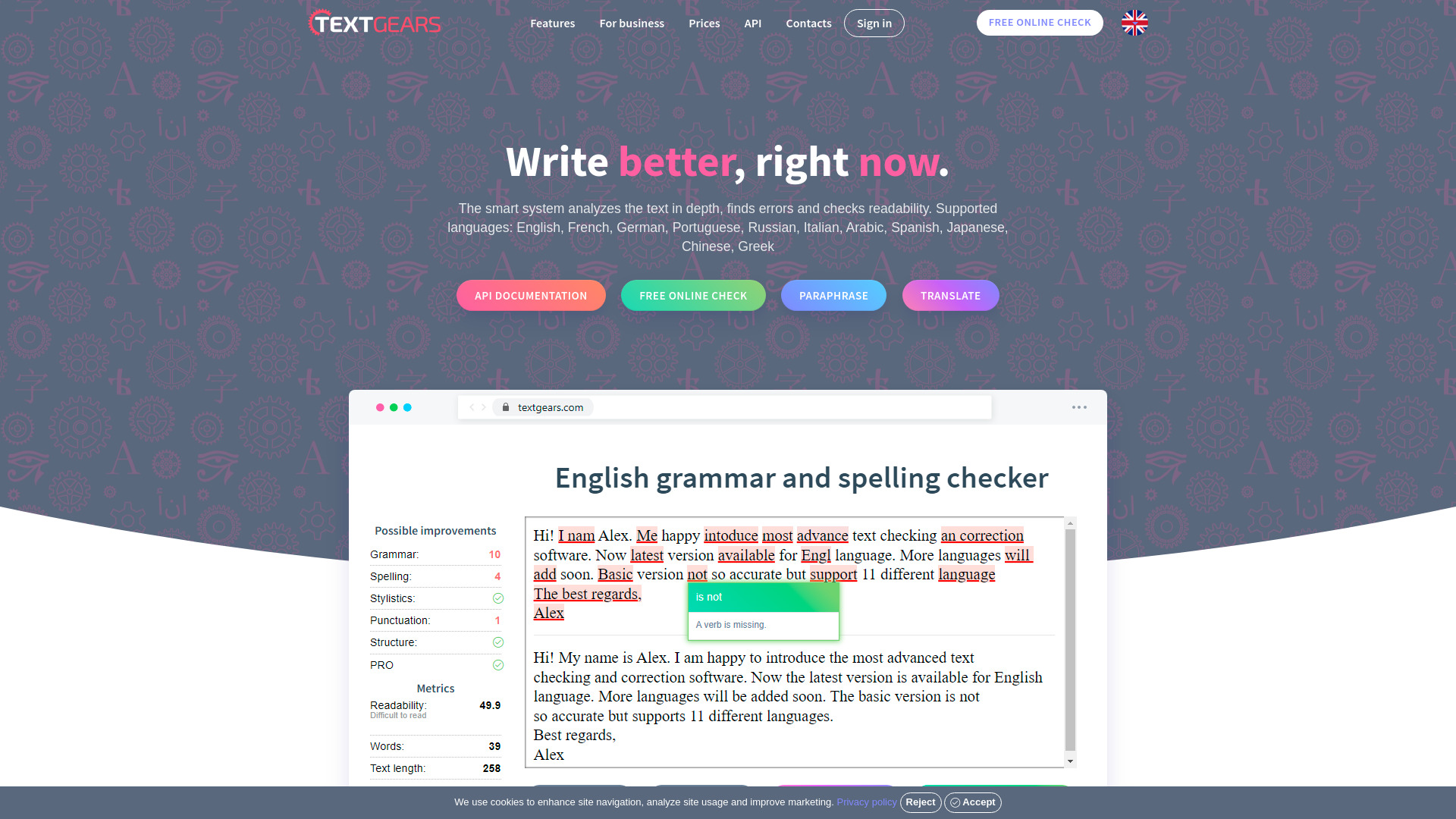
TextGears
Discover TextGears - a powerful app for enhancing your writing with advanced text analysis tools. Improve your content effortlessly with TextGears.
Use Cases
- Enhance writing in emails, blog posts, online chats
- Improve communication and writing efficiency
How to Use
To use Inline AI, download and install Chrome with built-in AI (Dev / Canary), enable specific flags in Chrome, and ensure the latest version of Optimization Guide On Device Model. Use keyboard shortcuts to run prompts, fix grammar, and translate text.