
Voiceflow
Collaborative AI agent building platform
AI chatbotsconversational AIvoice assistants
Introduction
Voiceflow is the collaborative AI agent building platform for teams to design, develop, and launch chat and voice assistants.
Key Features
Agent creation platform
Knowledge base
Shareable prototypes
Developer hand-Off
Community Marketplace
Frequently Asked Questions
What is Voiceflow?
How to use Voiceflow?
What is Voiceflow?
How does Voiceflow work?
What are the core features of Voiceflow?
What are the use cases for Voiceflow?
Is Voiceflow suitable for enterprise use?
Similar Tools

Gallabox
Elevate your business communication with our No-code WhatsApp automation tool. Streamline processes and engage customers effortlessly.

LimeChat
Revolutionize your e-commerce business with our AI-powered platform that offers support and marketing through WhatsApp. Boost sales and engagement now!
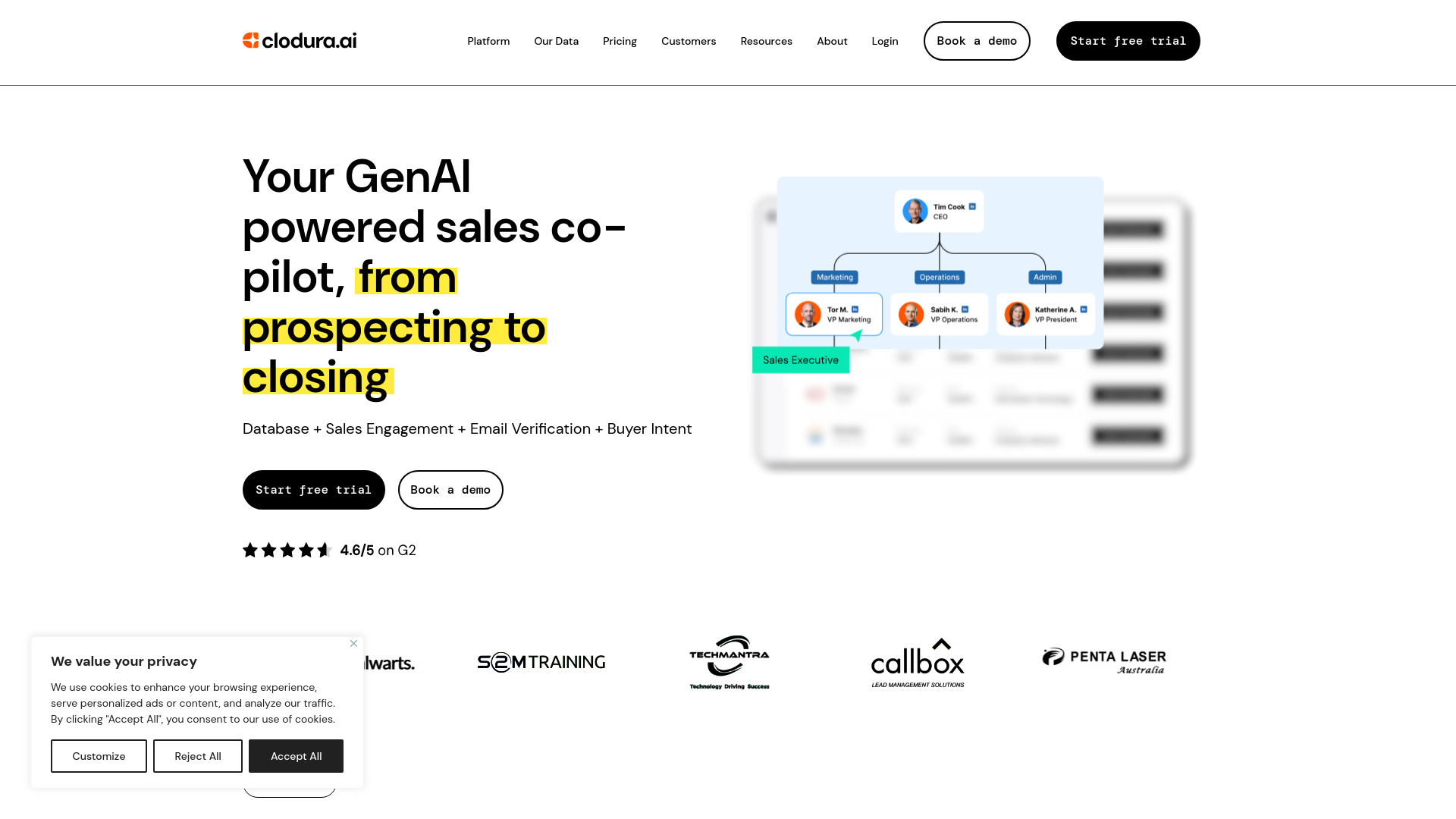
Clodura.AI
Discover GenAI, the ultimate sales prospecting platform for generating leads and engaging with potential customers effectively.
Use Cases
- Automotive
- Business Tools
- Customer Support
- Education
- Entertainment
- Health & Fitness
- Marketing
- Productivity
- Travel
- Website
How to Use
To use Voiceflow, start by building your agent's conversation logic and integrations using the no-code agent builder. Then, upload data to your agent's knowledge base to give it the ability to answer questions and perform tasks. Finally, launch your agent to any website or interface using the Dialog API.