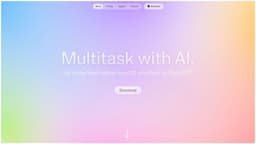
Iris
AI-powered virtual assistant for seamless communication.
Introduction
Iris is an AI-powered virtual assistant that is ready to help you anytime, anywhere. It allows seamless communication across multiple apps and enables quick image sharing for easy collaboration.
What stands out?
Seamless communication across apps
Quick image sharing
Gesture-based interaction
Fast response time
Markdown and code support
Frequently Asked Questions
What is Iris?
How to use Iris?
What is Iris?
What apps can Iris work with?
How fast is Iris's response time?
Can I use keyboard shortcuts with Iris?
What kind of content can Iris display?
More Information
Iris Support Email & Customer service contact & Refund contact etc.
Here is the Iris support email for customer service: [email protected] .
Iris Company
Iris Company name: Interface Studio . More about Iris, Please visit the about us page(https://iris.fun/).
Iris Login
Iris Login Link: https://billing.stripe.com/p/login/9AQfZpdp7d89da0aEE
Iris Pricing
Iris Pricing Link: https://iris.fun/pricing
Iris Twitter
Iris Twitter Link: https://twitter.com/ronithhh
Reviews & Feedback
Share your experience with the community
0.0
Based on 0 reviews
User Comments (0)
Sort Criteria
Order
No reviews yet. Be the first to share your thoughts!
Statistics
Monthly visits
NaN
Saved by users
0
Rating
0.0/ 5.0
Added on
—
Similar Tools

OpusClip Captions
Easily add animated captions to your videos with just one click using this innovative application. Enhance your videos instantly!

Gemini
Unlock the power of Google's AI models right on your mobile device with direct access. Access advanced technology at your fingertips.

AI Content Solutions
Elevate your brand with AI Content Solutions, converting AI-generated content into polished writing that reflects your brand's identity.
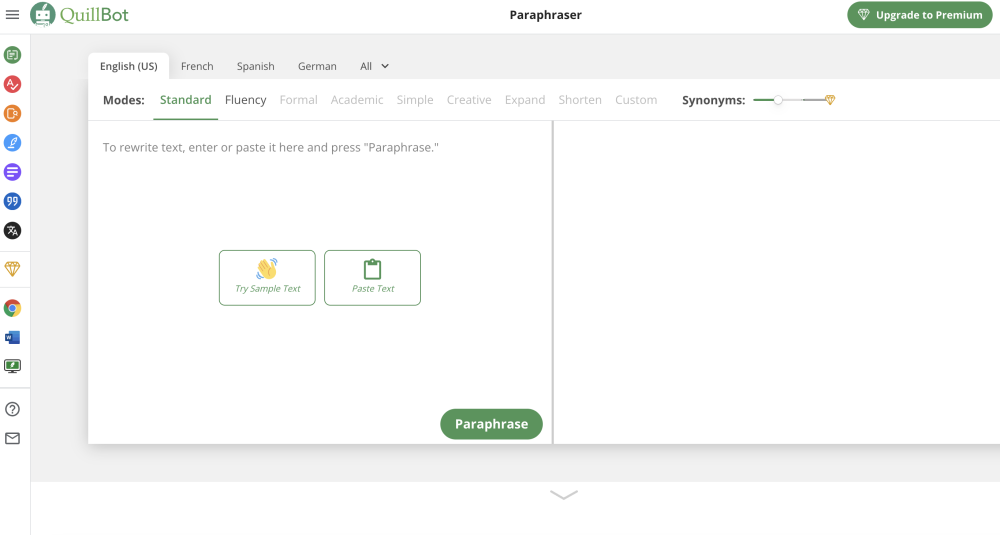
Quillbot
Discover a digital tool for rephrasing text online. Easily rewrite sentences with this innovative application. Perfect for content creators and writers.
Use Cases
- Collaboration and remote work
- Quick information sharing
- Efficient task management
- Productivity enhancement
How to Use
To use Iris, simply download the app and activate it. Then, you can easily talk to Iris by swiping gestures. You can also capture your screen, use keyboard shortcuts, and send messages without waiting for a complete response.