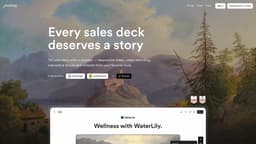
Journey
Journey is a platform to engage, close, and onboard customers with interactive presentations.
Introduction
Key Features
Responsive slides and interactive embeds
AI-powered automagic creation of content
Personalization at scale
Automagic branding with branded themes
Wide range of content blocks including text, images, files, links, Google embeds, Gong videos, and more
Mobile-friendly design
Detailed insights and tracking
Frequently Asked Questions
What is Journey?
How to use Journey?
What types of content can I include in my Journey?
Is Journey mobile-friendly?
Can I track the performance of my Journeys?
Can I personalize my Journeys for individual recipients?
Are there pre-designed themes available for branding my Journeys?
Similar Tools

Gallabox
Elevate your business communication with our No-code WhatsApp automation tool. Streamline processes and engage customers effortlessly.

LimeChat
Revolutionize your e-commerce business with our AI-powered platform that offers support and marketing through WhatsApp. Boost sales and engagement now!

Gethookd
Revolutionize your ad creation and performance with our AI platform. Optimize your ads like never before for maximum results.

Quickads
Effortlessly create image and video ads with this AI-powered tool. Say goodbye to the hassle and hello to effective marketing campaigns.
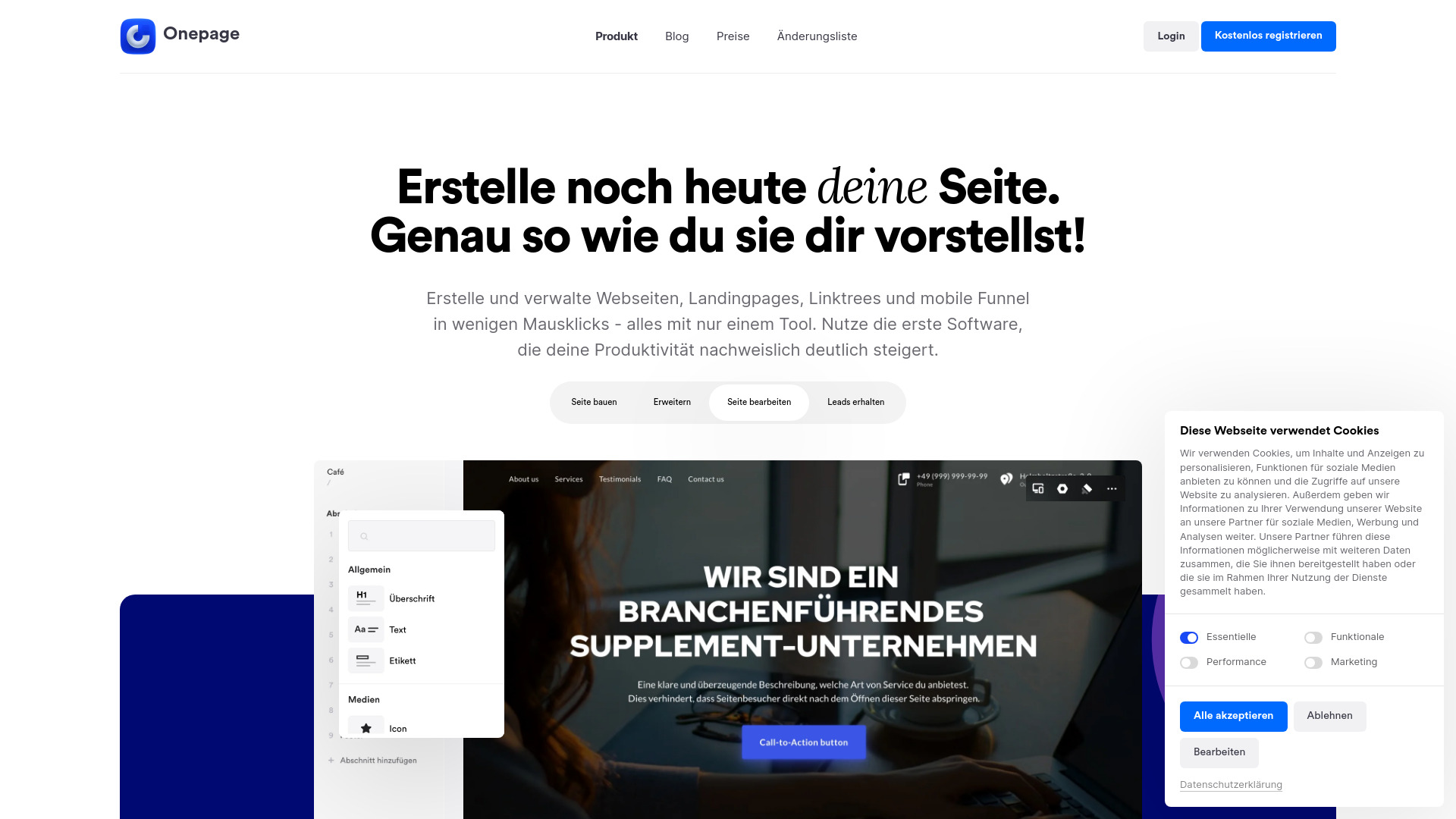
Onepage
Create websites, landing pages, and quizzes with our versatile all-in-one tool. Simplify your online presence in one convenient platform.
Use Cases
- Creating engaging sales presentations
- Pitch decks for winning deals
- Onboarding customers seamlessly
- Sharing interactive stories
- Showcasing products or services effectively