
Jumper
AI search tool for video editing, finding specific footage moments.
Introduction
Jumper is an AI-powered search engine that allows video editors to quickly find specific moments in their footage using natural language search and speech recognition, working entirely offline.
What stands out?
Natural language search for footage
Instant speech search
Find similar clips
Integrated into major NLEs
Works offline with no latency
Frequently Asked Questions
What is Jumper?
How to use Jumper?
Does Jumper work offline?
Can I use Jumper with NDA footage?
What NLE software does Jumper support?
More Information
Jumper Support Email & Customer service contact & Refund contact etc.
Here is the Jumper support email for customer service: [email protected] . More Contact, visit the contact us page(mailto:[email protected])
Jumper Company
Jumper Company name: Witchcraft Software AB . Jumper Company address: Sweden.
Jumper Login
Jumper Login Link: https://getjumper.io/log-in
Jumper Pricing
Jumper Pricing Link: https://getjumper.io/#pricing
Reviews & Feedback
Share your experience with the community
0.0
Based on 0 reviews
User Comments (0)
Sort Criteria
Order
No reviews yet. Be the first to share your thoughts!
Statistics
Monthly visits
NaN
Saved by users
0
Rating
0.0/ 5.0
Added on
—
Similar Tools
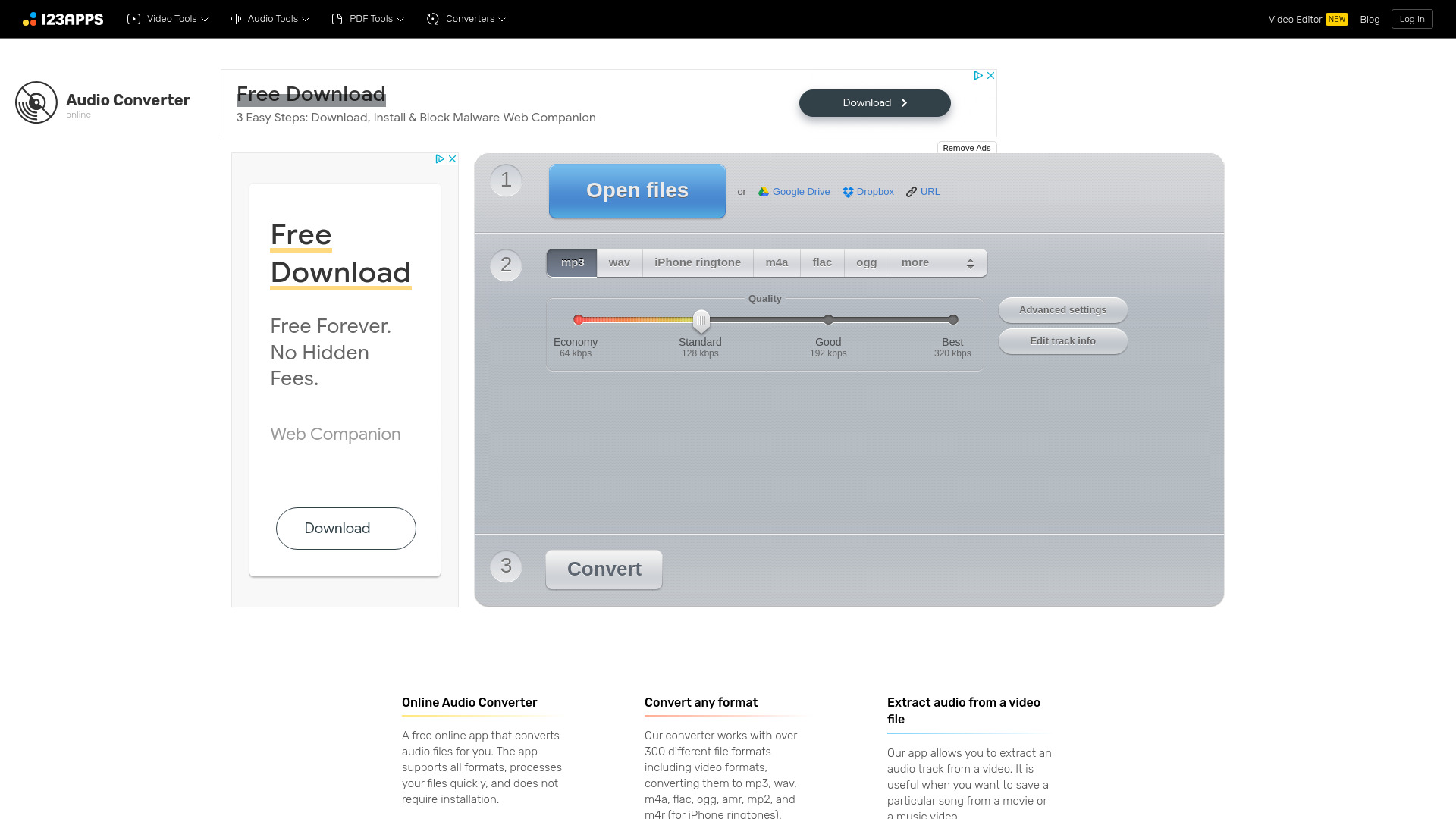
Online Audio Converter
Easily convert audio files online with this convenient audio converter tool. Change file formats quickly and effortlessly for free.

KLING AI
Create one-of-a-kind images and videos with our Generative AI tools. Unleash your creativity and explore endless possibilities!
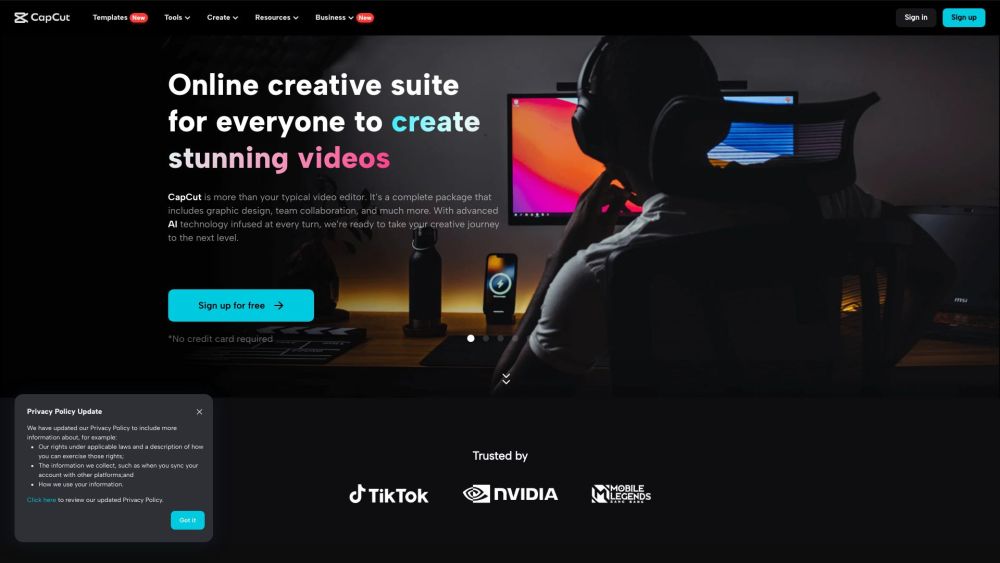
CapCut
AI-powered video editor and graphic design tool for all platforms.

Wondershare
Discover innovative tools for enhancing creativity, productivity, and efficiency with our app. Unleash your potential today!
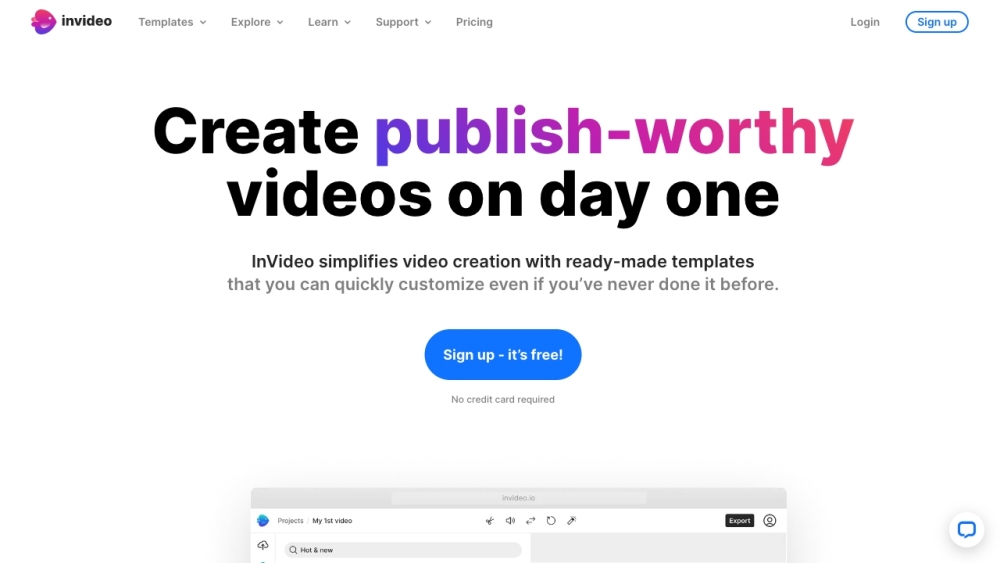
InVideo
InVideo is an online video editor with premium templates, images, and music.
Use Cases
- Quickly locate interview segments by searching for specific dialogue
- Find matching footage for precise editing tasks
- Streamline video editing workflow by reducing search time
How to Use
To use Jumper, simply integrate it with your NLE and enter keywords or spoken phrases to locate relevant clips from your footage.