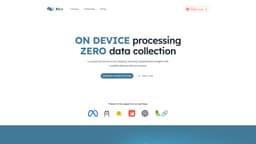
Klee
Local and secure AI desktop for file and note management
Local AI desktop applicationData security and privacyOn-device AI processing
Introduction
Klee is a local and secure AI desktop application that helps users manage files, notes, and tasks using powerful AI models. It ensures data security and privacy by running on the user's device without sending any data to the cloud.
Key Features
Local data processing for comprehensive insights
Bi-directional linked notes for efficient note-taking
Truly private knowledge base for data security
Open-source large language models for enhanced AI capabilities
Frequently Asked Questions
What is Klee?
How to use Klee?
Is Klee free for personal use?
How does Klee ensure data security?
Can Klee handle team collaboration?
Can I integrate Klee with other AI models?
Similar Tools
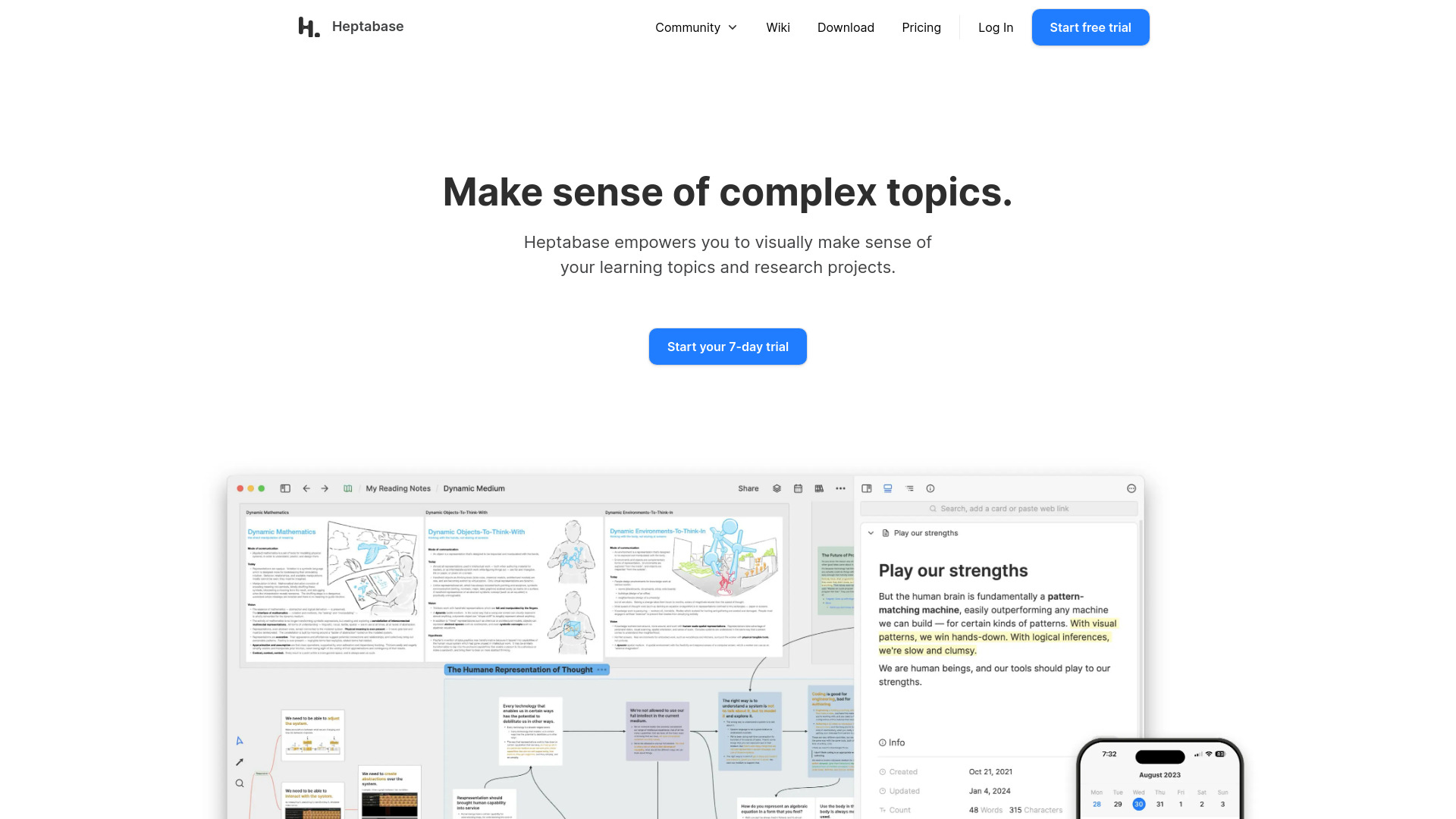
Heptabase
Enhance your learning and research with a visual note-taking tool designed to help you organize and retain information effectively.
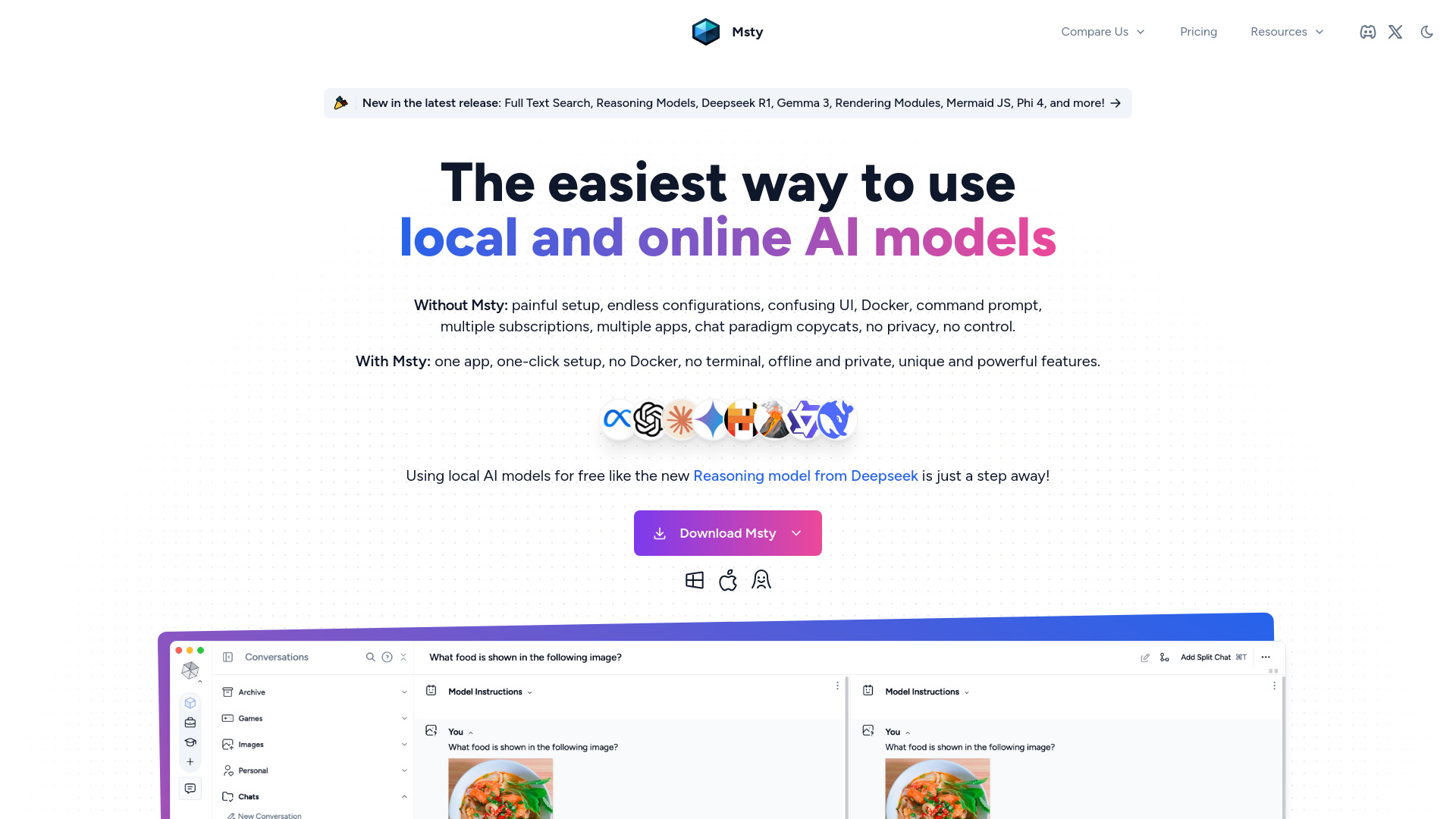
Msty
An integrated platform for easy communication with both offline and online artificial intelligence models. Simplify your AI interactions with this app.
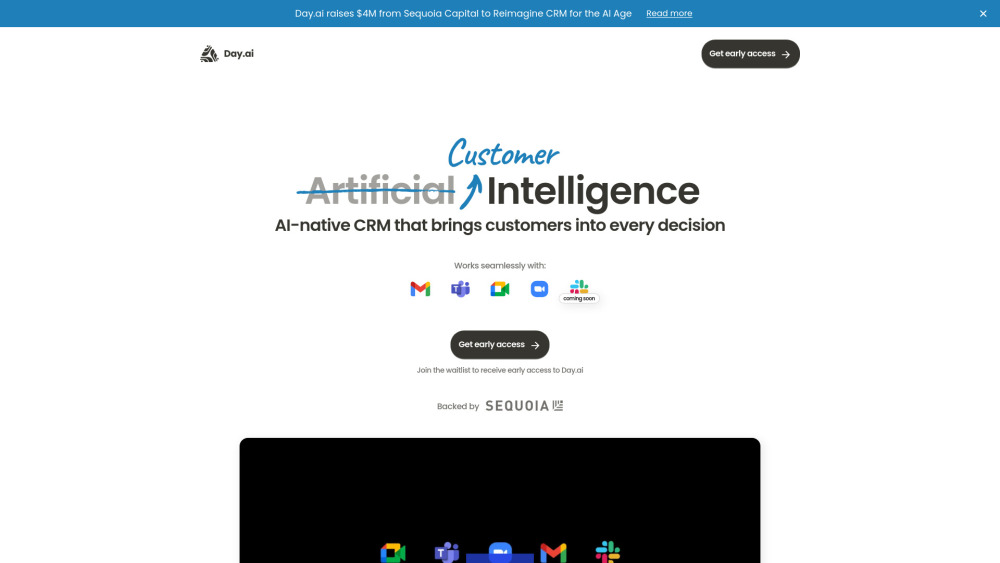
Day.ai
Elevate customer relationships with our Integrated CRM and meeting assistant tool. Enhance communication and efficiency for better connections.
Use Cases
- Manage files, notes, and tasks securely on your desktop
- Transform note-taking into brainstorming and output tool
- Utilize AI models for efficient data processing
How to Use
To use Klee, simply download the macOS-native app and start managing your files, notes, and tasks securely on your desktop. Benefit from on-device AI processing and comprehensive insights without compromising data security.