
Knowee AI
Knowee AI combines the power of AI with a user-friendly interface, offering college students a seamless study experience.
Chat With ImageHomework HelpYouTube Video Summarize
Introduction
Knowee AI offers 24/7 support, providing instant answers to academic questions, step-by-step tutoring, and subject-specific explanations to ensure students can tackle their assignments with confidence. Whether it’s solving a math problem or editing an essay, Knowee AI delivers personalized, credible, and reliable support across multiple subjects, all in a user-friendly interface.
Key Features
Homework Help: Our flagship feature provides step-by-step solutions to academic questions. Students can even snap a photo or take a screenshot for instant assistance.
Concept Explanation:Knowee AI doesn’t just solve problems; it explains the underlying concepts involved in each solution. This helps students deepen their understanding and ensures they grasp the material fully.
Ask Questions Anytime: With Knowee AI’s "Chat with AI" feature, users can ask questions at any time and receive instant, personalized responses.
Track Your Learning: Knowee AI keeps a record of every question asked and every solution provided, allowing students to revisit their study history and review past work.
YouTube video summaries with mind maps
Writing assistance including proofreading and translation
Frequently Asked Questions
What is Knowee AI?
How to use Knowee AI?
What is knowee AI?
How does Knowee AI work?
What can I do with Knowee AI?
Is Knowee AI free to use?
Do I need a Knowee AI account to use the service?
Which subjects does Knowee AI cover?
Similar Tools
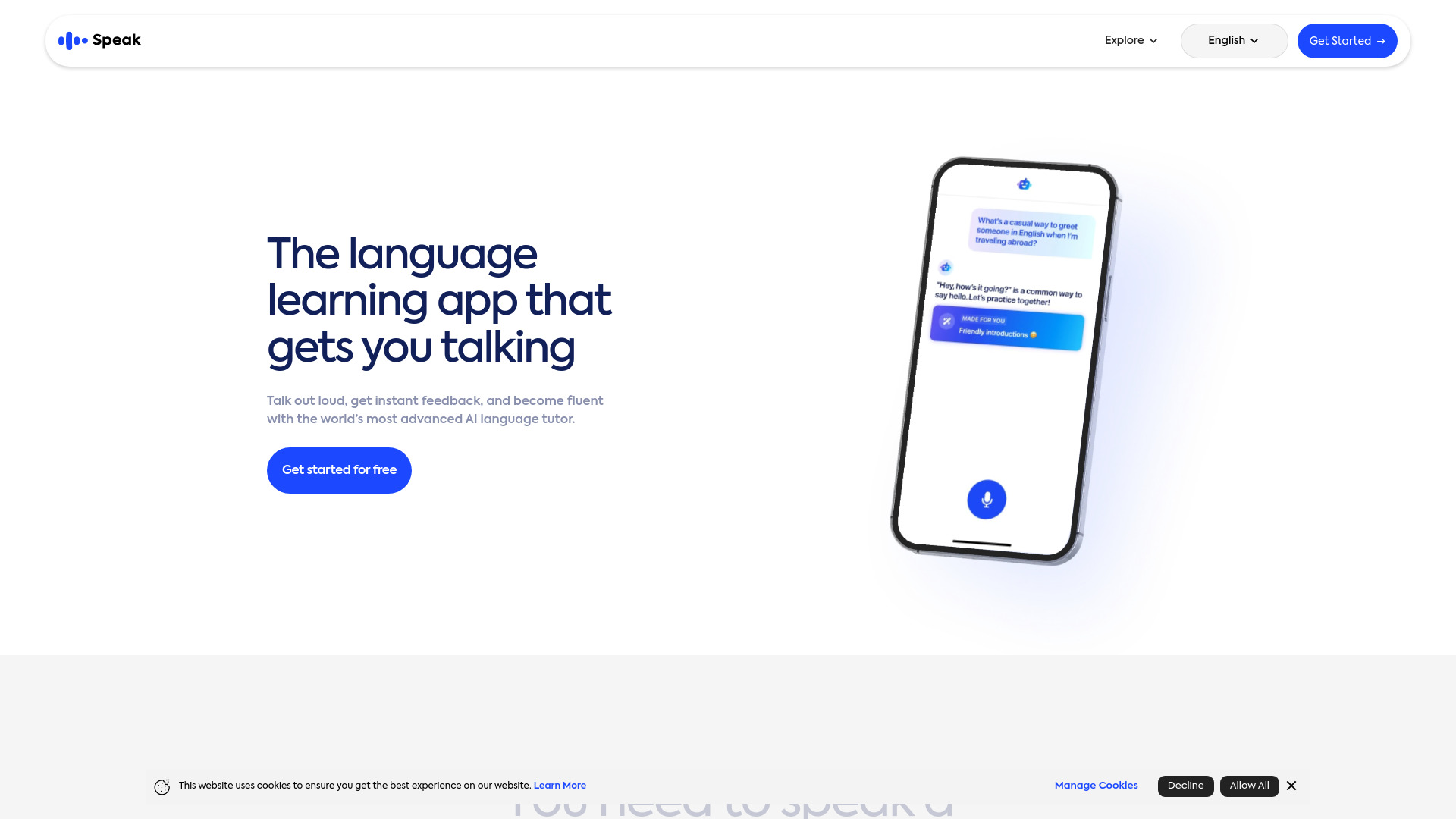
Speak
Enhance your language skills with an innovative app using AI technology for practicing real conversations.
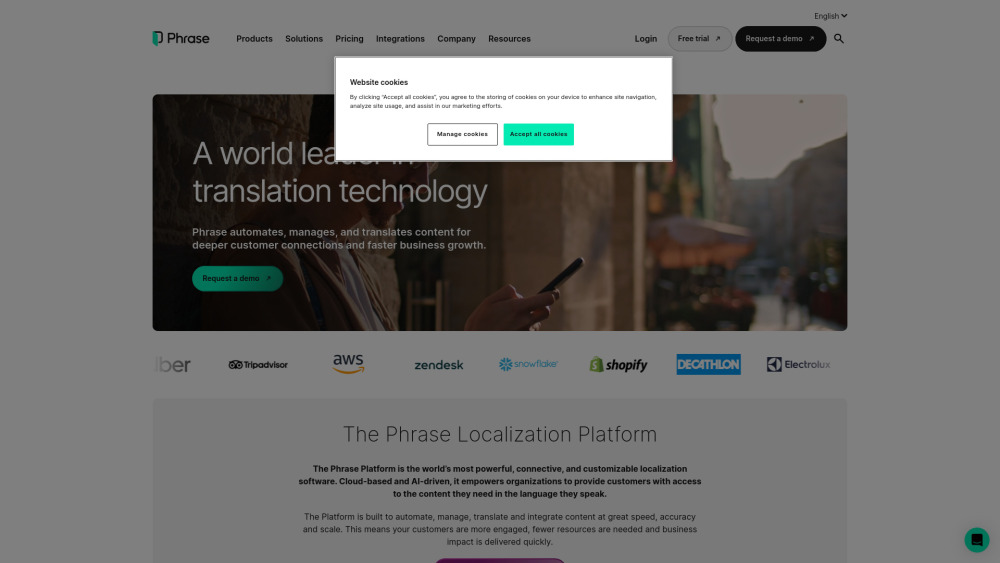
Phrase (Frm. Memsource)
Empowering localization with a robust platform for managing and automating translations efficiently. A powerful solution for translation management.
Rephrase
Boost text quality with our macOS AI writing assistant for improved content creation. Ideal for enhancing writing productivity on your computer.
How to Use
1.Web App: You can get answers for any subject by either uploading screenshots or typing in text questions. The answers are displayed step-by-step for clarity. 2.Chrome Extension: Simply highlight a section of text in Google Chrome, and our quick toolbar will appear instantly. You can also open the Q&A page in the browser’s sidebar for easy access.